
Answered
Sorry, your account is not valid on this device. Please try again with school ID.
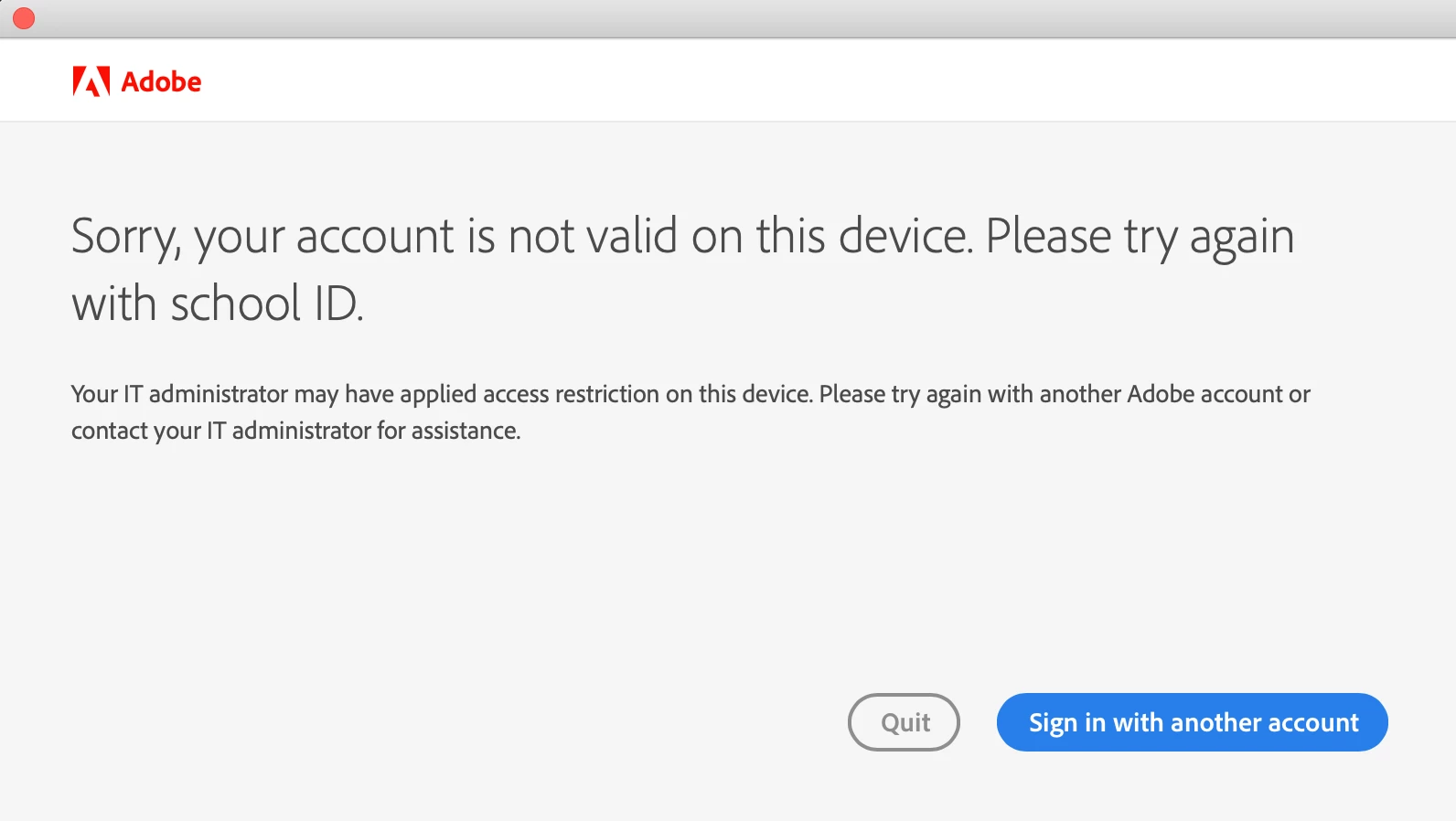 This appears everytime when i try to sign into adobe applications:
Sorry, your account is not valid on this device. Please try again with school ID.
Your IT administrator may have applied access restriction on this device. Please try again with another Adobe account or contact your IT administrator for assistance.
Hi I have tried to sign intoo different accounts but this error always comes up. I have contacted my school and I have long left on my school subscription.


 AdChoices