


Participant
December 14, 2020
Answered

SSL Error when logging into Any adobe App on iPad

  • December 14, 2020
  • 2 replies
  • 439 views

I'm a student who got the creative cloud package as part of my studies. When i'm on my windows desktop everything logs in fine and runs like a dream, but when I'm trying to log into any Adobe app on my Ipad, it shows me this message. 
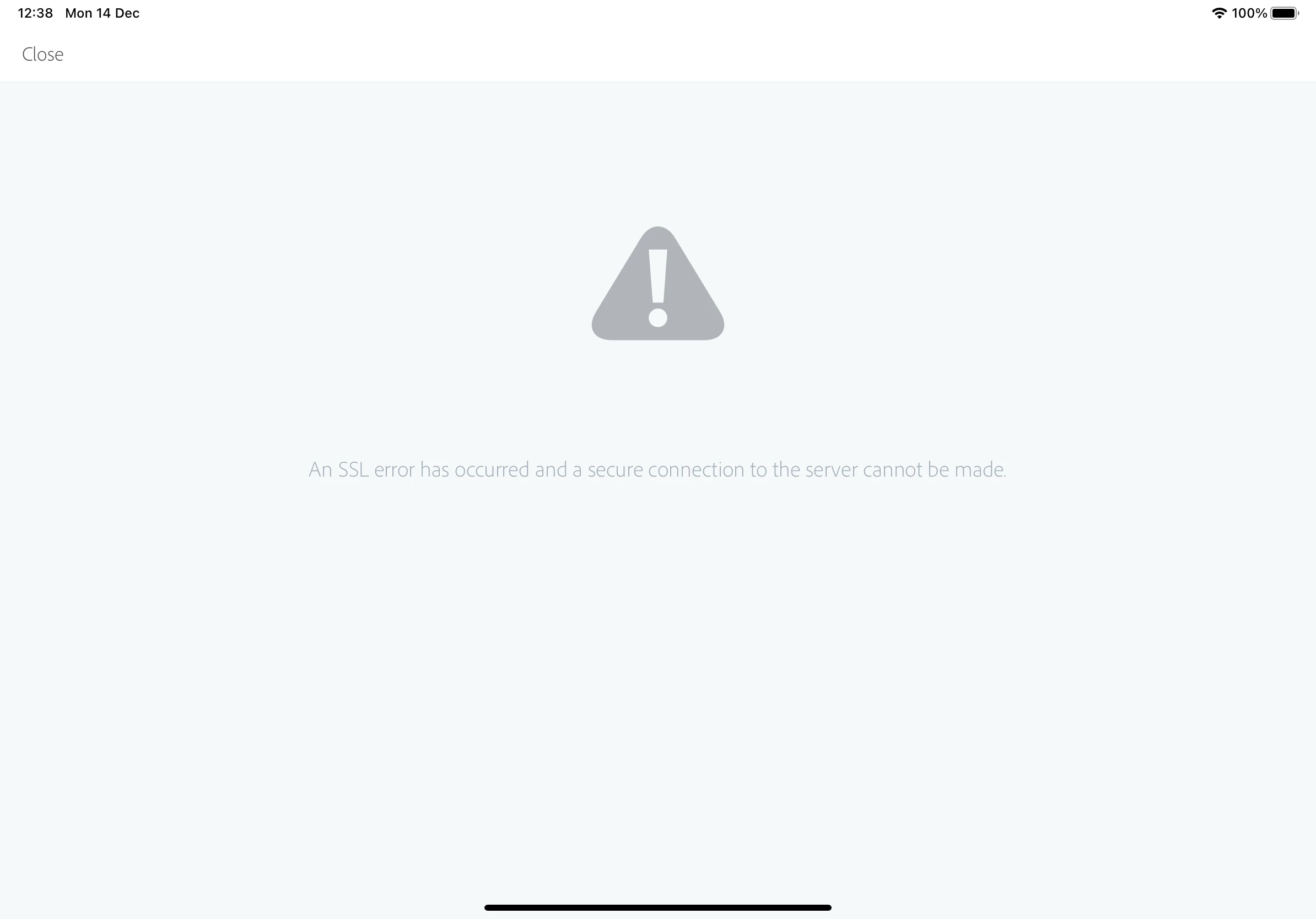


I thought it might be my poor internet connection, but i've tried it on different networks and nothing changes. I also thought it might be because it isnt included in the service, but looking at what is said online it should be. I've rang the IT department at my Uni but they don't know whats causing it either. 


Its driving me mad!

This topic has been closed for replies.
Correct answer Just Shoot Me

Your post was moved to a better forum, Account, Payment & Plan.


You need to Contact your Schools Adobe subscription administrator for instructions and or to see IF the Adobe Mobile, iOS + Android, Apps are included. They may not be and also your subscription is controlled by the school not Adobe directly.

2 replies

Just Shoot Me
Just Shoot MeCorrect answer
Legend
December 14, 2020

Your post was moved to a better forum, Account, Payment & Plan.


You need to Contact your Schools Adobe subscription administrator for instructions and or to see IF the Adobe Mobile, iOS + Android, Apps are included. They may not be and also your subscription is controlled by the school not Adobe directly.

kglad
Community Expert
Community Expert
December 14, 2020
  1. Restart your (perform a soft reset) iPad. To do so, press and hold the sleep/wake button while pressing and holding the Home button. When you see the Apple logo, release both buttons. (Note: This will NOT delete any data or apps, nor change any of its settings.)
  2. Toggle Airplane Mode OFF, then ON.
  3. Reset the iPad's Wi-Fi settings: Settings > General > Reset > Reset Network Settings
  4. Perform a "Reset All Settings" reset: Settings > General > Reset > Reset All Settings