


Syncing CC Libraries to Team
Hello,
We are a graphic design studio on Adobe for teams. We have never had much luck using Adobe CC Libraries. We had to remember to manually add collaborators to each library, and had done so, and then all of a sudden everyone lost access to all the libraries. So now we have a situation where we have duplicate libraries occassionally, people without access and various owners. Currently, when we create an Adobe CC Library, it has an excting setting that makes it look like you can save it to the team space and automatically give your team access. However, despite choosing the team access settings, nobody on our team can access the library... it is not sharing with them automatically. 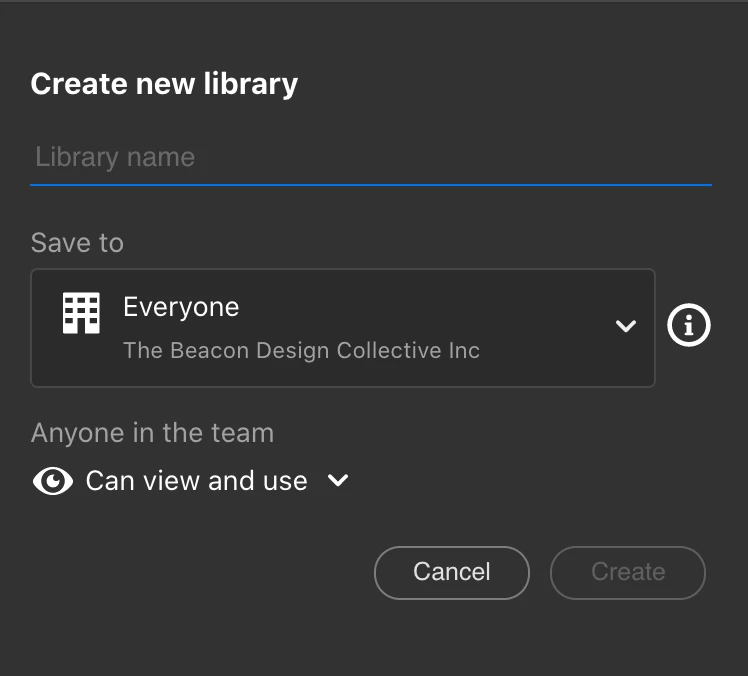
Furthermore, if I change the settings of a library that is marked as a personal library to the team space, the team cannot see the library.
Am I missing a step? How can I ensure that my team can easily work off the same libraries?
Thanks in advance,
Dani
 AdChoices