


Participant
November 20, 2018
Answered

Trouble creating device packages

  • November 20, 2018
  • 5 replies
  • 486 views

Hello everyone, I'm new to this forum but here is my question.

I am charged with deploying our 400 (100, 100, and 200) device licenses of Creative Cloud
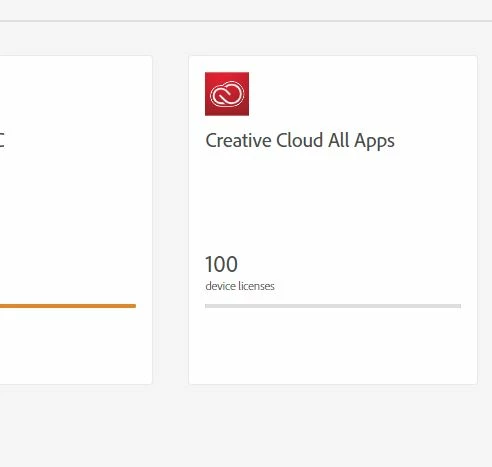
I log into the Creative Cloud Packager using the bottom option (Creative Cloud desktop apps for Education)

but when faced at the license settings I have two options:

Serial Number License

Named License

All three of my licenses are for 100 or 200 devices . I dont have options to add named users since it not that type of license.

I didnt recieve a serial number for each of my licenses but I not sure how to proceed. I found a single older key in LWS for creative cloud but not for my current licenses.

    This topic has been closed for replies.
    Correct answer alisterblack

    Hi,

    You need to log in to the top option - 'Creative Cloud for Education'

    5 replies

    Bani Verma
    Legend
    November 21, 2018

    Moving this query to Deployment for Creative Cloud for Team, Enterprise, & CS​ community, experts here will be able to assist you better.

    Participant
    November 20, 2018

    Inspiring
    November 21, 2018

    Serial based installations will only work for CC2018 (and earlier). For CC2019 it is Named User only.

    So if you don't have a valid serial that can be used I'd reach out to your reseller. They should be able to help. Possibly reaching out to Adobe Support might help too.

    Participant
    November 21, 2018

    Thanks for the suggestion. I am reaching out to them today. Ill update the post once I have a response!