


Participant
July 15, 2021
Question

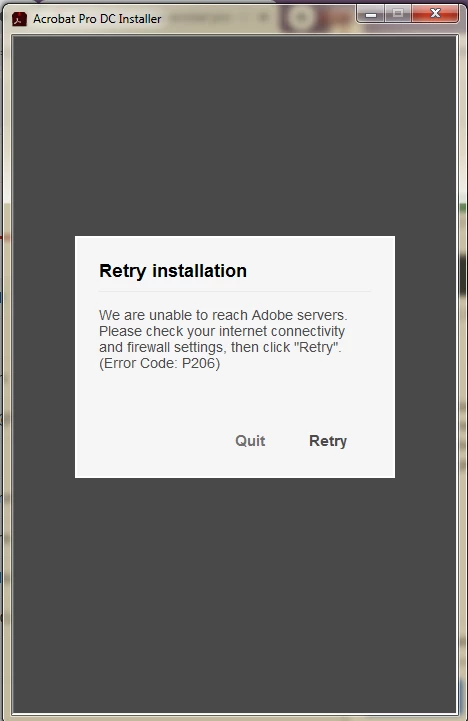
Unable to reach Adobe servers P206

  • July 15, 2021
  • 4 replies
  • 869 views

Hi,

I tried all the offered solutions, but none of those work. I got this error when I opened Acrobat Pro DC. Then I tried reinstalling, but now I can't install it because of this error. How should I proceed, I need this for my work and I hope this gets resolved soon.
This topic has been closed for replies.

4 replies

Participating Frequently
September 17, 2021

The simple way to solve is to change de default browser from Chrome to other (Internet Explore, Mozzilla, Opera)

Vikrant R
Inspiring
July 16, 2021

Something is preventing your computer communicating with the required Adobe servers. It could be a firewall, anti-virus software etc. Can you take a look https://helpx.adobe.com/in/creative-cloud/kb/troubleshoot-download-install-logs.html#errorP206 and try some of the issues and resolutions listed there.

Participant
July 16, 2021

Thanks, but none of these work.

Bani Verma
Legend
July 16, 2021

Hi there,


Please check and confirm that the required servers and domains mentioned in this document are accessible on your machine: https://helpx.adobe.com/enterprise/kb/network-endpoints.html 

If any of the required ports are blocked then you'll see the 'Error 206' error message. 

Hope this helps.