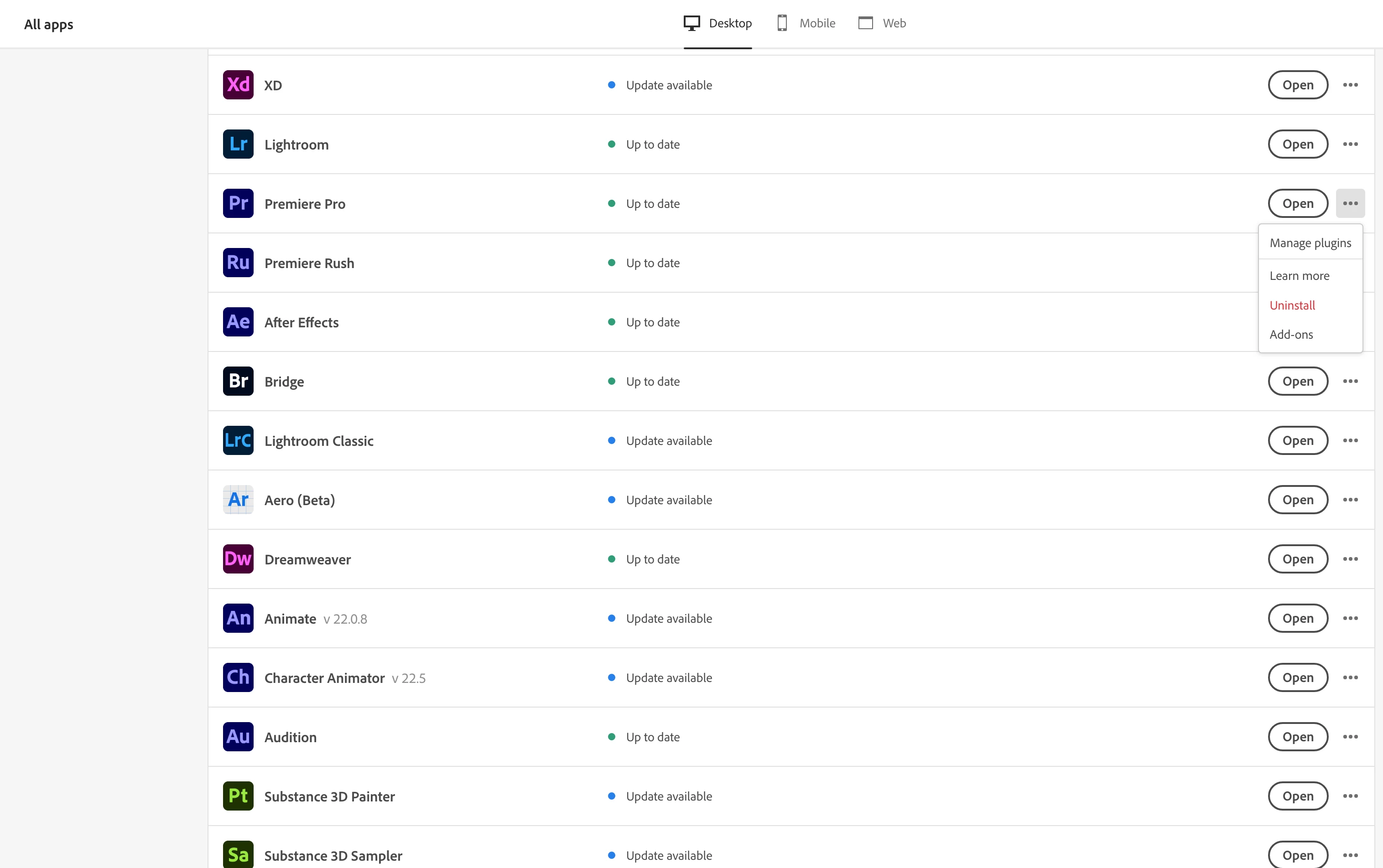
in the cc app, click the upper left hamburger menu>file>preferences >apps>show older apps
but this is limited to the immediate predecessor of the current.
for the current and one previous versions use the cc app:
https://helpx.adobe.com/download-install/using/install-previous-version.html#:~:text=Install%20Previous%20Versions%20of%20your%20Creative%20Cloud%20Apps,drop-down%20list%2C%20click%20Other%20Versions.%20Does...%20See%20More.
for cc 2019 and earlier use prodesigntools.com*
for everything else, you must use adobe support** (and it may take a few tries to find an agent to provide links).
*
adobe download links prior to cc 2020 are available from prodesigntools.com. https://prodesigntools.com/adobe-direct-download-links.html
follow the directions (esp, step 1)
save the install file. it may not remain online.
thank jim @ prodesigntools.com
**




 AdChoices