


lorenzostudionucci
Participant
December 24, 2018
Question

Update denied

  • December 24, 2018
  • 3 replies
  • 350 views

Hi, this discussion to find a solution for this problem. I have a Creative Cloud Team License installed on 2 iMac with OSX Mojave. I'm the administrator but, on one Mac everything runs good, but on the other iMac, I can't update all the apps (Lr, Premiere Pro, Indd, PS, Media Encoder), because this message appears on the screen. If I check updates, none update were found. I don't know what to do. Someone has the same problem? Thank you.
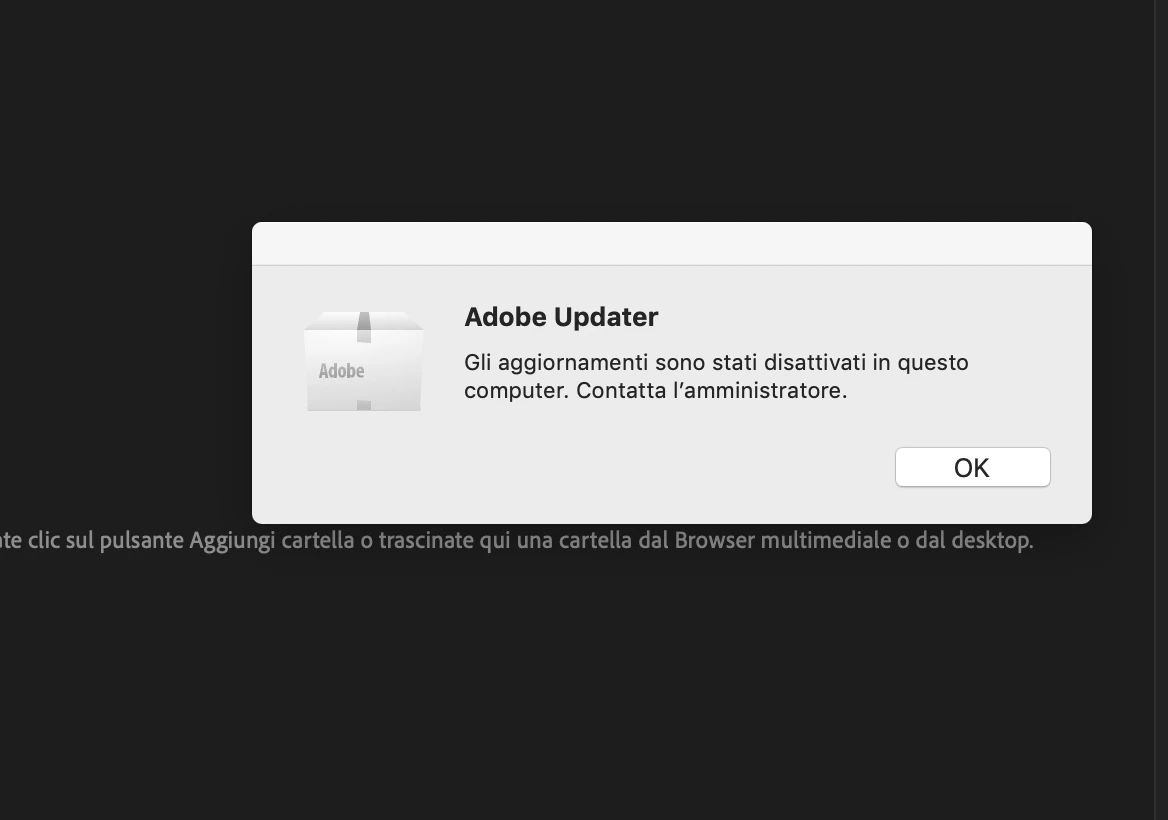
This topic has been closed for replies.

3 replies

Bani Verma
Legend
December 26, 2018

Moving this discussion to Deployment for Creative Cloud for Team, Enterprise, & CS community.

Hi Lorenzostudionucci,

Adobe Creative Cloud includes an automatic update mechanism that is part of the Adobe Creative Cloud desktop application. By default, this update mechanism uses an Internet connection to check Adobe servers for available updates to installed Creative Cloud applications. In certain circumstances, system administrators disable these connections.

Hence you will have to contact your IT department or Administrator to allow these updates again.

You may review the following help document for information: Disable auto-updates in Adobe Creative Cloud and Adobe Creative Suite 6 apps.

Hope this helps.

kglad
Community Expert
Community Expert
December 24, 2018

what's the operating system on the problematic mac?

and what's that message say in english (or copy paste that text in a message so a computer translation can be used).

lorenzostudionucci
Participant
December 27, 2018

The operating system il Mac OS Mojave. But the problem was also with High Sierra.

The message is: "updates have been disabled on this computer. contact the administrator."

But I checked all the settings and I not found issue.