
katargente
Participant
March 25, 2026
Question

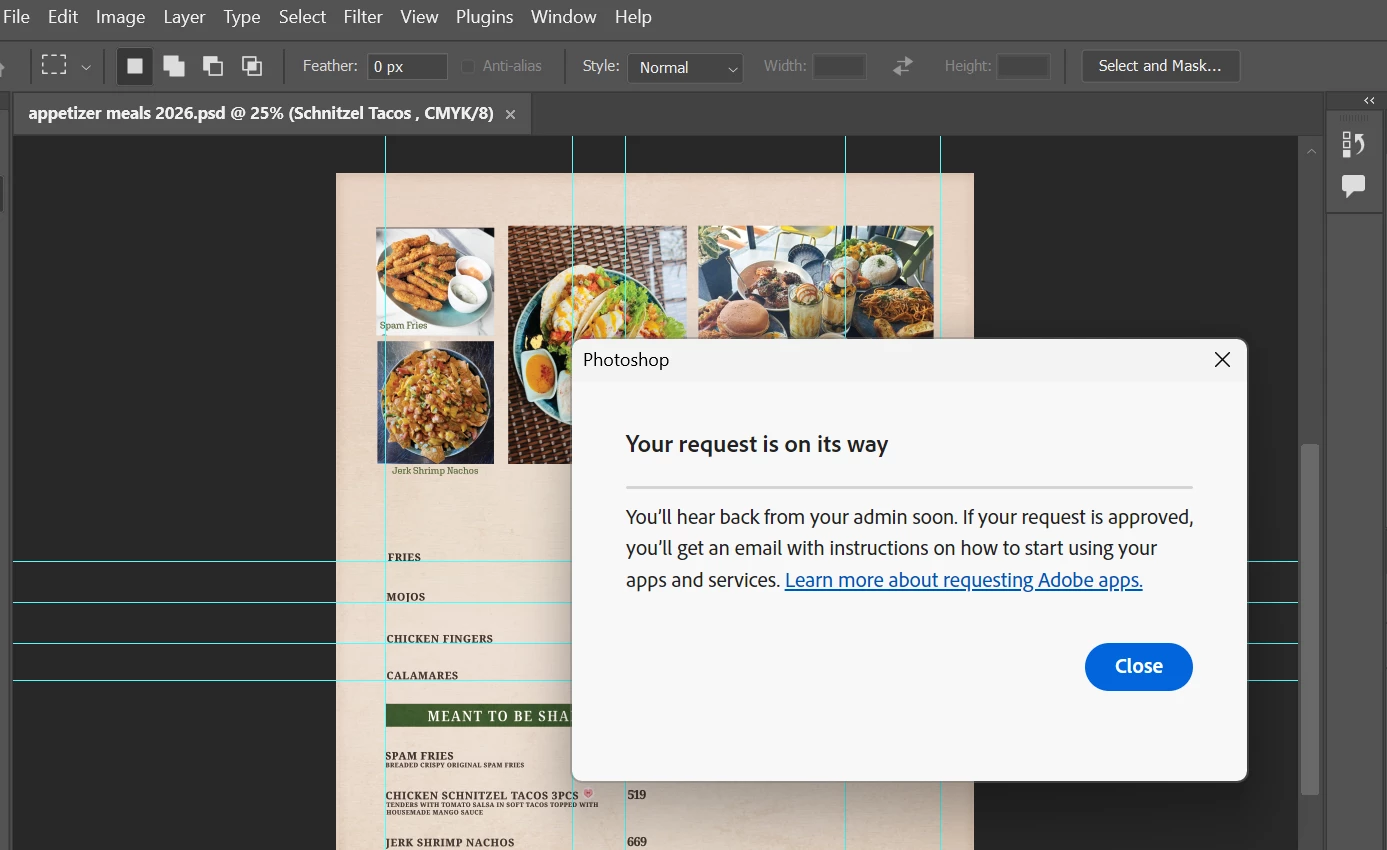
when i try to open my photoshop this pop up message appear a request access from admin
  • March 25, 2026
  • 4 replies
  • 20 views

when i open my photoshop this pop up message appear and when i close it my photoshop also close

    4 replies

    Community Manager
    March 25, 2026

    Hi ​@katargente 

    Thank you for reaching out. Based on your query, it appears that you’re unable to use Photoshop and are receiving a message indicating that admin approval is required. Could you please confirm if this is the issue you need assistance with?

    From what I can see, you previously had a Teams contract associated with the email used to post this query; however, that subscription has been canceled. At the moment, you only have an active Photoshop individual subscription. It’s possible that while signing in to Creative Cloud or Photoshop, you selected your business profile in the profile picker. To access your individual subscription, please make sure to choose your personal profile during login.

    If you happen to be signing in with a different email address, please feel free to share it with me via a personal message so I can check further and assist you accordingly. You can do this by clicking on my profile and sending me a direct message.

    I hope this helps. Please let me know if you need any further assistance.

    Regards,
    ^AN

    Jeffrey_A_Wright
    Community Manager
    Community Manager
    March 25, 2026

    Moving this discussion to the Enterprise & Teams Questions community.

    kglad
    Community Expert
    Community Expert
    March 25, 2026

    do you have an education, teams or enterprise subscription?

    Community Expert
    March 25, 2026

    You are provided access via an enterprise setup so you will need to contact your organisations admin to get access to the app

    -Manan