


Participant
Jan 13, 2023 6:04 AM UTC
Answered

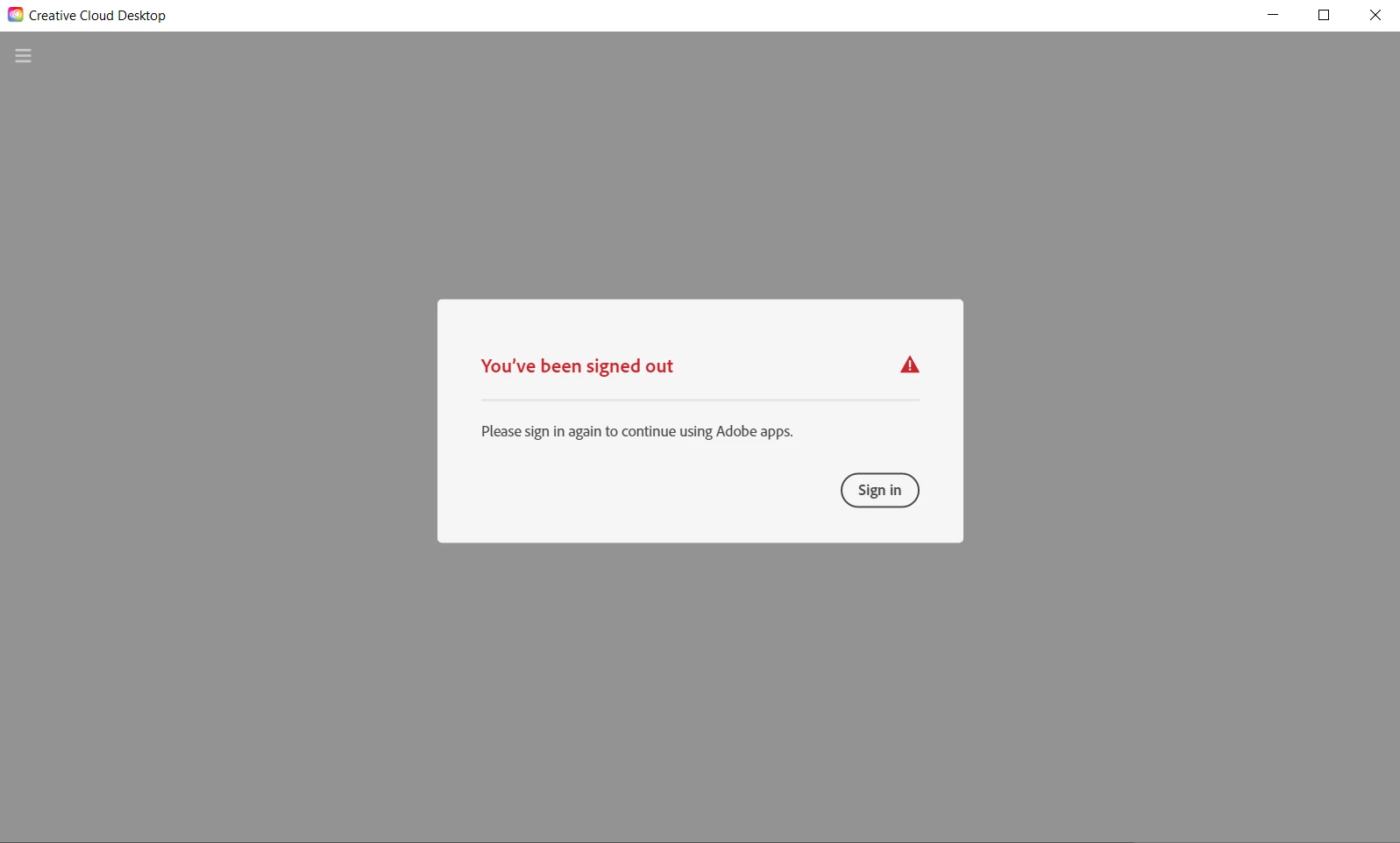
When trying to access Adobe Creative Cloud It keeps telling me to sign in on repeat

Whenever I open the app it shows me this, and when I click sign in it just loads for about a second then shows me this exact screen again. Ive tried many things online and deleting and redownloading many times.
This topic is closed to new replies. Start a new post to keep the conversation going.
SuJoshiCorrect answer
Community Manager
Jan 15, 2023 2:05 PM UTC

@EY2197017 Kindly follow the below steps and check if it resolves your issue:

> close the Creative Cloud Desktop app.

> Launch the Task Manager and close all Creative Cloud and Adobe services.

> Navigate to C:\Users\Your_username\AppData\Local\Adobe\OOBE and remove all files and folders

> Search for the "Credential Manager" in Start Menu, select Windows Credentials, and remove the below entries:

                 1: Adobe User Info (Part1)
                 2: Adobe User Info (Part2)

                 3: Adobe User OS info

> Restart the machine and launch the Desktop app and check the status.

4 replies

SuJoshiCommunity ManagerCorrect answer
Community Manager
Jan 15, 2023 2:05 PM UTC

@EY2197017 Kindly follow the below steps and check if it resolves your issue:

> close the Creative Cloud Desktop app.

> Launch the Task Manager and close all Creative Cloud and Adobe services.

> Navigate to C:\Users\Your_username\AppData\Local\Adobe\OOBE and remove all files and folders

> Search for the "Credential Manager" in Start Menu, select Windows Credentials, and remove the below entries:

                 1: Adobe User Info (Part1)
                 2: Adobe User Info (Part2)

                 3: Adobe User OS info

> Restart the machine and launch the Desktop app and check the status.

Translate
kglad
Community Expert
Community Expert
Jan 13, 2023 6:23 AM UTC

follow the steps here to resolve the cc sign in/out loop -  https://helpx.adobe.com/manage-account/kb/troubleshoot-creative-cloud-sign-out-sign-in.html

Translate
EY2197017Author
Participant
Jan 13, 2023 6:44 AM UTC

I have tried all four solutions, none of which have fixed the issue.

Translate
kglad
Community Expert
Community Expert
Jan 13, 2023 7:06 AM UTC

reset the cc desktop app by making sure it's in the foreground, then press:

Win: Ctrl + Alt + R
Mac: Cmd + Opt + R


if that fails, repair per https://helpx.adobe.com/download-install/kb/creative-cloud-install-stuck.html


if that fails, uninstall using the correct uninstaller from https://helpx.adobe.com/creative-cloud/help/uninstall-creative-cloud-desktop-app.html#sa_src=web-messaging and then reinstall using*


if that fails, do a clean cc install carefully following each applicable step:

uninstall every cc app including preferences per https://helpx.adobe.com/creative-cloud/help/uninstall-remove-app.html

then uninstall the cc desktop app, again using the correct uninstaller per https://helpx.adobe.com/creative-cloud/help/uninstall-creative-cloud-desktop-app.html#sa_src=web-messaging

clean your computer of cc files per http://www.adobe.com/support/contact/cscleanertool.html

check for, and if available, update your os

if windows is your os, repair all ms visual c++ versions that can be repaired (use google if you don't know how to do this)

if windows is your os update your ms visual c++, if it can be updated (use google if you don't know how to do this)

restart your computer (don't skip this)

reinstall the cc desktop app using the "alternative download links" at the bottom of the page at https://helpx.adobe.com/download-install/kb/creative-cloud-desktop-app-download.html

use the desktop app to install your cc programs/trials

NOTE: win 11 users that have trouble with the latest win 10 installer often have success with the older win 10 installer.

Translate