Participant
August 26, 2026
Question

Wrong user name is registered

  • August 26, 2026
  • 5 replies
  • 25 views

Hello,

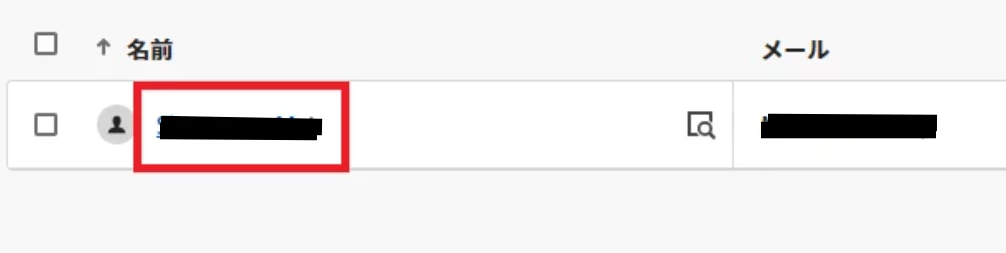
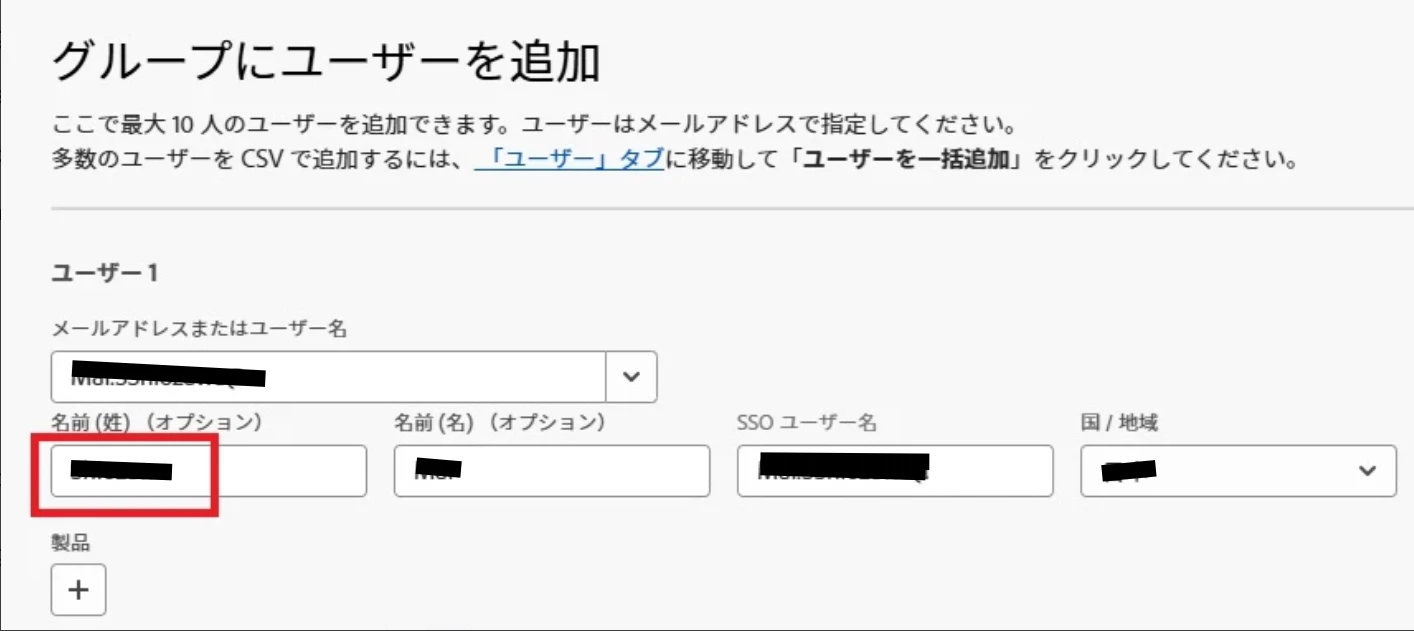
Excuse me, It looks like Adobe admin console has a problem that correct user name cannot be registered.  When I tried to add a user ‘First name Last name’ [personal information modified by moderator] as shown in the image file below, added user name is registered as ‘Last name First name’ [personal information modified by moderator].  I tried this process a cople of times and got the same results.  Please investigate what is the cause of this symptom.  Thanks.
[personal information removed by moderator]
[personal information removed by moderator]


    5 replies

    Community Manager
    August 26, 2026

    Hi ​@Charismatic_moment88ab,

    Thank you for reaching out. I can see why this looks off, you typed the name one way and it saved as something else, and getting the same result each time you tried would be frustrating.

    So just to lay out what's happening: you added the user with one spelling for the last name and first name, but the account is showing up with a different spelling of the last name in the list.

    The thing with Federated ID accounts is that the first and last name don't actually come from what you type into the Add Users dialog. Adobe pulls the first name, last name, email, and country straight from your identity provider, so the name you see in the Admin Console is really a reflection of what's sitting in your directory, not what was entered by hand. Here's where that's explained: https://adobe.ly/4xsiXPA

    A couple of things would help me get to the bottom of this with you:

    First, could you check whether an account for this user's email was already in your directory before you added it? If it was already there, the console will just show the existing profile rather than the name you typed in.

    Second, how is this user's first and last name stored in your identity provider? The last name spelling showing in the console is what I'd want to line up against your IdP record.

    Once I have those, I can point you to exactly where the name needs to be corrected so it shows the way you expect.

    Please let me know and we'll take it from there.

    Thanks,
    ^AV

    Participant
    August 27, 2026

    Hello, ​@AnkitVerma.

    Thank you for your detailed reply.  I checked Adobe admin console and confirned this user’s email address wasn’t registered before. 

    Incidentally, I am not sure what ‘identity provider’ stands for.  Could you post a link string or something which allow me to access to it?  Thanks.

    Community Manager
    August 27, 2026

    Hello ​@Charismatic_moment88ab,


    Thank you for confirming the email address was not previously registered and for your patience.

    To answer your question about "identity provider," this simply refers to the system your organization uses to manage employee accounts and login credentials. For many organizations, this is Microsoft Active Directory or a similar corporate user management system. If you are not sure whether your organization uses one, you can check with your IT team.

    Looking at your screenshot, the Last Name field highlighted in red shows a pre-populated value. The most likely cause of the name appearing in a different order than expected is that Adobe Admin Console uses the Western name order convention. Given name in the First Name field and Family name in the Last Name field. If the name was entered in Japanese convention, with the family name first, it would appear reversed in the system.

    To correct the name after adding the user, please follow these steps:

    Sign in to Admin Console at https://adobe.ly/4y9utiO, go to the Users tab, and find the user by their email address. Select the user's name, click the three-dot menu next to User details, and select Edit user details. Update the First Name and Last Name fields in the correct order. Please enter the given name in the First Name field and the family name in the Last Name field. Select Save.

    For full guidance on editing user details, please refer to: https://adobe.ly/4y8eC3W 


    Please let us know if the name appears correctly after making the update, and we will be happy to assist further.


    ~Tariq