Participant
May 21, 2025
解決済み

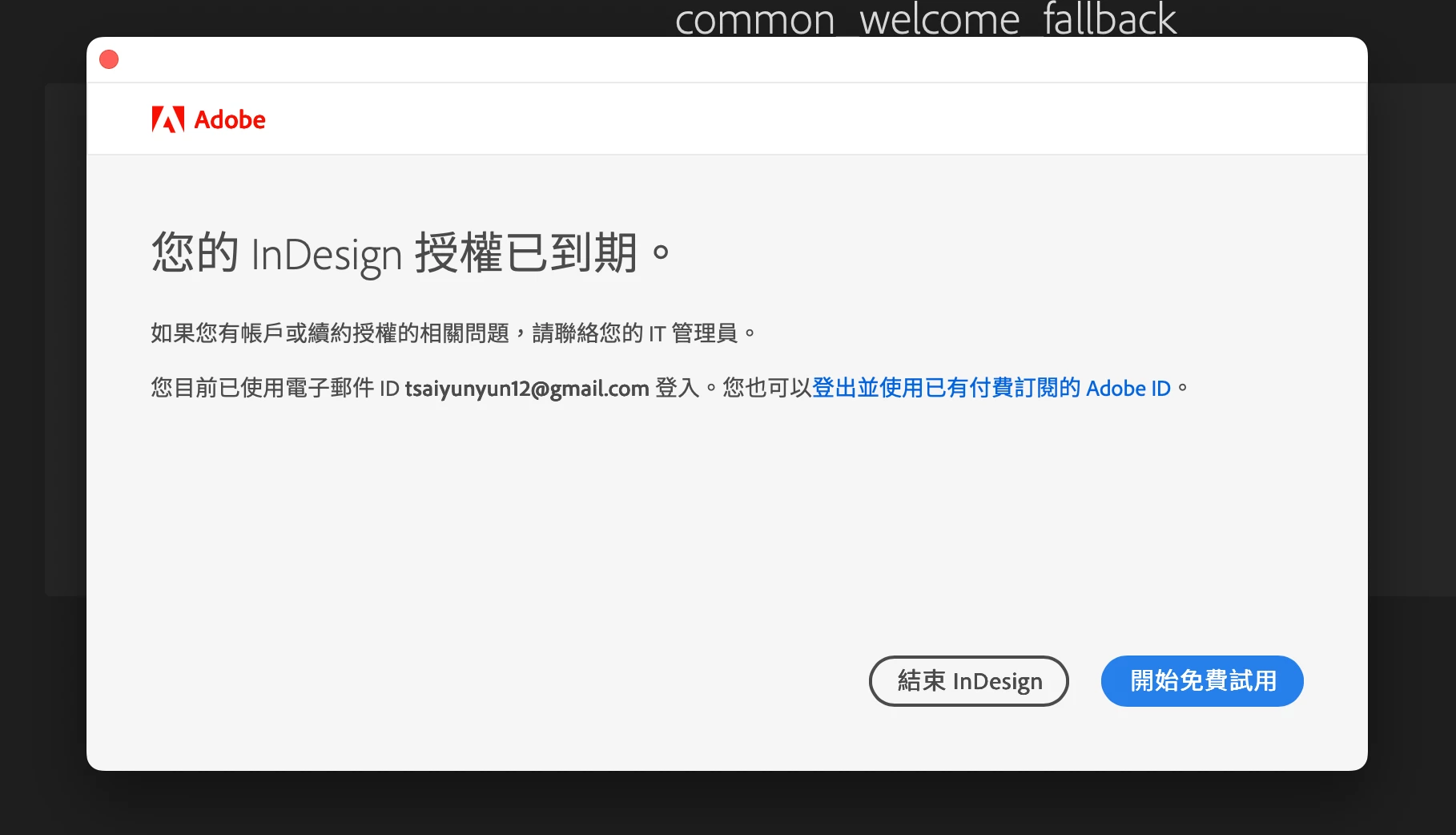
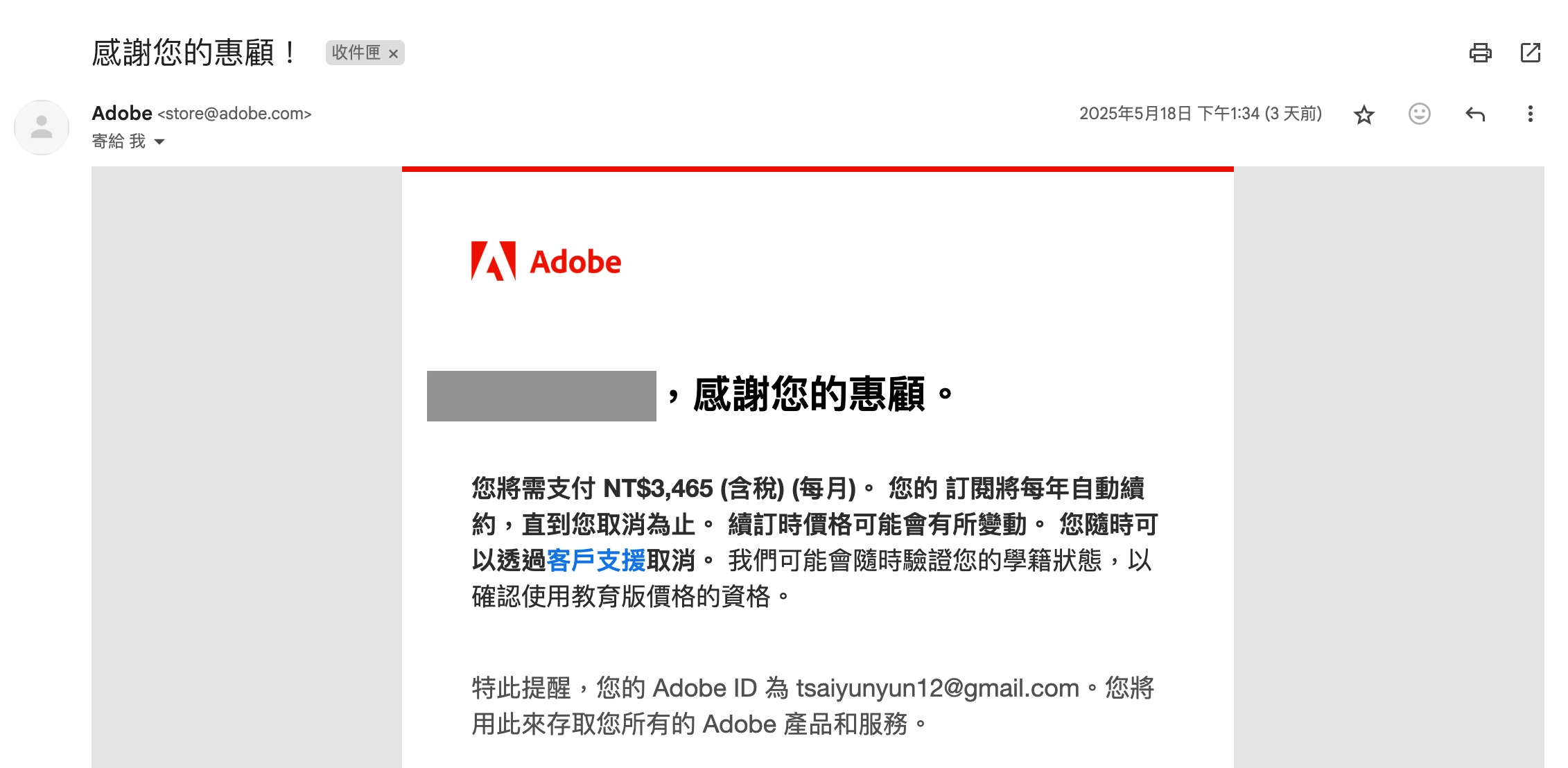
我幾天前刷卡付款買了好幾個月的Adobe跟我說我的權限已到期

  • May 21, 2025
  • 返信数 3.
  • 146 ビュー


3天前我甚至刷信用卡買了3個月,請問Adobe有沒有搞錯???

解決に役立った回答 Anshul_Nautiyal

Hi @Yun-Yun_Tsai1090,


Thank you for reaching out.

Upon checking, we can confirm that there is an active Teams plan associated with the Adobe ID you used to post this query. Based on your message, it appears you are encountering a "Your InDesign license has expired" notification despite having an active, paid subscription. Please confirm if this is the issue you need assistance with.

To resolve this, kindly follow the steps below:

  1. Sign out of the Creative Cloud Desktop (CCD) app.
    When signing back in, you will be prompted to choose a profile. Please ensure you select the Business or School Profile, not the Personal Profile, to access your subscription.

  2. If the issue persists, please follow the troubleshooting steps outlined in the following document:
    Resolve trial and license expired errors

  3. If the problem continues, you can also try the solution provided here to address potential licensing cache issues:
    Fix licensing issues using Keychain/Windows Credential Manager

Additionally, you may find this community discussion helpful, as it describes a similar issue and its resolution:
Adobe apps showing trial/expired license despite active subscription

We hope this helps. Please let us know if you have any further questions or need additional support.

Regards,

^AN

返信数 3

Community Manager
May 21, 2025

Hi @Yun-Yun_Tsai1090,


Thank you for reaching out.

Upon checking, we can confirm that there is an active Teams plan associated with the Adobe ID you used to post this query. Based on your message, it appears you are encountering a "Your InDesign license has expired" notification despite having an active, paid subscription. Please confirm if this is the issue you need assistance with.

To resolve this, kindly follow the steps below:

  1. Sign out of the Creative Cloud Desktop (CCD) app.
    When signing back in, you will be prompted to choose a profile. Please ensure you select the Business or School Profile, not the Personal Profile, to access your subscription.

  2. If the issue persists, please follow the troubleshooting steps outlined in the following document:
    Resolve trial and license expired errors

  3. If the problem continues, you can also try the solution provided here to address potential licensing cache issues:
    Fix licensing issues using Keychain/Windows Credential Manager

Additionally, you may find this community discussion helpful, as it describes a similar issue and its resolution:
Adobe apps showing trial/expired license despite active subscription

We hope this helps. Please let us know if you have any further questions or need additional support.

Regards,

^AN

kglad
Community Expert
Community Expert
May 21, 2025

what's your account show, https://account.adobe.com

kglad
Community Expert
Community Expert
May 21, 2025

in the future, to find the best place to post your message, use the list here, https://community.adobe.com/

p.s. i don't think the adobe website, and forums in particular, are easy to navigate, so don't spend a lot of time searching that forum list. do your best and we'll move the post (like this one has already been moved) if it helps you get responses.


<"moved from using the community bugs">