

How to get substance engine from Substance materials SDK to generate textures for sbsar plugin?
Hi all! I have a problem with using the sbsar plugin. I wrote a detailed report here but I’ll summarize it here. I got the sbsar plugin to build, install and load in our renderer but all the substance archive materials appear like this on the object. I’ve used Cardboard.sbsar, DoubleCardboard.sbsar and natural_lambskin_leather.sbsar and they all look like this.
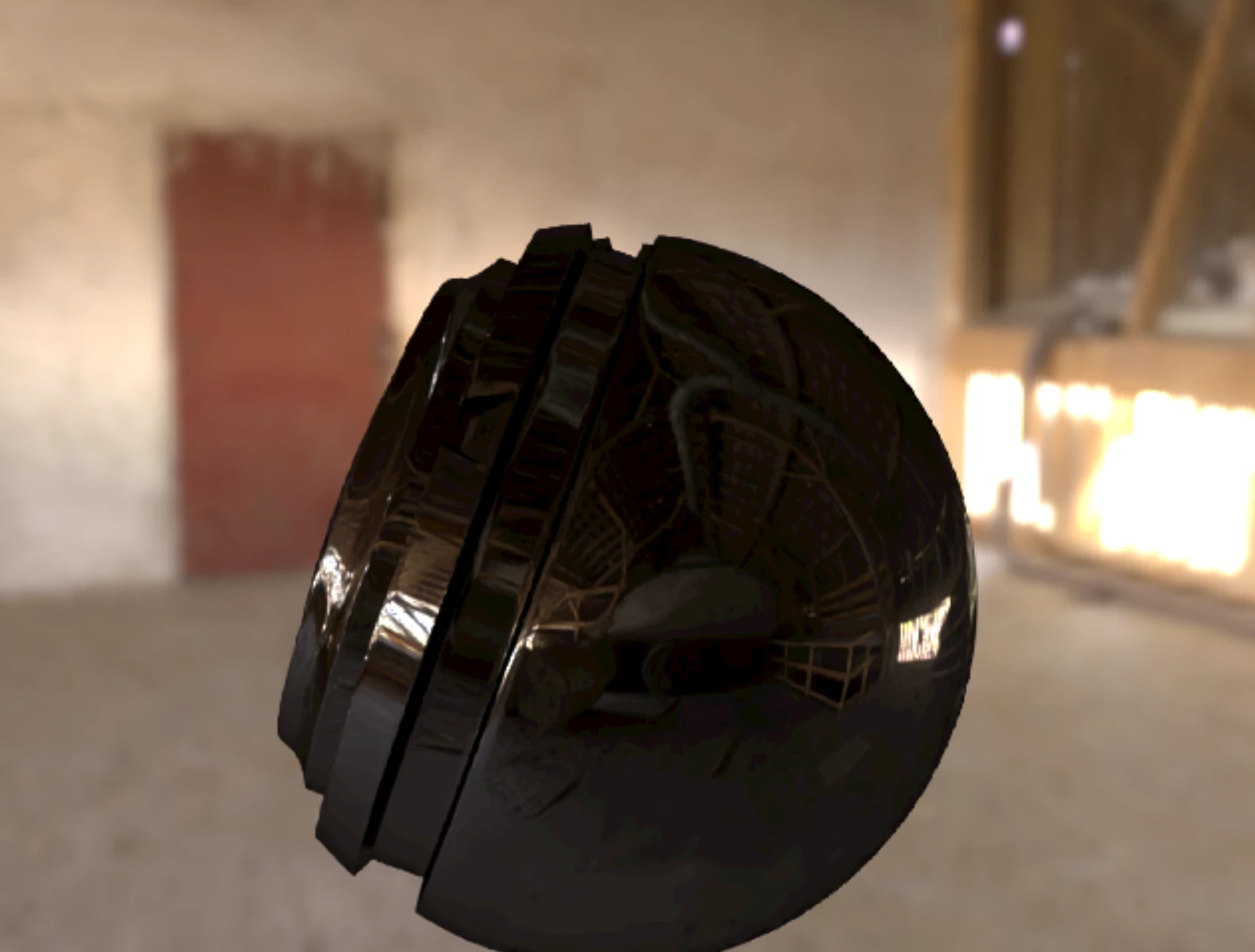
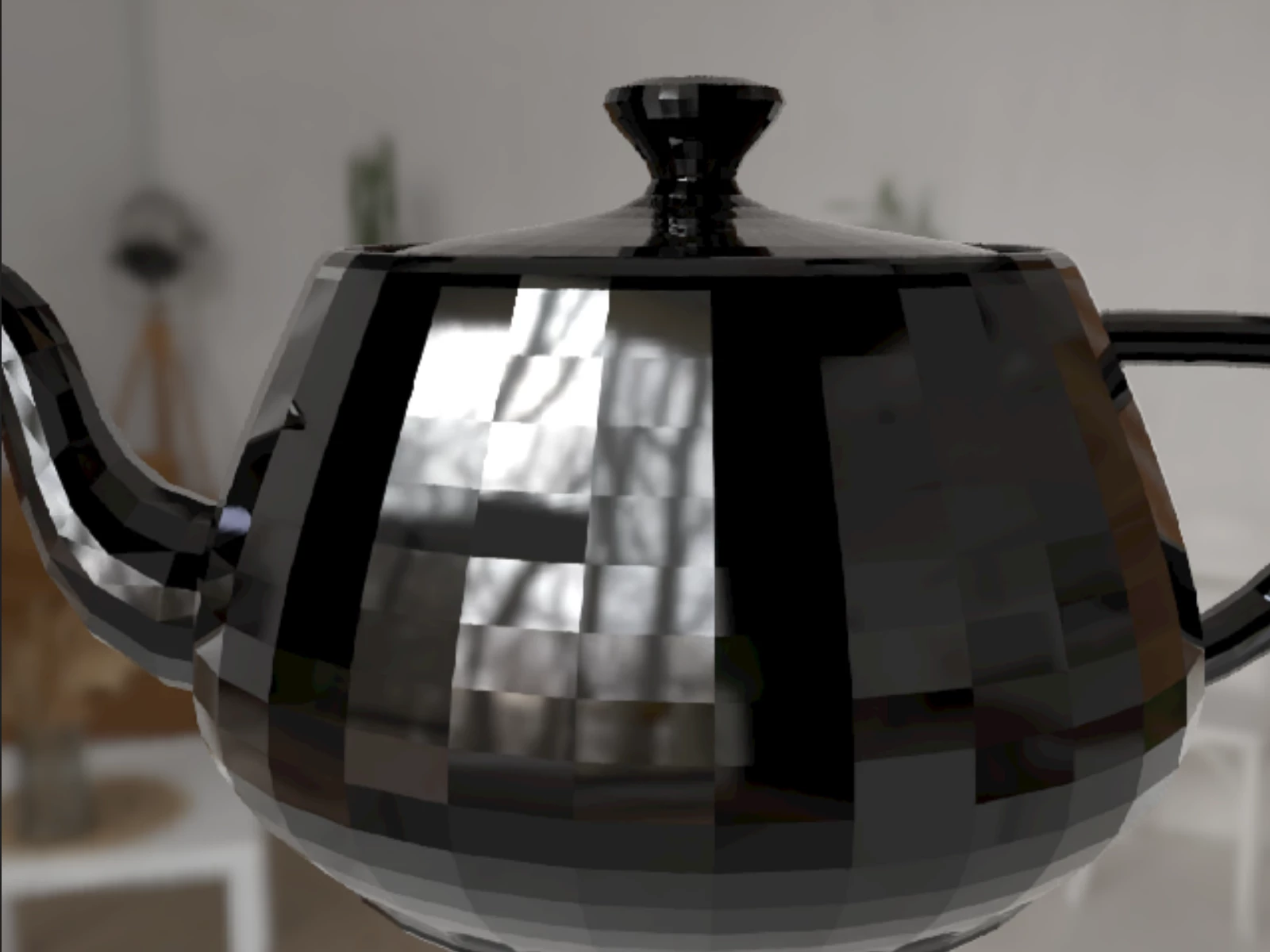
Since the Substance engine will generate the textures on demand, I’m guessing there’s a problem with the way I set it up. I couldn’t find documentation on how to do so, so far what I’ve done is extract the tar substance-ubuntu22-v9.3.1-fb5c0b3b.tar.bz2 then add the -DSUBSTANCE_FRAMEWORK_ENGINE_VARIANT=ss2_blend to the cmake command that builds the sbsar plugin. The rest I just followed instructions for Linux from the repo.
I know the sbsar plugin loaded because when I don’t load it by not setting the environment variables, the material is not found, and the default surface is applied to the objects. Here I can see there is some texture applied but it’s the wrong one.
I appreciate any help, thanks!


 AdChoices