Participant
August 1, 2024
Question

Loading materials does not work in Substance 3D panel (Blender, addon)

  • August 1, 2024
  • 1 reply
  • 651 views


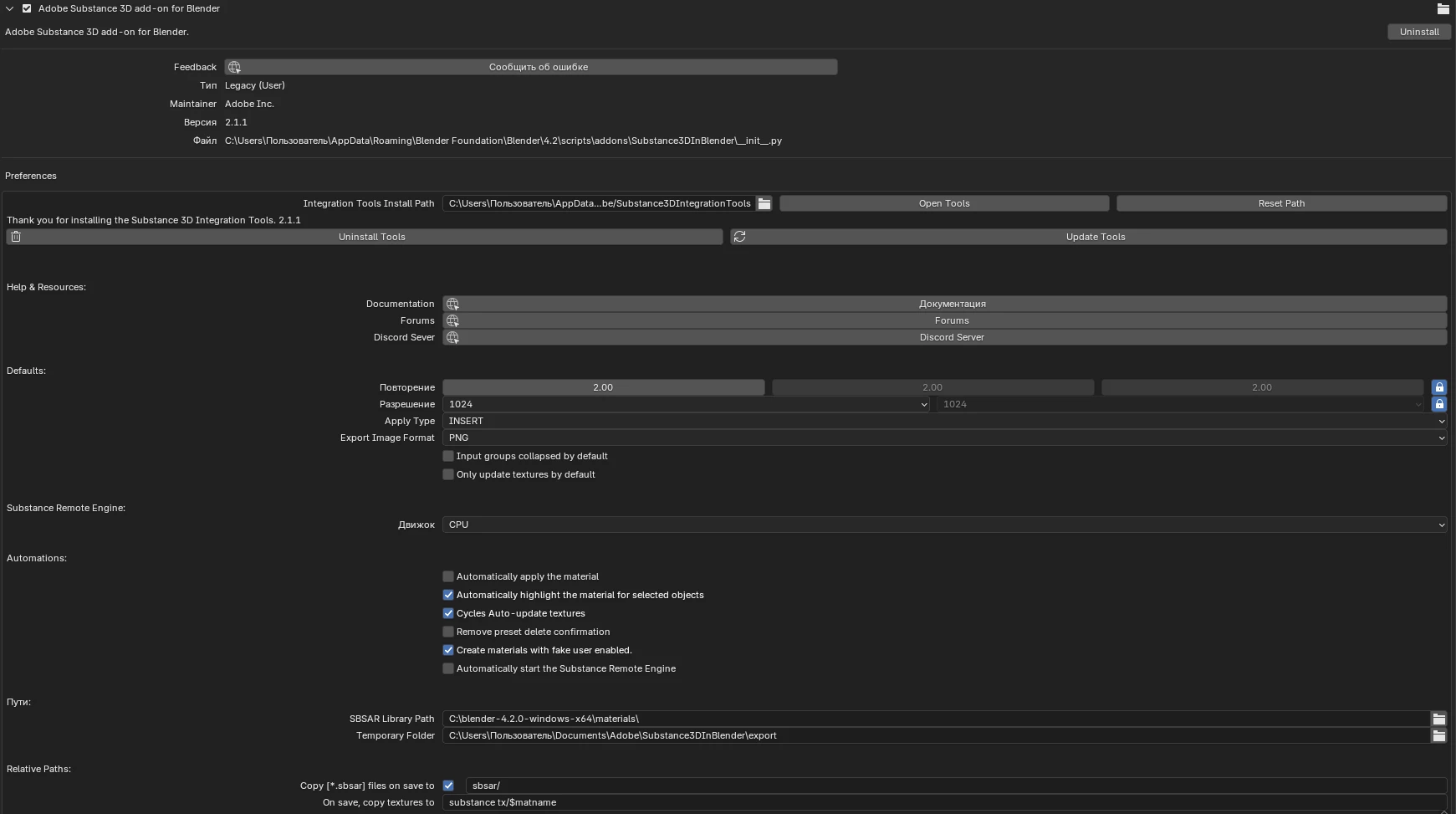
When you click the download button, this appears (Substance 3D in Blender: SRE Initialized sucessfully in [2.217] seconds)
(photo above).

A folder for searching for material in computer files should have appeared. Blender version 4.2.

What to do? How to fix?

This topic has been closed for replies.

1 reply

Adobe Employee
August 1, 2024

Hi @Dwire21936745mxj9 , thanks for reaching out. We'll need a bit more information about the error from the system terminal to find out what the error is.


If you are on Windows, you go to the top bar of Blender and go to Window > Toggle System Console
If you are on Mac, open Blender with the following command in the Terminal app: 

cd /Applications/Blender.app/Contents/MacOS
./Blender


After that, a console terminal should open and start prining a log for Blender. Please try to use the load button again and share a screenshot of the console.


Best,

Aldo

Participant
August 18, 2024

Hello, I also need help with this problem


Adobe Employee
August 19, 2024

Hi @артём_0184 , it appears that you have an issue with wmic (Windows Management Instrumentation Command-Line).  This happens when wbem is not properly set in your Windows PATH environment variable.

If you are not familiar with editing the PATH variable, I recommend you follow along with a video or tutorial.
Here is one you can try: https://www.minitool.com/news/wmic-not-recognized-on-windows-11.html


Let us know if following these steps fixes the issue.


Best,
Aldo