
Question
UE5 Substance Source Materials - Pitch Black!
I am using UE5 5.5.4, | Substrate Materials activated within the Project settings.
Why are the Substance Source Materials pitch black and not useable?
Please see image screenshot below:
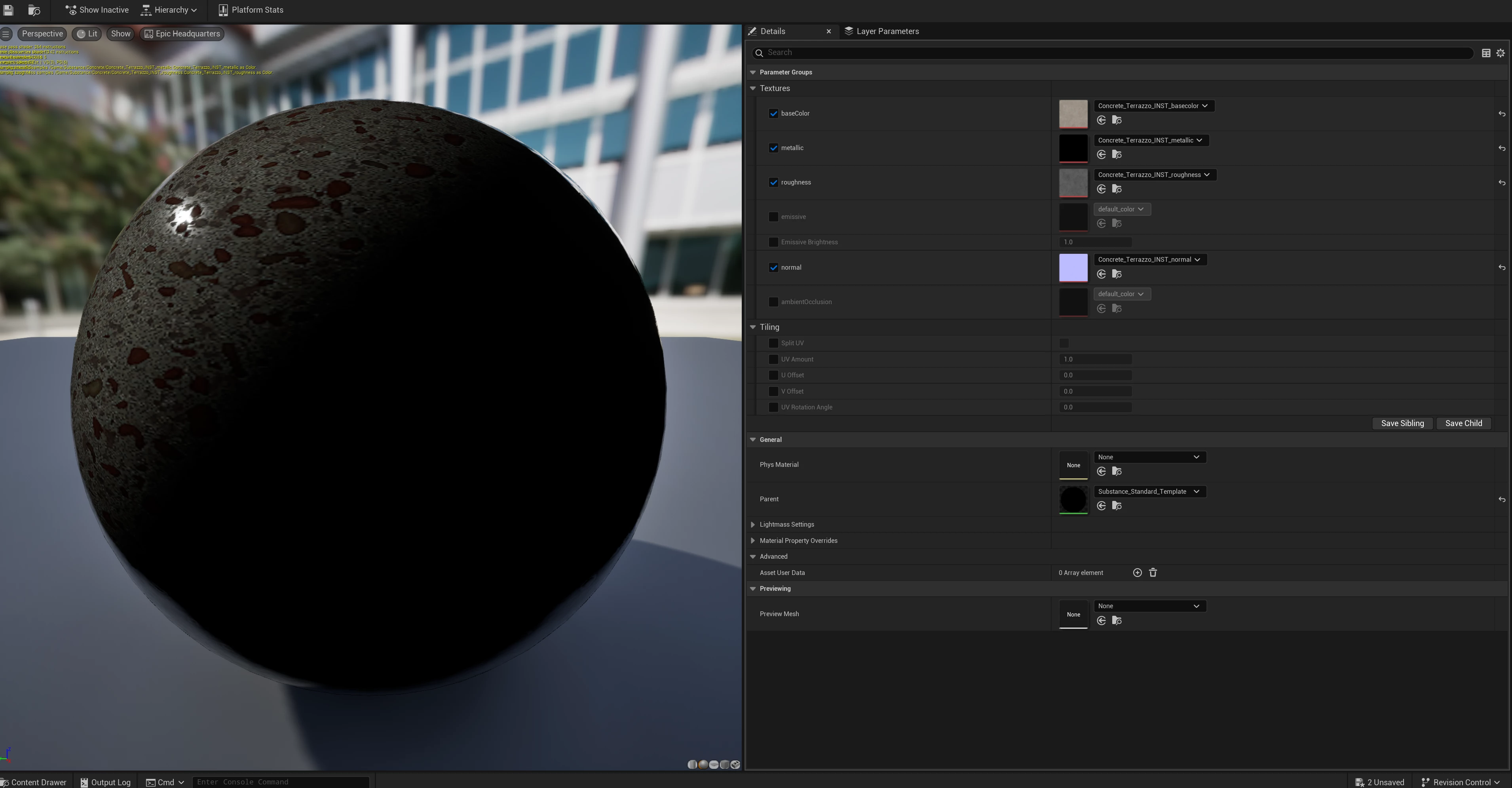
This happens, when I activate "Substrate" Materials within my Project Settings.
Ecen after verifying the UE5 Install and the Unreal Engine Substance Plugin. Same issue.
- What's causing it?
- How to fix it?
- How to avoid it?
Thanks for any ideas, thoughts and fixes!


 AdChoices