
FrameMaker 2017 Truncated Welcome Screen
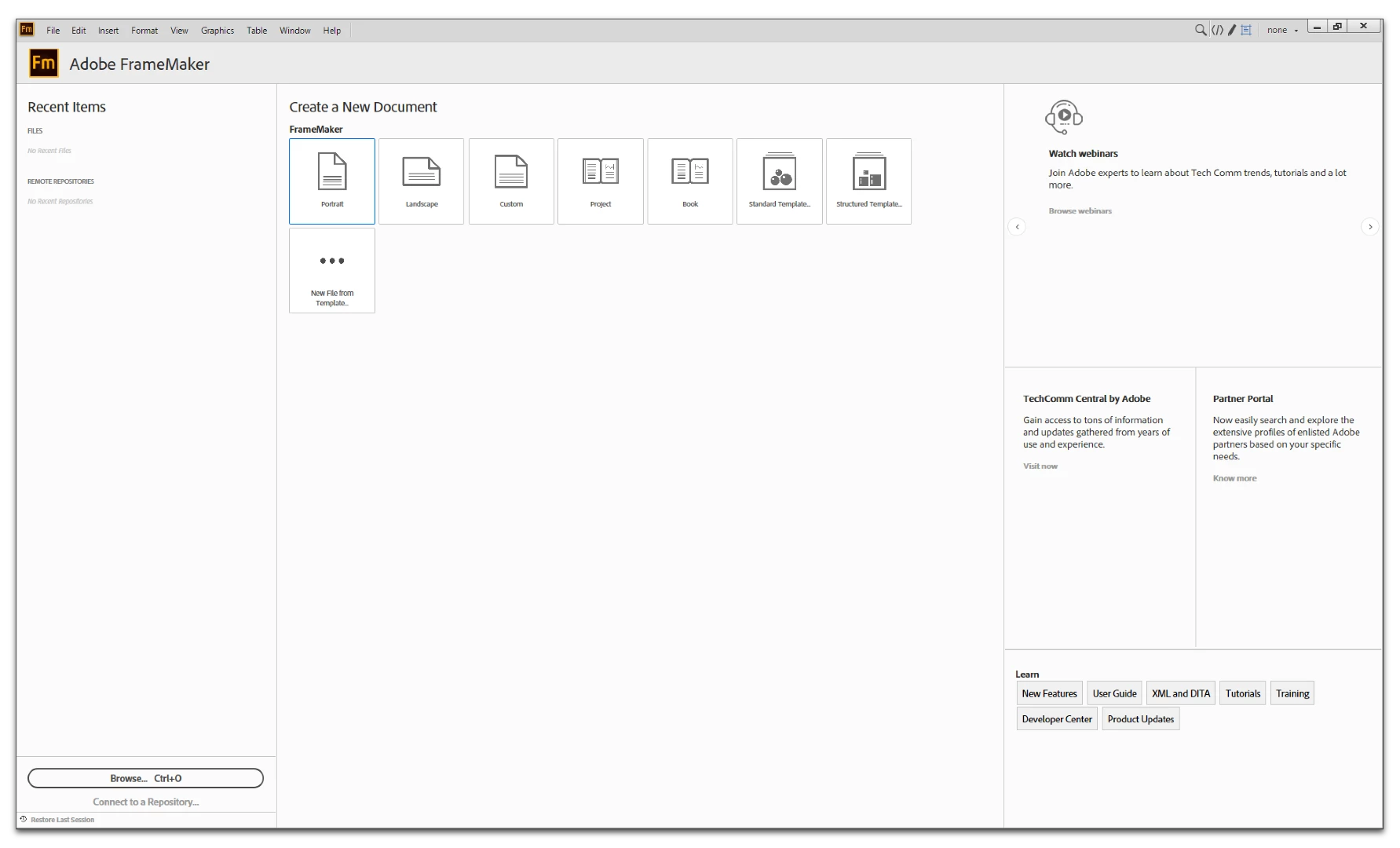
My welcome screen:
My student's welcome screen:
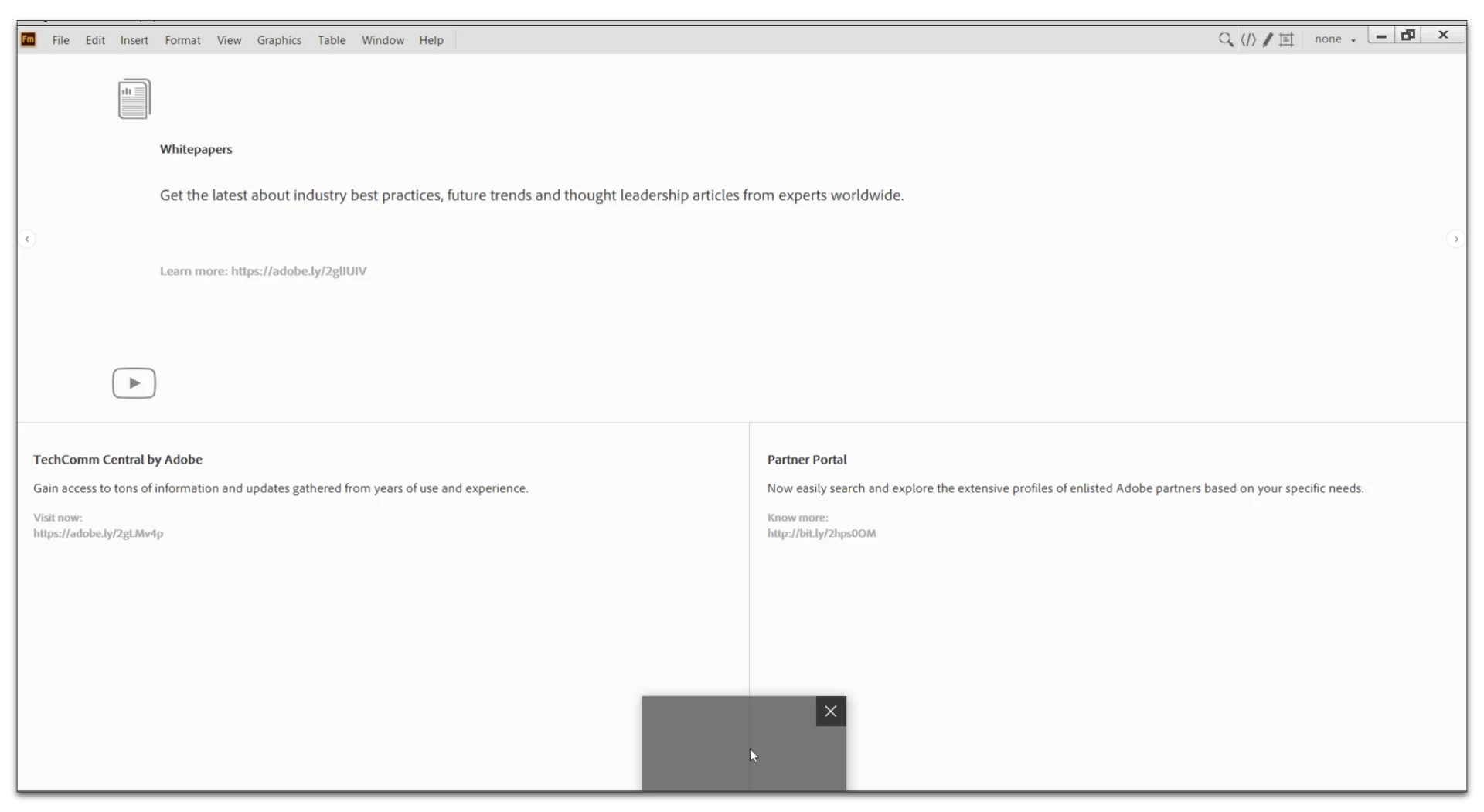
How do we reset this so that she can see the normal welcome screen?

My welcome screen:

My student's welcome screen:

How do we reset this so that she can see the normal welcome screen?
Internet Explorer 11 is listed in the System Requirements. It's only needed for the welcome screen as far as I know:
FrameMaker System Requirements
If IE11 is not installed (it is installed by default in Windows, so if it's not there it was manually removed), e.g. the links on the welcome page do not work or other functional restrictions might appear in the welcome screen.
I recommend to check first, if IE11 is installed. If not, reinstall it. If IE11 is present, uninstalling FrameMaker and reinstalling it is the way to go. Otherwise, you might delete the "welcomeScreen" folder on the user's machine and replace it with yours.
Already have an account? Login
Enter your E-mail address. We'll send you an e-mail with instructions to reset your password.