
Known Participant
October 23, 2023
Question

How to add cover page in Adobe Frame Maker book?

  • October 23, 2023
  • 4 replies
  • 578 views

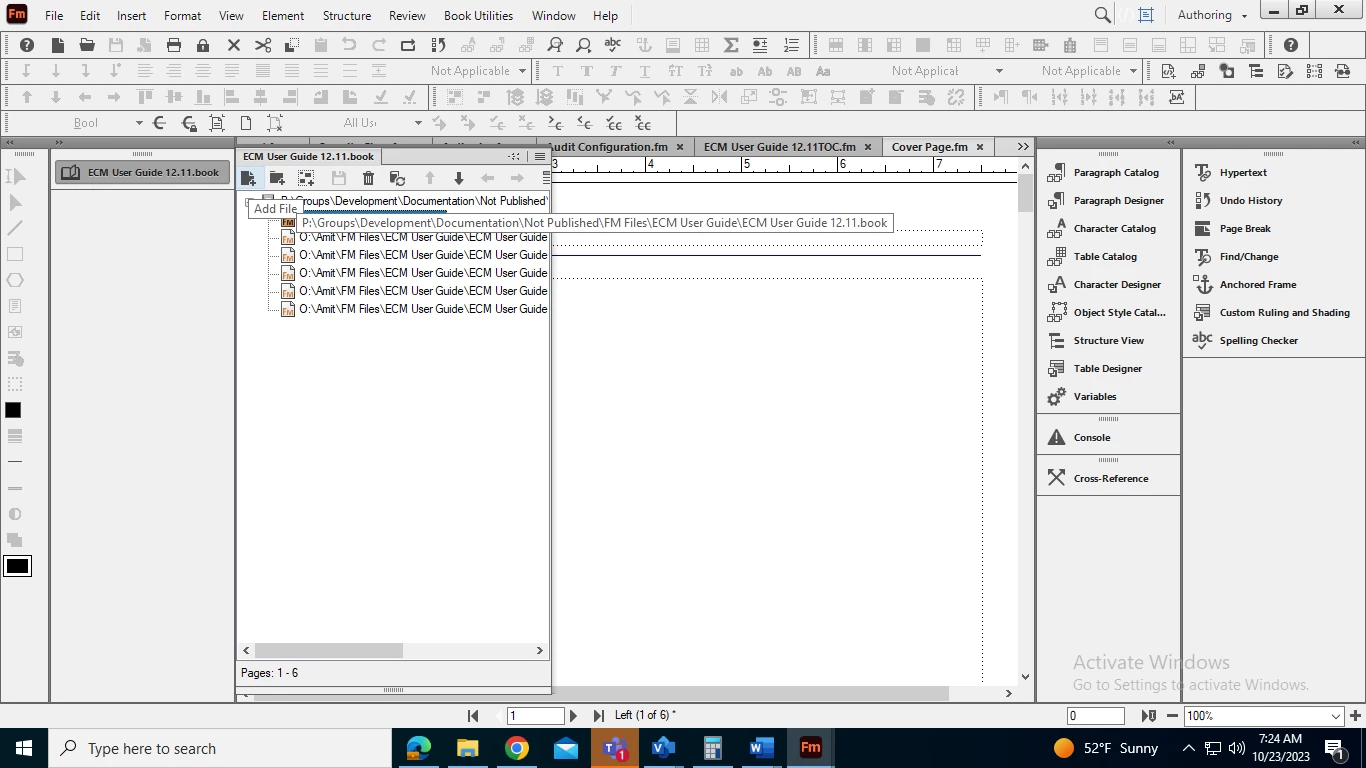
I have added a coverpage into Adobe Frame Maker book, but when I am updating the book with coverpage, it is showing errors. Please hints.  I am adding a cover page through add button displayed in a book.
 

    This topic has been closed for replies.

    4 replies

    Community Expert
    October 24, 2023

    Hi, @Amit Mani30445109n307 ,

    you are not giving any usefull information regarding your problem.

    If error messages are shown write down the text or show a screenshot of that error.

    Regards

    Stephan


    Known Participant
    October 24, 2023

    Here is the screenshot of errors.


    Community Expert
    October 23, 2023

    Your FrameMaker interface is structured.... Are you working in a structured document?

    Bjørn Smalbro - FrameMaker.dk
    Known Participant
    October 24, 2023

    No, I am using unstructured mode.

    Bob_Niland
    Community Expert
    Community Expert
    October 23, 2023

    Also, how published?

    Print publication usually requires an oversized page that includes front-spine-rear cover content.


    For PDF/eBook, I add a .fm file for the front cover, and another for the back. It's no different than any other book content in that regard.

    Jeff_Coatsworth
    Community Expert
    Community Expert
    October 23, 2023

    What errors? Your screenshot isn't showing much info about any error messages.