

Soft Return Behavior Change in FM22 (Windows 11, Unstructured FM)
I have leveraged a lot of FM files from my Japanese parent company over the past 22 years, and they have a habit of using soft returns (SHIFT+ENTER) to maintain the same indentation formatting from one paragraph to the next. For example, if the original paragraph has a bullet point, using a soft return will make the next line have the same indent without the bullet point. This results in fewer Paragraph formats. (I’m not saying I agree with that approach…)
In addition, they use full justification for all their paragraphs.
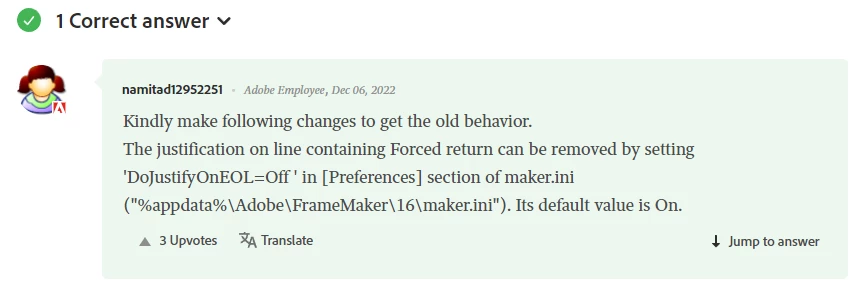
This was all fine and dandy until I upgraded from FM 2020 (16) to FM22 (17). Now all the words in the last line of a fully justified paragraph followed by a soft return are spaced across the entire width (see below).
Before Upgrade to FY22:

After Upgrade to FM22:

In the Paragraph Designer I tried adding a checkmark to the ‘Advance’-->"Allow Automatic Letter Spacing," but that didn’t help—all it seemed to do was add more space between each of the letters in each word.
If anyone can come up with a quick fix (aside from removing the full justification setting—that must be maintained), it would be most appreciated. (It takes about an hour to manually remove all the soft returns from a single manual, and I have another 8~10 manuals to go….)
Thanks!


 AdChoices