Participant
Jul 25, 2021 2:33 PM UTC
Answered

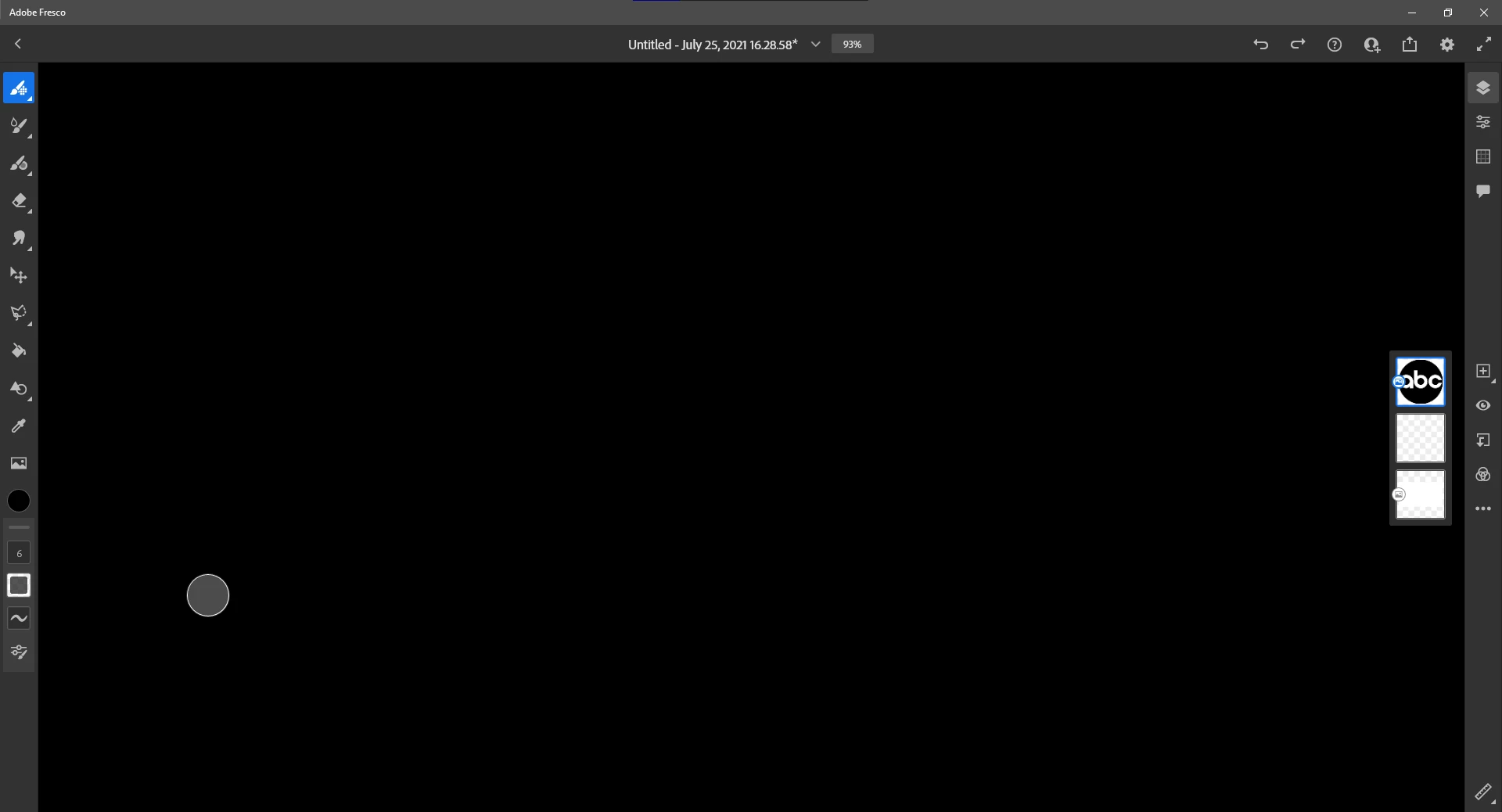
Adobe Fresco (Desktop) complete drawing area blacked out, no images or drawings showing.

The title basically says it all, I have tried:

  • Restarting my computer
  • Reinstalling Fresco
  • Restarting Fresco
  • Ending the task in the taskmanager


4 replies

Participant
Aug 14, 2021 12:22 AM UTC

Im having the same Issue , the screen is pitch black, all tools available but the screen is black. 

Translate
Sjaani
Community Expert
Community Expert
Jul 26, 2021 12:08 AM UTC

Have you tried to move the canvas back into screen?
Press the spacebar and use the pen/mouse to drag around the screen.

Translate
Dionysus_Author
Participant
Jul 30, 2021 3:51 PM UTC

I  have tried creating a new document, this didn't help. I have also tried setting the zoom to 10% and moving around the drawing space. It didn't help.

Translate