

yviejojo
Community Expert
Community Expert
October 12, 2019
Answered

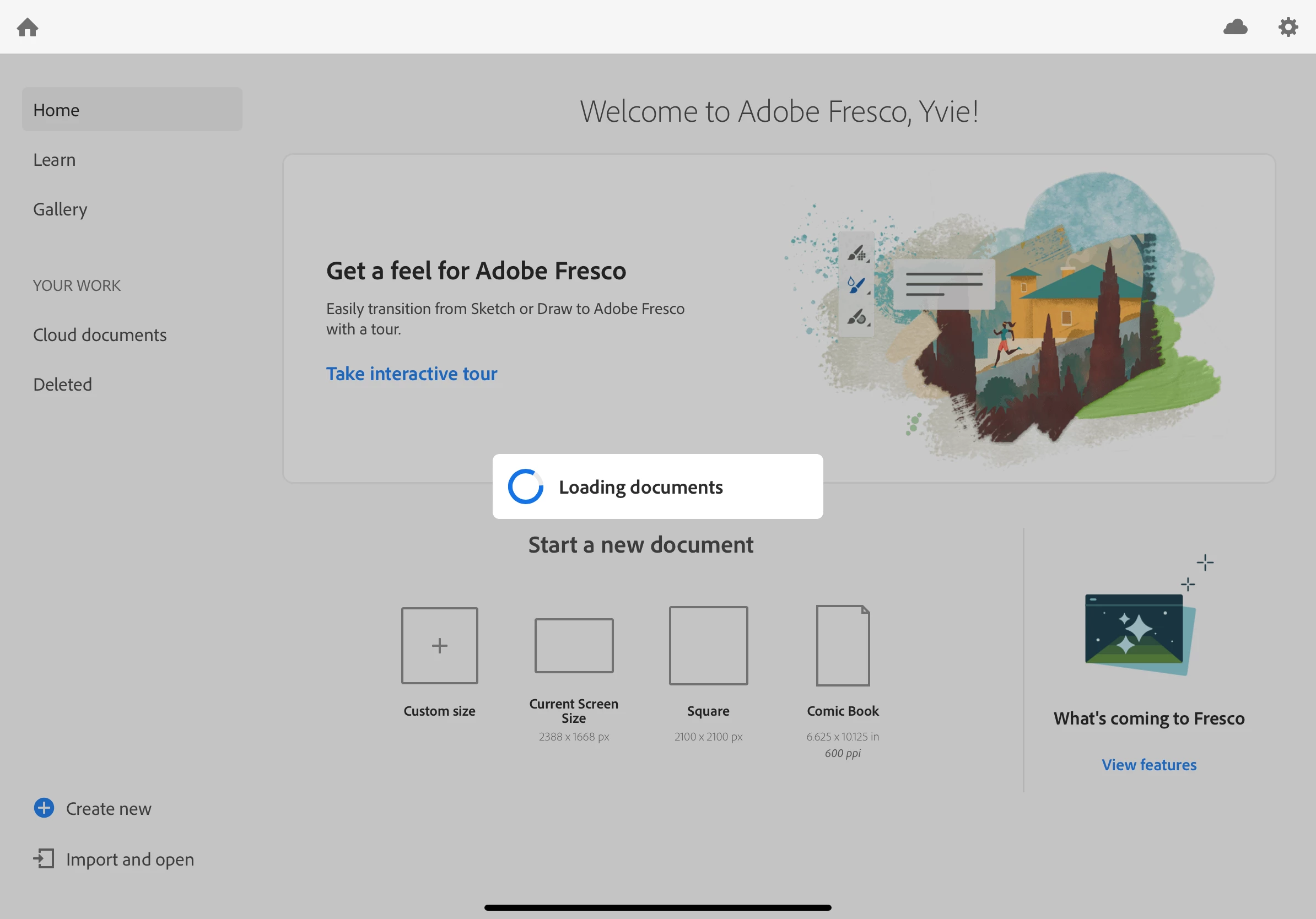
Fresco stuck on “Loading Documents” since last night. Have re-installed, but goes back to the same?

  • October 12, 2019
  • 7 replies
  • 9053 views

Hello there,

My son’s iPad Pro is brand new and we’re using the family sharing to install the creative cloud apps. Adobe Draw and Sketch work fine. But Adobe Fresco won’t get past the Loading Documents spinning wheel. Not sure if it’s because there’s so much incredible stuff that’s being uploaded....or if it’s glitched?

Has anyone else experienced this?

Have added a photo to show where we’re at.

Many thanks!
 

    This topic has been closed for replies.
    Correct answer Sue Garibaldi

    Hi Yviejojo.


    Are you still having trouble with this? If so, a couple of quick questions:

    Do you have a lot of Sketch and/or Draw work?

    Also, how's your wifi connection? Pretty strong/consistent?


    The reason I ask is because on first launch of Fresco, Sketch and Draw work will automatically import. If there is a lot of work, or the connection is poor then this could seem like a pretty endless sync. 


    Let me know. 


    Sue. 

    7 replies

    Participant
    November 26, 2023

    Hi there!

    I have the same problem with the fresco app for windows 11

    Sometimes it happens that it manages to turn it on normally, but most often it closes itself still on the application loading screen, unfortunately no error is displayed

    The hardware I am using is practically new, a Lenovo Yoga 7-16 laptop with Intel Core i5 12500H processor and Intel ARC A370M dedicated graphics
    Due to the fact that I'm just starting out I don't have many documents to sync, even so, I think I have a strong and stable enough network connection
    I also have no problems with disk space 🙂

    The system I use is Windows 11 22H2 and the version of Adobe Fresco is 5.0.1

    Unfortunately I couldn't find where the application is installed - I would have added it to the high performance/priority application tab but I have to do it manually by delimiting the .exe path for the application

    Participating Frequently
    October 19, 2023

    Erghhh, same issue here. Terrible user experience. Surly I should be able to decide IF i want to load these files in rather than be forced to wait absolutey hours for this to finish. Yet again Adobe app design with the engineer in mind rather than the end user. 


    Participant
    July 2, 2023

    Don't install Fresco until you are logged in to the Creative Cloud app.

    Participant
    November 25, 2023

    Pin this, this is the fix! Thank you!


    Participating Frequently
    November 25, 2023

    Or Adobe could actually fix the issue - it comes down to poor software engineering.

    Participant
    November 11, 2021

    I have the same problem, I definitely won't be buying anything from adobe ever again.. least user friendly company ever, I've made almost 3 accounts trying to get fresco to work, but it will not load. Why does it need to load documents if I have no documents????

    Anshul_Saini
    Community Manager
    Community Manager
    November 11, 2021

    Hi there,


    Sorry to hear about your experience. I would request you to share a few more details like:

    • Operating system, Device, Device model no. and version of Fresco
    • Please share your Device & Windows specification screenshot (Windows only)
    • Free storage space on your device?


    Also, you may try the suggestion shared on these community posts (https://community.adobe.com/t5/fresco-discussions/fresco-stuck-on-quot-loading-documents-quot/m-p/11...) (https://community.adobe.com/t5/fresco-discussions/stuck-on-quot-loading-documents-quot/td-p/11972791) and let us know how it goes.


    I will be looking forward to your response.


    Regards,

    Anshul Saini

    Participant
    August 20, 2020

    I have the same problem and the program is not working

    Sue Garibaldi
    Sue GaribaldiCorrect answer
    Inspiring
    October 14, 2019

    Hi Yviejojo.


    Are you still having trouble with this? If so, a couple of quick questions:

    Do you have a lot of Sketch and/or Draw work?

    Also, how's your wifi connection? Pretty strong/consistent?


    The reason I ask is because on first launch of Fresco, Sketch and Draw work will automatically import. If there is a lot of work, or the connection is poor then this could seem like a pretty endless sync. 


    Let me know. 


    Sue. 

    brandoni!
    Participant
    January 22, 2022

    I am having the same issue. I have A lot of sketches and it's just loading forever. Please help.


    Inspiring
    October 12, 2019

    Can you confirm if you've tried to exit and restart the Fresco app and/or restart the iPad?