Answered
How to delete brushes in iOS in Fresco?
I imported some brushes from files downloaded before from adobe webpage. But I canˋt find a way to delete them after testing.
What can I do?
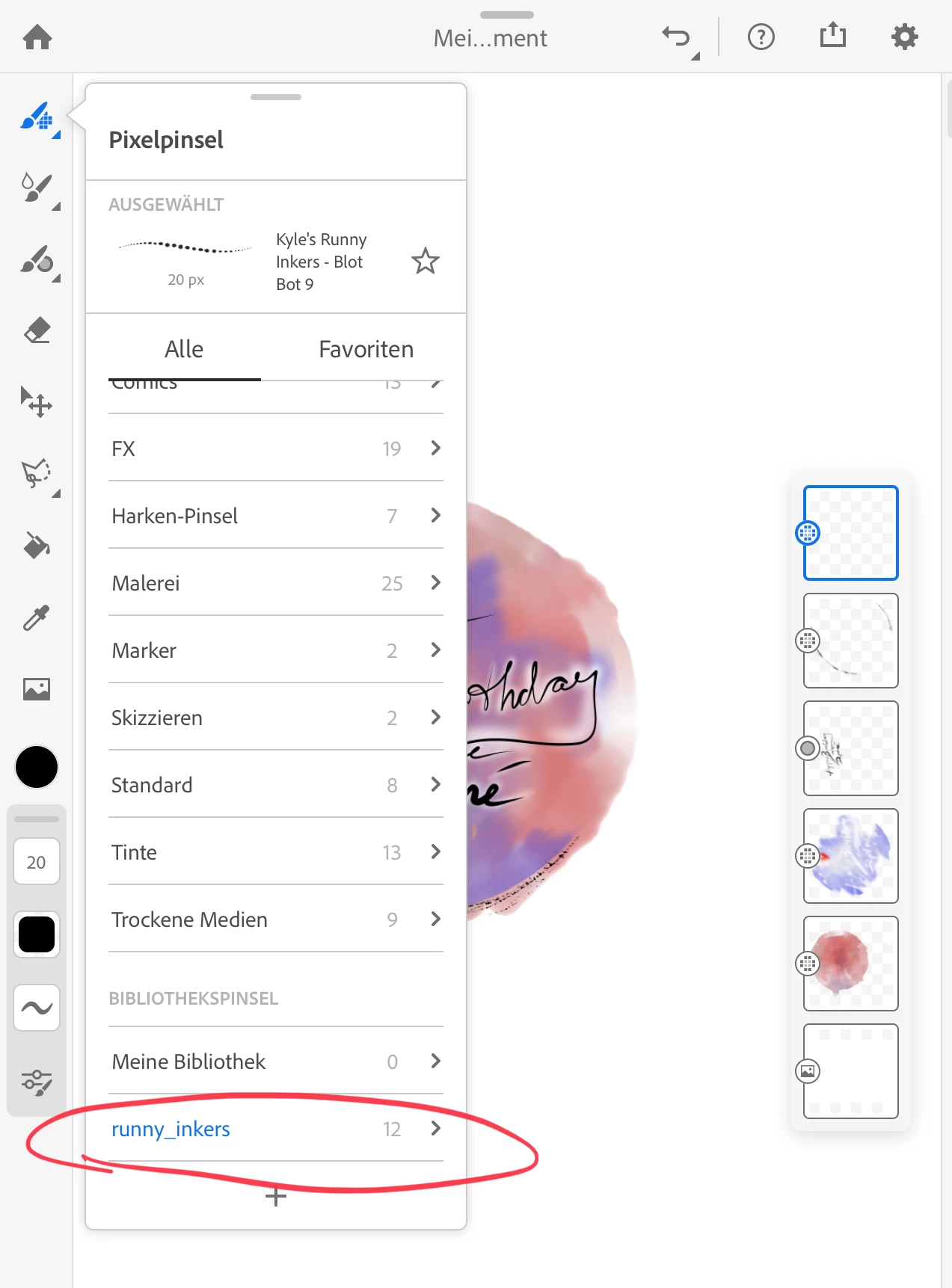
Also I'm missing the functionality to rename the brush set.

I imported some brushes from files downloaded before from adobe webpage. But I canˋt find a way to delete them after testing.
What can I do?
Also I'm missing the functionality to rename the brush set.
Hi furi-bee,
I understand that you're looking to manage your brushes in Fresco. Well, for that you'll have to delete or rename them through the CC libraries. Kindly install the Creative Cloud mobile app and from the libraries section you can manage your brushes.
Let me know if that helps!
Regards,
Sheena
Already have an account? Login
Enter your E-mail address. We'll send you an e-mail with instructions to reset your password.


 AdChoices