Answered
"Adobe Illustrator 2026.app" would like to access data from other apps."
After the last update of the application, the following pop-up appears every time after launching:
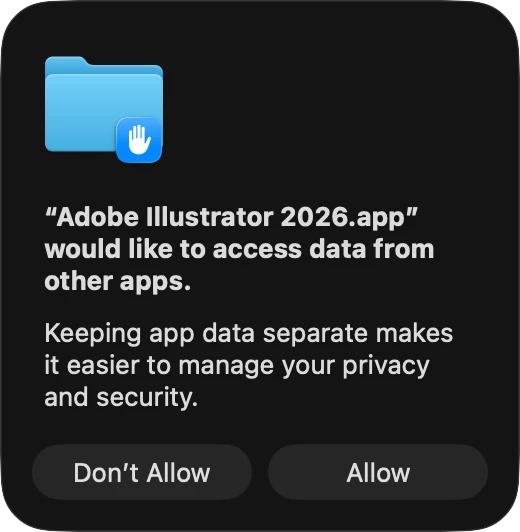
How can I stop it?
Thanks in advance.

After the last update of the application, the following pop-up appears every time after launching:
How can I stop it?
Thanks in advance.
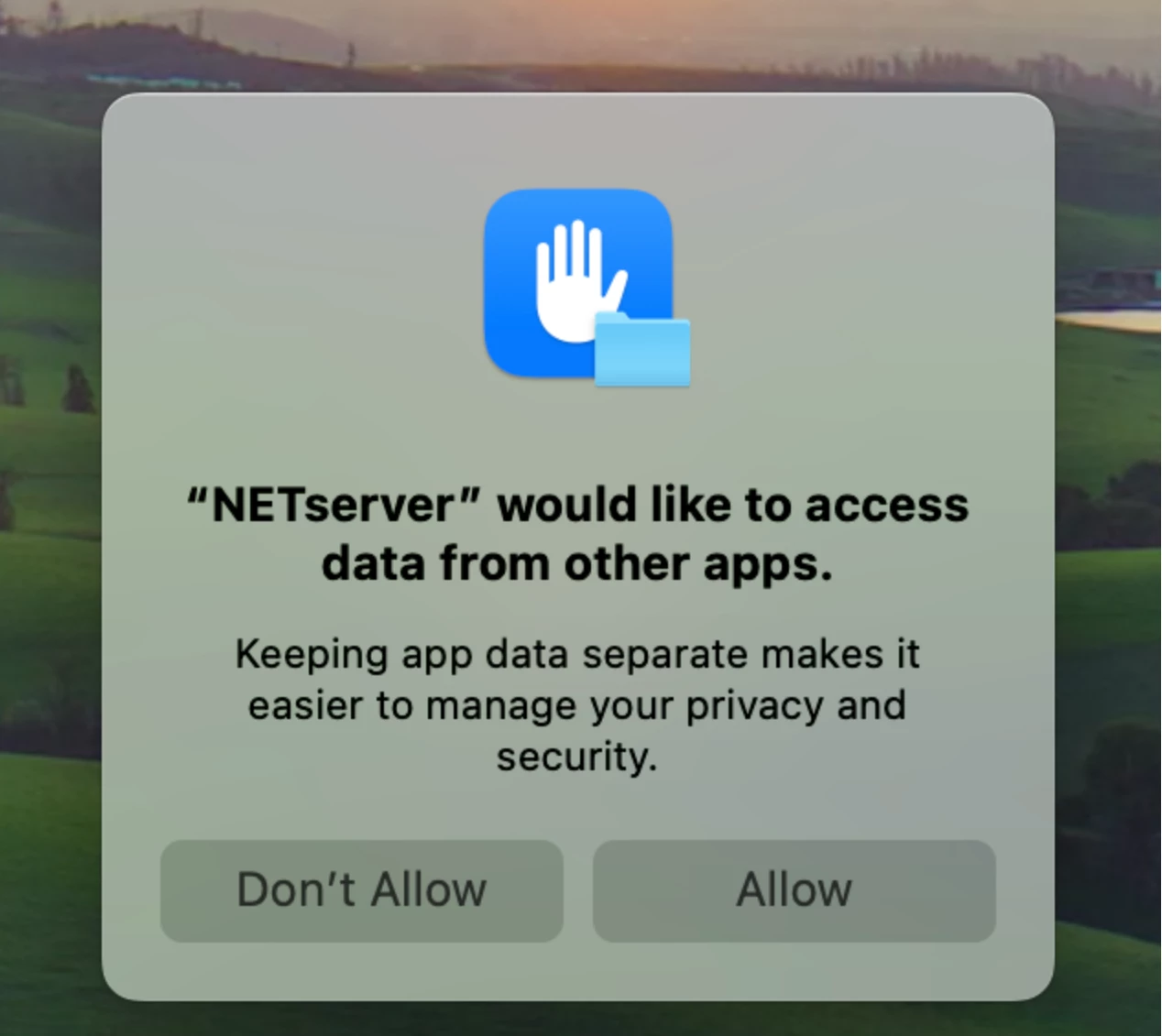
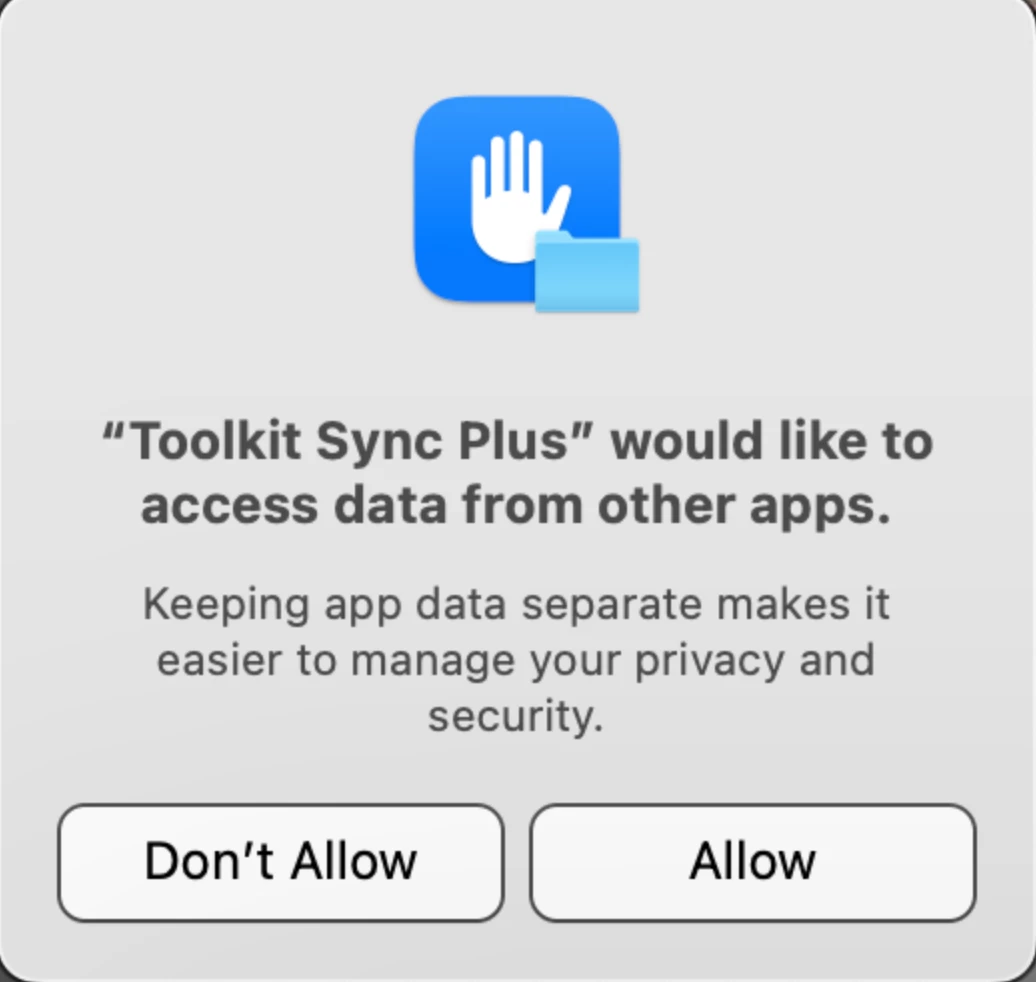
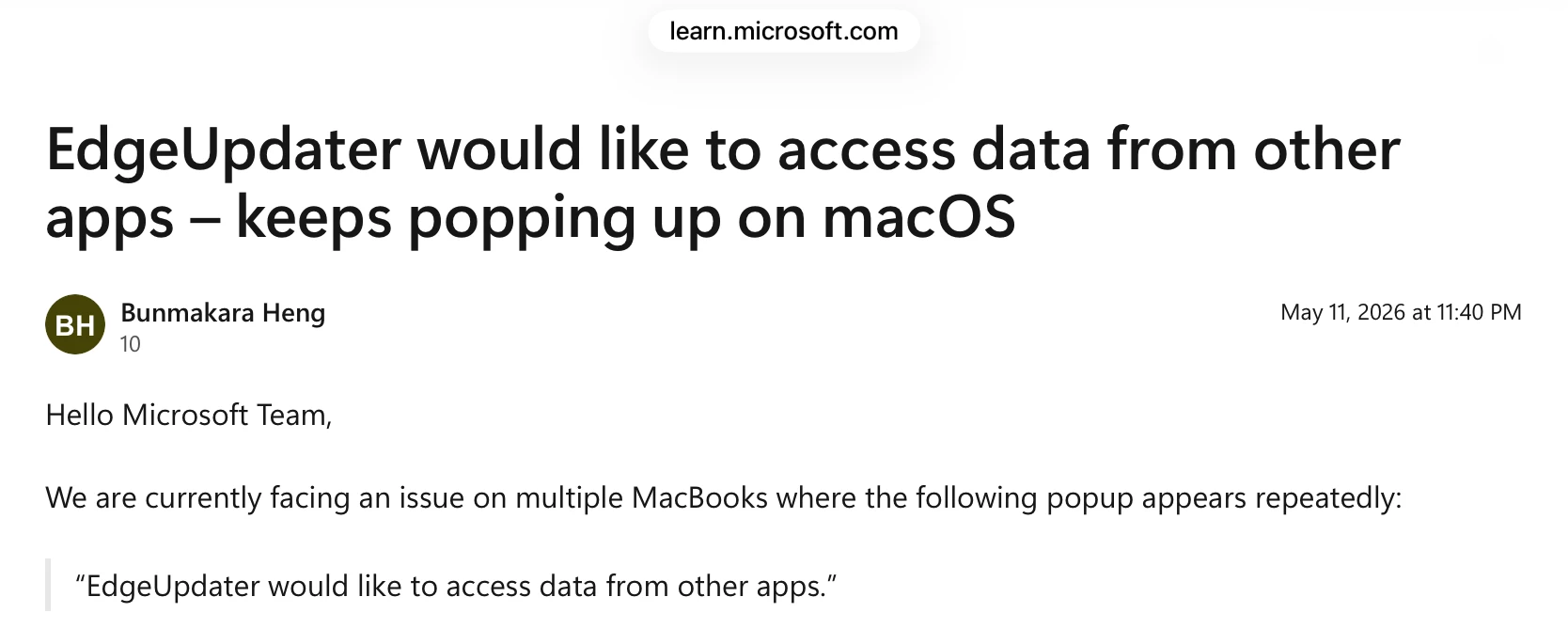
I’m not sure this is an Adobe issue. There are several threads in the Apple forums about other apps.
I am on macOS and am also getting this annoying alert.
Jane
Already have an account? Login
Enter your E-mail address. We'll send you an e-mail with instructions to reset your password.


 AdChoices