Participating Frequently
October 29, 2025
Answered

Adobe Illustrator 2026 Not Responding on launch - macOS 27

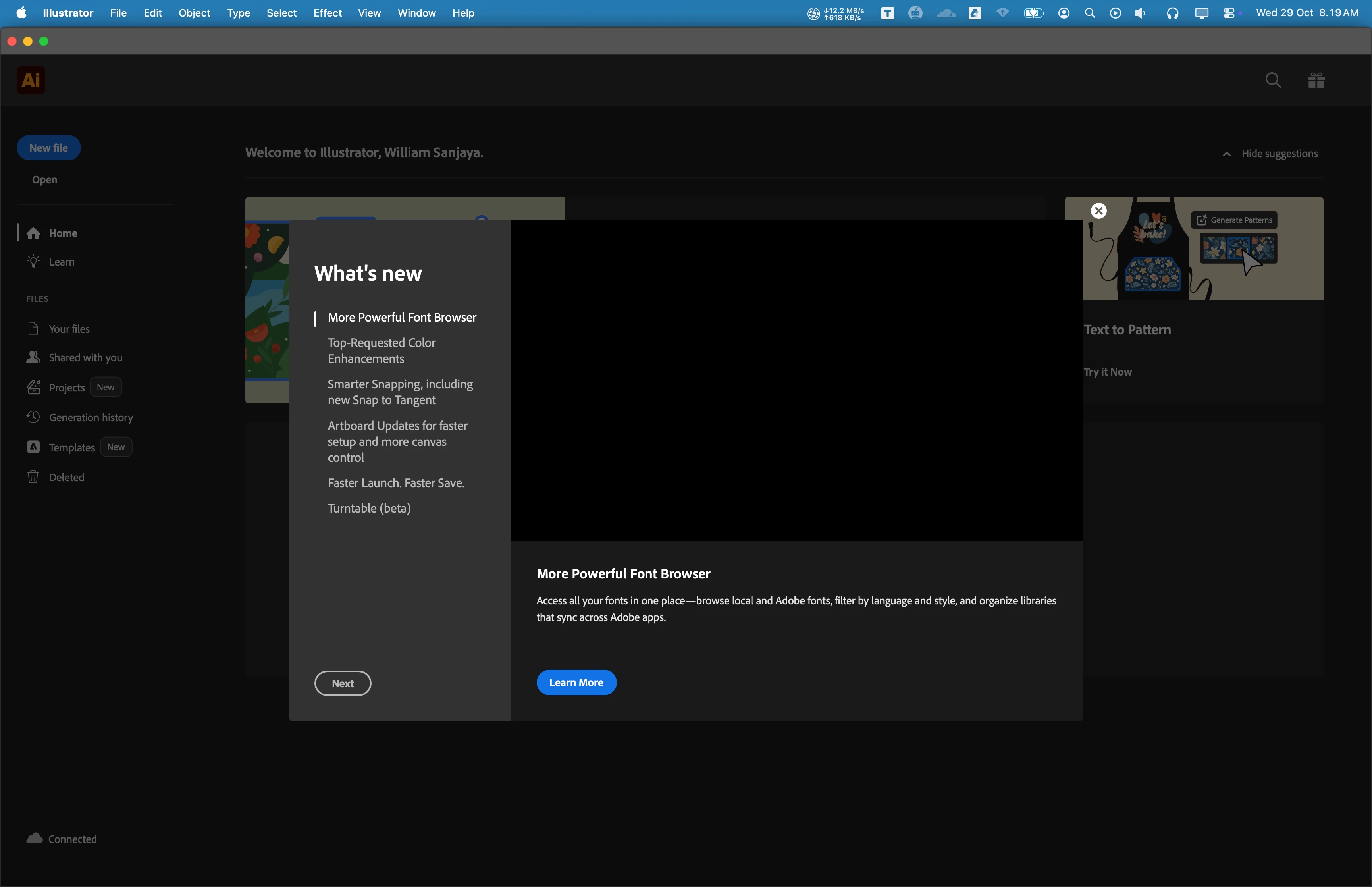
Hi, my name is William, I have issue when I tried to open Adobe Illustrator since 3 months ago. It's always not responding. Sometimes, it takes few times untill it opened. I tried to update to newest version (currently v30.0), but the problem is still exist.


I have updated to newest MacOS Tahoe 26.0.1. I am using Macbook Pro M2 Max with 32 GB RAM. I have tried to reinstall, restart, and do a clean installation, but nothing works. I have no issues with other Adobe Product when opening application, only with Adobe Illustrator.


I attatch screenshot of application below.

Any suggestion would be appreciated. Thankyou so much.


Anubhav M
Anubhav MCorrect answer
Community Manager
September 24, 2026

Hello everyone,

Wacom has released new drivers that are compatible with macOS 27.0. Please follow the steps shared in this help article (https://support.wacom.com/hc/en-us/articles/43537850453527-Wacom-Driver-for-macOS-27-Golden-Gate-Installation-Troubleshooting-Steps) and let us know how it goes.

Anubhav

53 replies

justlearnskills
Community Expert
Community Expert
October 9, 2026

​@Lavish_Glazeb8c1 I would roll back the Golden Gate OS to Tahoe if you can. Just because you can upgrade and change the OS, I would wait until a few months later until the many apps can work with it. Speaking from past experience! 

Translate
m
Dave Creamer of IDEAS
Community Expert
Community Expert
October 8, 2026

I don’t believe the Adobe software has been certified for that OS version. 

The current version of Illustrator is 30.8.2. 

Translate
David Creamer: Community Expert (ACI and ACE 1995-2023)
Ton Frederiks
Community Expert
Community Expert
October 8, 2026

​@Lavish_Glazeb8c1 Some have installed a new driver from Wacom, because the older one. was not compatible.

Translate
New Member
October 12, 2026

Yes, I have asked ChatGPT how to solve this same problem I had. It eventually came with the same solution to disable the Wacom device in the illustrator preferences. It seems to work fine now.

Translate
Participant
October 8, 2026

After updating my operating system, Adobe Illustrator continuously freezes on the startup/splash screen and refuses to launch. The application becomes completely unresponsive, forcing me to force-quit it. I am unable to perform any work in Illustrator.

System & Application Details:

  • App: Adobe Illustrator (Version [e.g., v28.0 / v29.0])

  • Operating System: macOS Golden Gate v27.0.1

  • Hardware: [e.g., MacBook Pro M2, Mac Studio M1 Max, iMac Intel, etc.]

  • Other Adobe Apps: Photoshop, InDesign, and Creative Cloud Desktop launch and function normally without issues.

What happens on launch:

  1. I attempt to open Illustrator from the Dock or Applications folder.

  2. The splash screen appears and shows status text (e.g., "Initializing...", "Loading Plugins...", "Loading Fonts...", or "Initializing GPU").

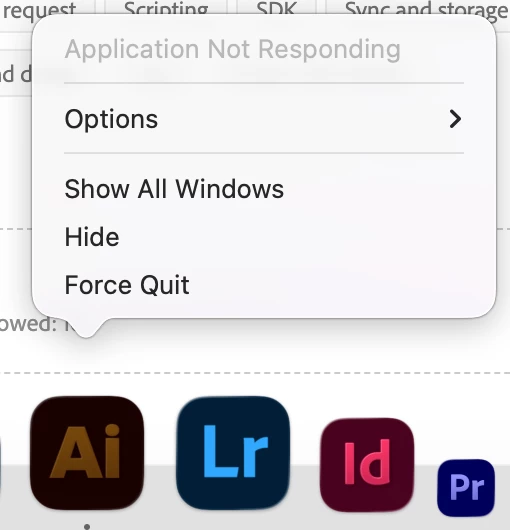
  3. The app freezes at this stage. The spinning beachball cursor appears, and the app status changes to "Not Responding" in Activity Monitor.

Steps I have already tried (Fill/Edit as applicable):

  • [ ] Restarted the Mac.

  • [ ] Reset Illustrator preferences (holding Cmd + Option + Shift on launch).

  • [ ] Tested launching Illustrator in Mac Safe Mode.

  • [ ] Reinstalled Illustrator via Creative Cloud Desktop.

Questions / Request for Help:

  • Is this a known compatibility issue between macOS v27.0.1 and this specific Illustrator release?

  • Are there permission conflicts (e.g., Full Disk Access or accessibility settings) introduced by this macOS update?

  • Is there a recommended cache or preference folder I should clear manually?

Any help or workaround to get Illustrator working again would be greatly appreciated!


Translate
graphics_4075
Inspiring
October 7, 2026

Have you granted Illustrator Full Disk Access in System Preferences? There are reports of similar behavior on Golden Gate across all Adobe apps as well as possibly with the OS itself, it is very new and therefore not yet fully supported meaning many apps may experience unusual behavior and bugs. 

Translate
Cheers
powerful_help0D45
Participant
October 7, 2026

Hi! Yes, all my currently installed Adobe apps have Full Disk Access. I also tried reverting back to the previous version but it’s still freezing up. 😓

Translate
Ton Frederiks
Community Expert
Community Expert
October 7, 2026

Some reported that the recently updated Wacom driver helps.

Translate
powerful_help0D45
Participant
October 7, 2026

THANK YOU SO MUCH! I downloaded the newest Wacom Center version, and it did the trick. It’s working now. Thank you again! I’ll leave a screenshot for anyone else that runs into this issue. We're back in business. 😎


Translate
Ton Frederiks
Community Expert
Community Expert
October 7, 2026

Good to hear that helped.

Translate
powerful_help0D45
Participant
October 7, 2026

I’m not able to open Illustrator for some reason. I tried reinstalling Illustrator AND I even did a fresh install of all my apps and the Creative Cloud App, but Illustrator still it won’t go past this screen. And if if i try to click on anything, my mouse turns into the Spinning Beach Ball. Anybody else having this problem? I’m not even sure what to do at this point. 

I’m on a Mac Mini M4 and MacOS Golden Gate.


Translate
twopeanuts
Participant
October 2, 2026

For me it also was updating the Wacom did the trick. Thank you!

Translate
Participating Frequently
October 1, 2026

The issue was solved by updating to Mac OS 27.0.1 and Illustrator 30.8.2. Thanks to everyone for their assistance.

Translate
Participant
September 30, 2026

Looks like Wacom was the culprit! I didn’t even think about checking that out. Thanks so much!!!!

Translate
Monika Gause
Community Expert
Community Expert
October 1, 2026

Glad you could solve it.

Translate