Question
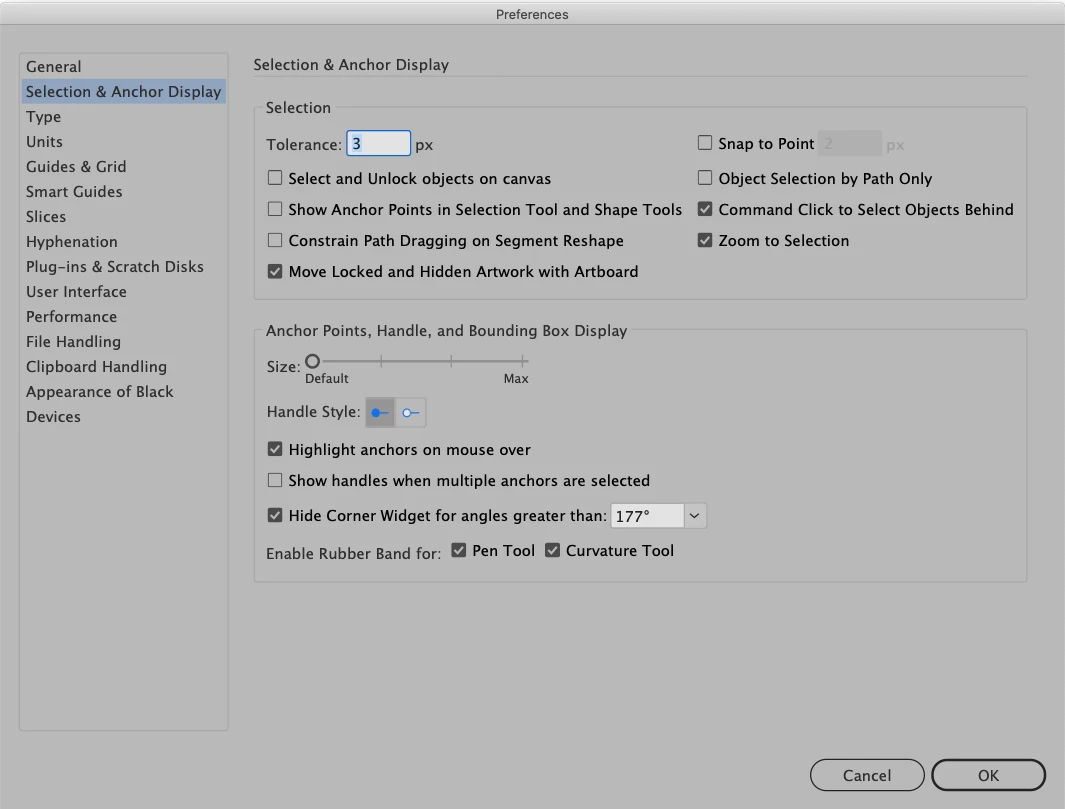
Anchor points grayed out on selection
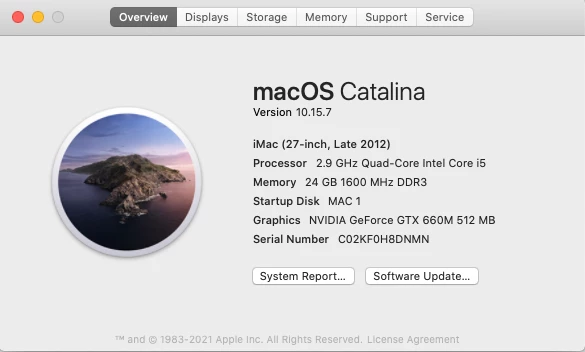
Running Mac OS Catalina 10.15.7 desktop version of Illustrator v 25.4.1.
When selecting an object, my anchor points do not appear the same color as my layer. They are light gray, almost white, making them nearly invisible on a white background and very hard to select individually. Changing the layer color doesn't help. Zooming in and out doesn't help. I've restarted twice, uninstalled the Illustrator app, and re-installed the latest version.
Please help me get my anchor points back to normal!


 AdChoices