
Participant
June 2, 2020
Answered

Black screen in Illustrator

  • June 2, 2020
  • 4 replies
  • 2998 views

Hi all.


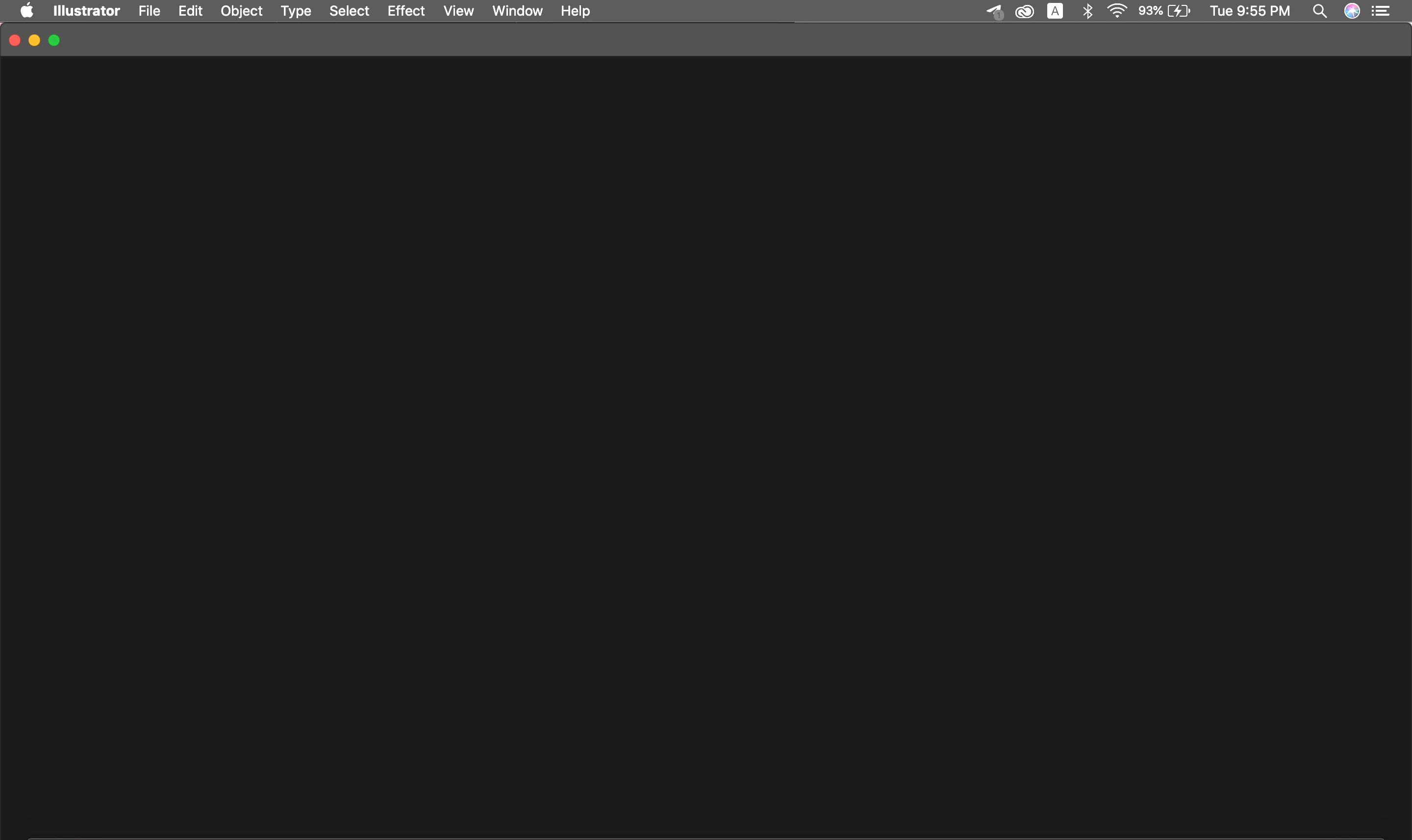
Recently, I have been unable to use Illustrator (and Photoshop). Opening the application results in this black screen. I am on the 24.1.3 version of the app, and I use a Macbook Pro, updated to the latest possible version. Attached is the screenshot from when I open Illustrator. What should I do?
This topic has been closed for replies.
Correct answer DryVapor

I am with a windows PC. The trick that helped me was to install the latest Visual C++ Microsoft Visual C++ Redistributable for Visual Studio 2015, 2017 and 2019. 

Good Luck,.

4 replies

DryVaporCorrect answer
Participant
July 1, 2020

I am with a windows PC. The trick that helped me was to install the latest Visual C++ Microsoft Visual C++ Redistributable for Visual Studio 2015, 2017 and 2019. 

Good Luck,.

Srishti_Bali
Legend
July 1, 2020

Hi there,


Sorry to hear about this trouble. I am hopeful that the issue was fixed by the support team. If not, let us help you fix this. Please try following the steps shared in this discussion (https://community.adobe.com/t5/illustrator/blank-screen-on-illustrator-on-mac-os/td-p/11161722) and let us know how it goes.


Regards,

Srishti

Bill Silbert
Community Expert
Community Expert
June 2, 2020

This sounds like an issue with your system to me. I would suggest contacting Adobe Customer Care https://helpx.adobe.com/support.html?promoid=RGJ8NLP8&mv=other. They can run a diagnostic on your system which cannot be done here in the user to user forum. You may also want to contact Apple Customer Support to see if you have a hardware problem.

John Mensinger
Community Expert
Community Expert
June 2, 2020

First things to try:

Reboot the computer

Reset preferences

weilinssAuthor
Participant
June 2, 2020

Thanks for the response, but rebooting the laptop and resetting preferences didn't help. The same screen still shows. How should I proceed?