


Participant
August 11, 2025
Question

CC Libraries Doesn't Scroll, it Stretches

  • August 11, 2025
  • 3 replies
  • 597 views

Hello!


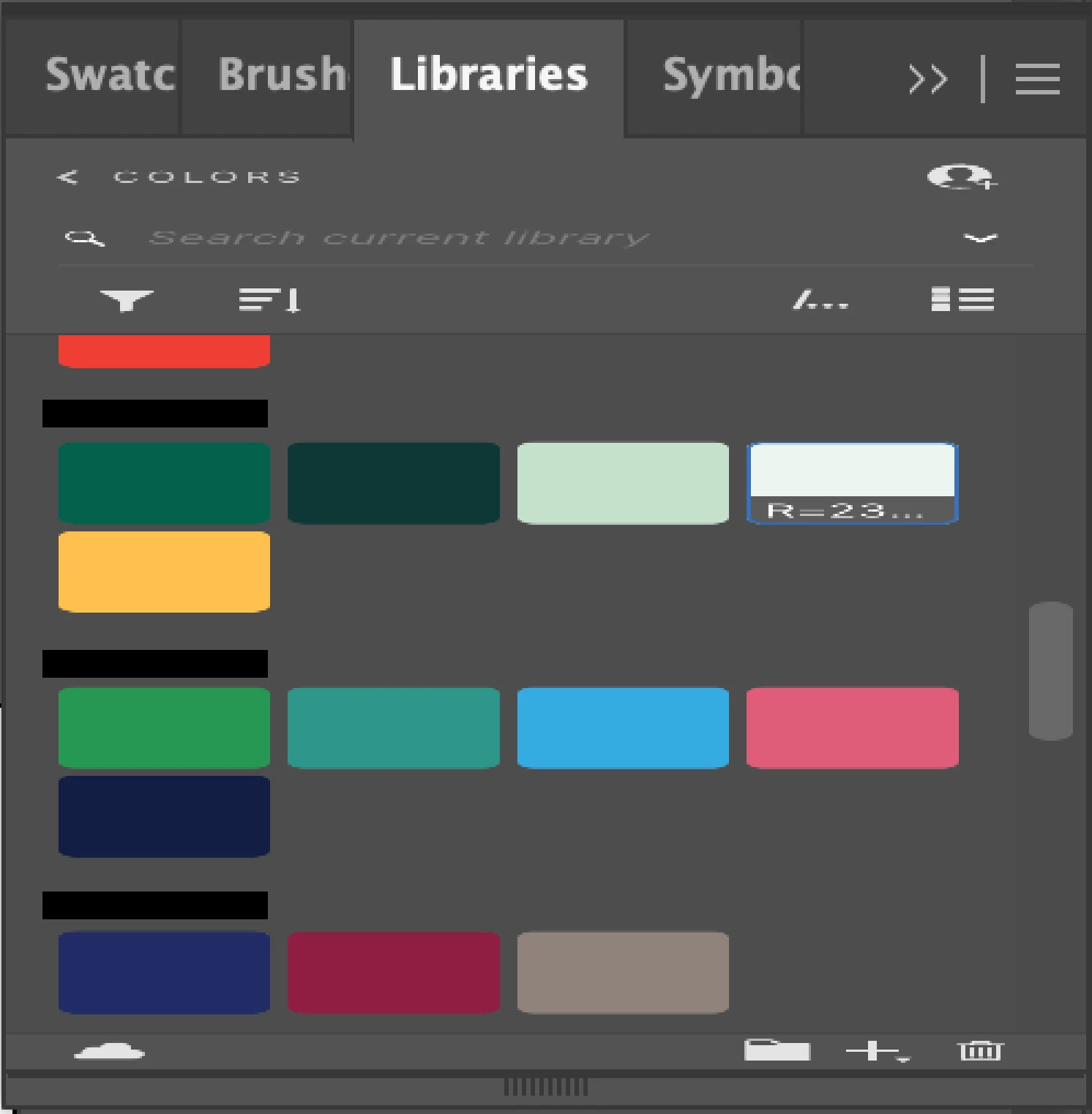
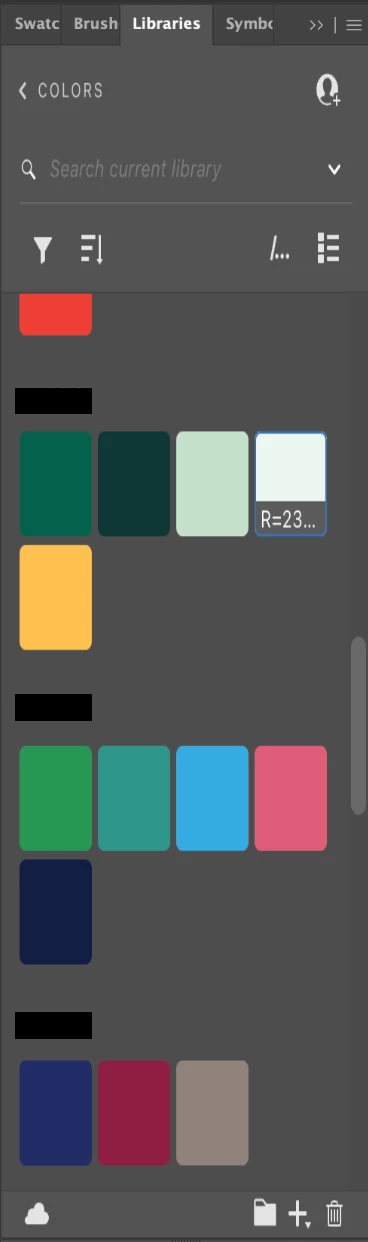
I've been encountering this issue where my libraries panel is entirely unresponsive. I have the most updated version of Illustrator, but this has happened through several updates. For some reason, my library is not responsive to scrolling. It will stretch out as if it was an image if I were to try to pull the panel down to make it larger (see image below). This is frustrating since I keep all of my client color palettes here, and kinda defeats the purpose of creating a library for them since I can't access it. Anyone else encounter the same issue?


3 replies

Ton Frederiks
Community Expert
Community Expert
August 27, 2025
Participant
August 13, 2025

I have had the same thing happen to mine. Just updated to 29.7.1 where the problem persists, but it was happening before in the previous build as well (28.7.8). It tends to work fine when first launching, but I just closed a project (not the app) and came back and now it stretches.


Illustrator version 29.7.1

Apple M1 Max – Sequoia 15.6


Video attached. I can provide more info if you need anything.

Participant
August 13, 2025

@Anubhav M forgot to tag you

Anubhav M
Community Manager
Community Manager
August 14, 2025

Hello @jnburns479,

Thanks for sharing the screen recording. Could you confirm the CC Libraries version by clicking on the menu button on the panel and selecting What's New, and if this happens with other apps as well, so I can check it with the team?

Looking forward to hearing from you.

Anubhav

Anubhav M
Community Manager
Community Manager
August 11, 2025

Hello @defaultes6nui873s13,

I'm sorry to hear about your experience. Could you share more details, like the exact version of the OS/Illustrator installed, the version of Creative Cloud Libraries (Menu > What's New from the Libraries Panel), whether you are using a Pen or tablet device, and a small screen recording of the problem, so we can better assist you with this?

Looking forward to hearing from you.

Anubhav

Participant
August 27, 2025

I'm glad to finaly find a ticket about this. It's doing the same to me but in InDesign 2025
Exact same problem. It might even do it in Illustrator to I will pay attention.


Participant
August 27, 2025

I quit the creative cloud app and restart it.
I did the same with InDesign and the problem was gone.