
Answered
How to create 3D twisted ribbon in Illustrator
How to create a 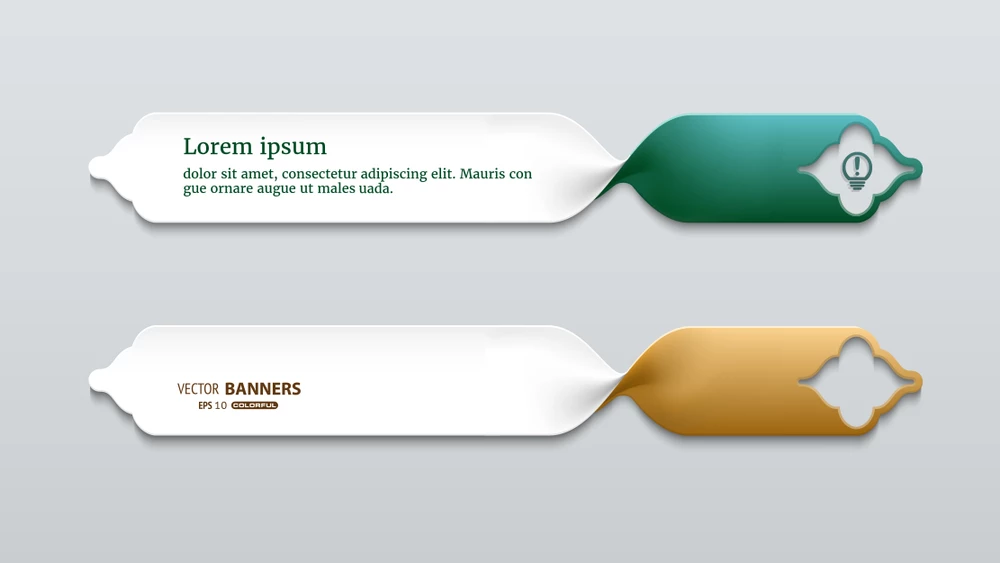 3D twisted ribbon
{Renamed by MOD}

How to create a 3D twisted ribbon
{Renamed by MOD}
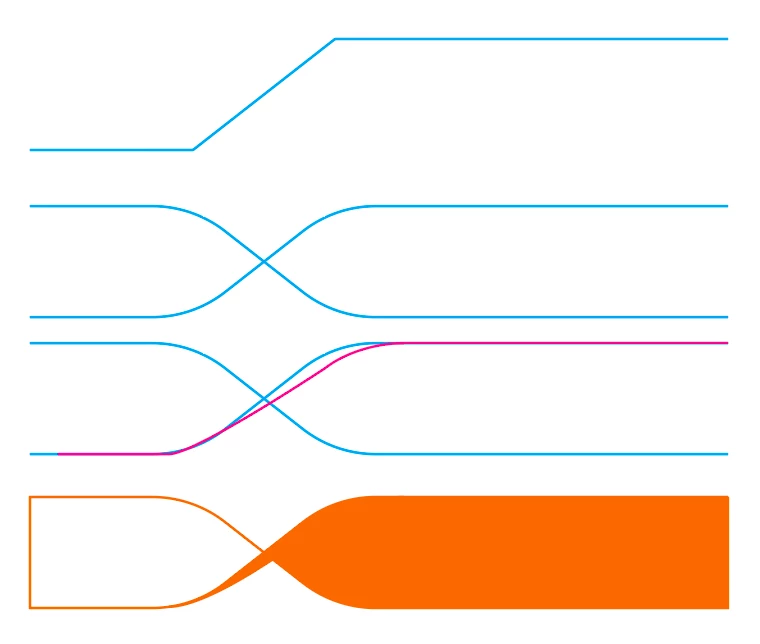
This isn't exact to what you are showing, but I drew lines with my pen tool, then selected individual points along the path with my direct select arrow tool to round them off using the corner widget.
Next, I duplicated and reflected the path, then created one more duplicate of one of the paths.
Finally, using a combination of live paint merge where the center areas overlap, I was able to fill them in using the live paint fill.
Then you could add a gradient mesh to create realistic shadows.
Already have an account? Login
No account yet? Create an account
Enter your E-mail address. We'll send you an e-mail with instructions to reset your password.


 AdChoices