Known Participant
Jan 15, 2025 4:47 PM UTC
Answered

How to make a gradual blur in Illustrator?

Hi!

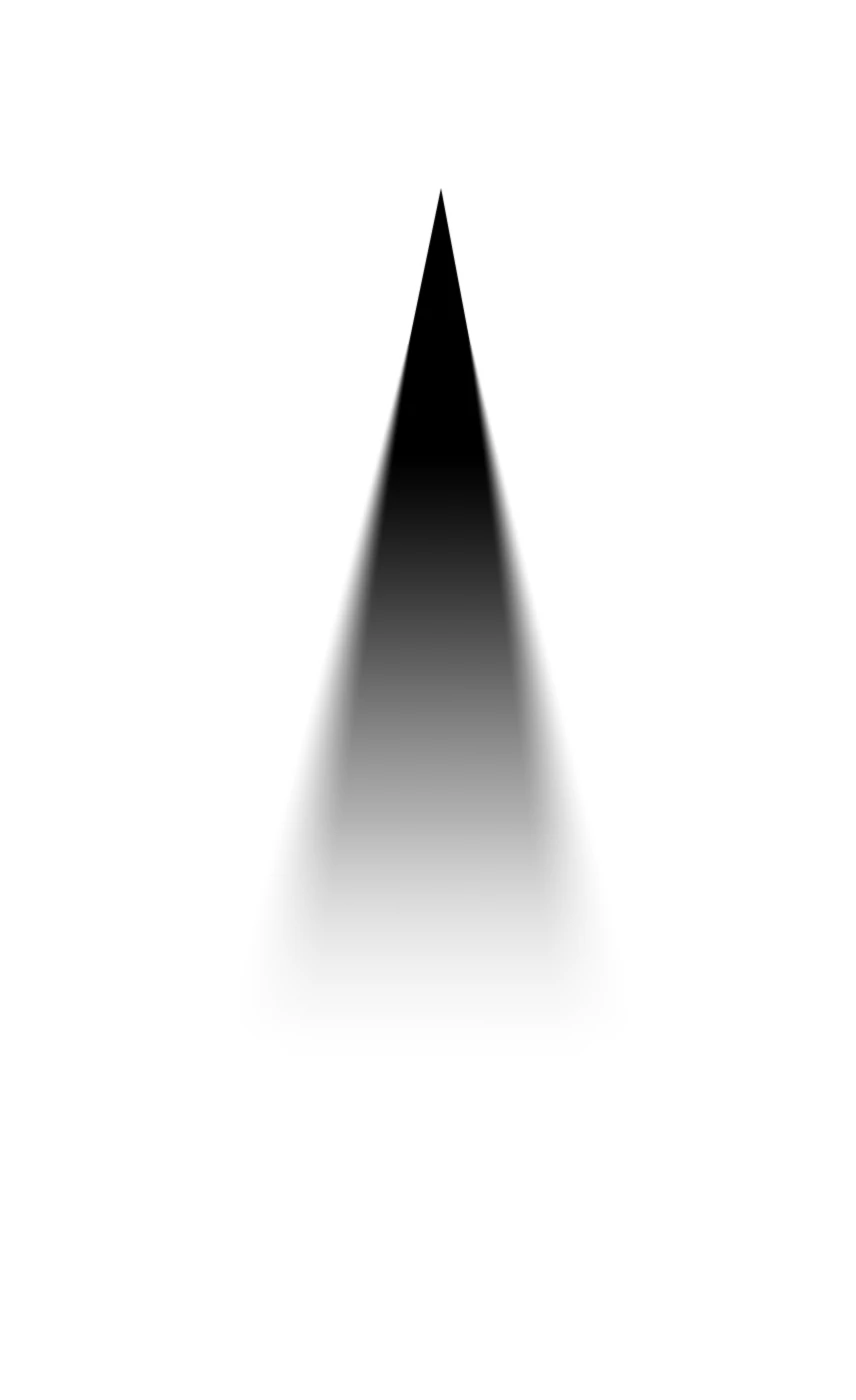
I’m trying to create a gradual blur in Illustrator, similar to this:


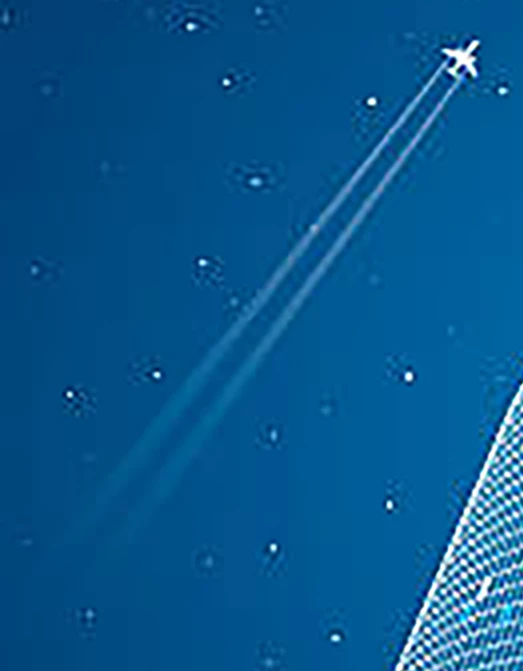
The goal is to use it to illustrate plane trails, like this example:


Could you guide me on how to achieve this effect, please?

Thank you!


Chris.

Monika Gause
Monika GauseCorrect answer
Community Expert
Jan 16, 2025 9:47 AM UTC

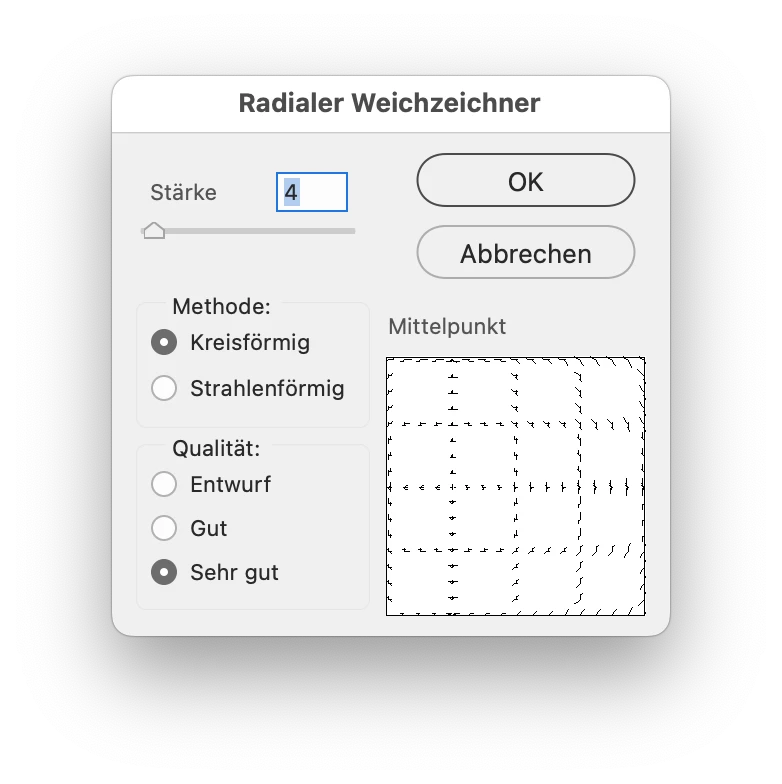
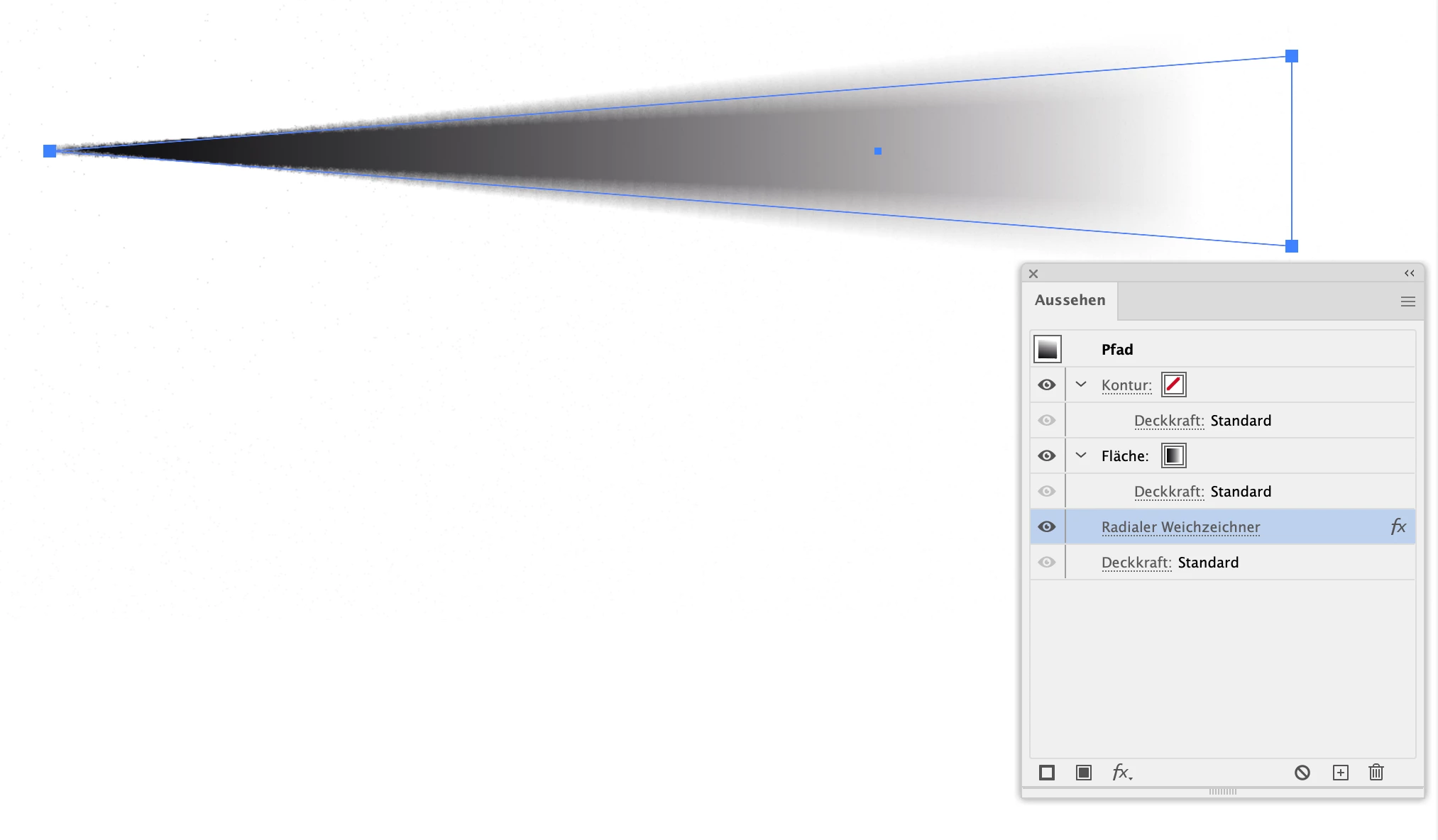
radial blur, set up like this?


But if that is not what you are looking for, then take a look at the options named above.

7 replies

Conrad_C
Community Expert
Community Expert
Jan 15, 2025 11:29 PM UTC

The demo below is only one of the many ways to do it, but it’s a method I use a lot.


It just applies a linear gradient fill. At one end, the gradient stop Opacity is set to 0% so that it fades out to transparent at that end, to blend in with the colors behind it. The command Effect > Stylize > Feather is applied to soften the edges. The quality of the gradient in the demo is a little rougher than in reality because something about the Adobe forum software degrades animated GIF uploads.


Translate
Syntax_One
Known Participant
Jan 16, 2025 12:57 AM UTC

Thank you so much for your effort! However, this isn’t quite what I was aiming for. Let me show you the method I used (although I think it might be unnecessarily complicated).

Here’s the result:


As you can see, the blur transitions gradually from top to bottom.

To achieve this effect, I overlapped two identical shapes—one with a Gaussian Blur applied and the other without. I then used a Transparency Mask with a gradient on both shapes to blend them, revealing one and concealing the other.

Translate
Monika Gause
Community Expert
Monika GauseCommunity ExpertCorrect answer
Community Expert
Jan 16, 2025 9:47 AM UTC

radial blur, set up like this?


But if that is not what you are looking for, then take a look at the options named above.

Translate
Kurt Gold
Community Expert
Community Expert
Jan 15, 2025 8:54 PM UTC

There are many ways. For example, Blends, Art Brushes, Bristle Brushes (possibly combined with blending modes on the blue background and / or opacity masks, a bit of gaussian blur etc.).

Translate