


Participant
November 21, 2022
Question

Illustrator colors not displaying correctly

  • November 21, 2022
  • 4 replies
  • 15344 views

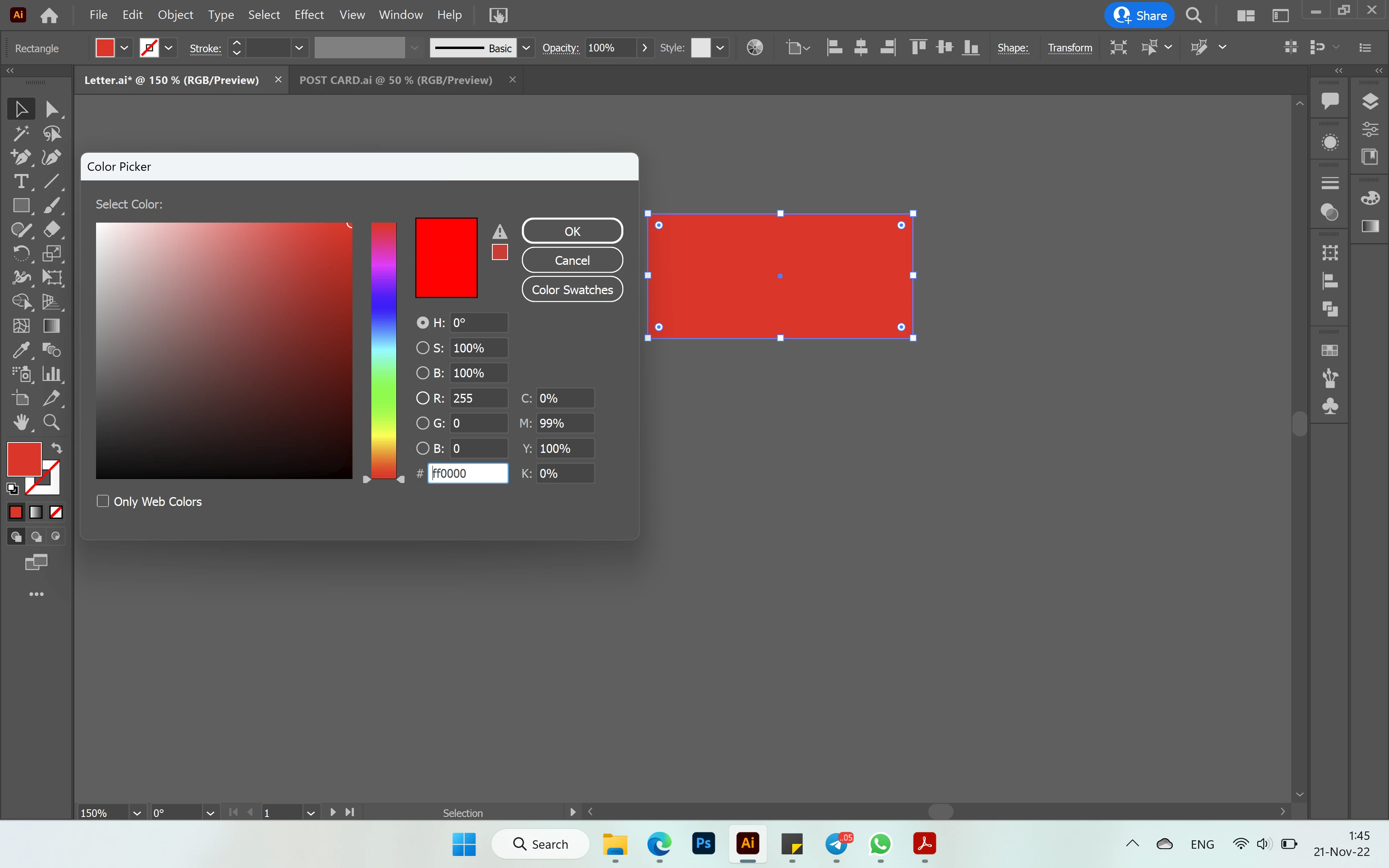
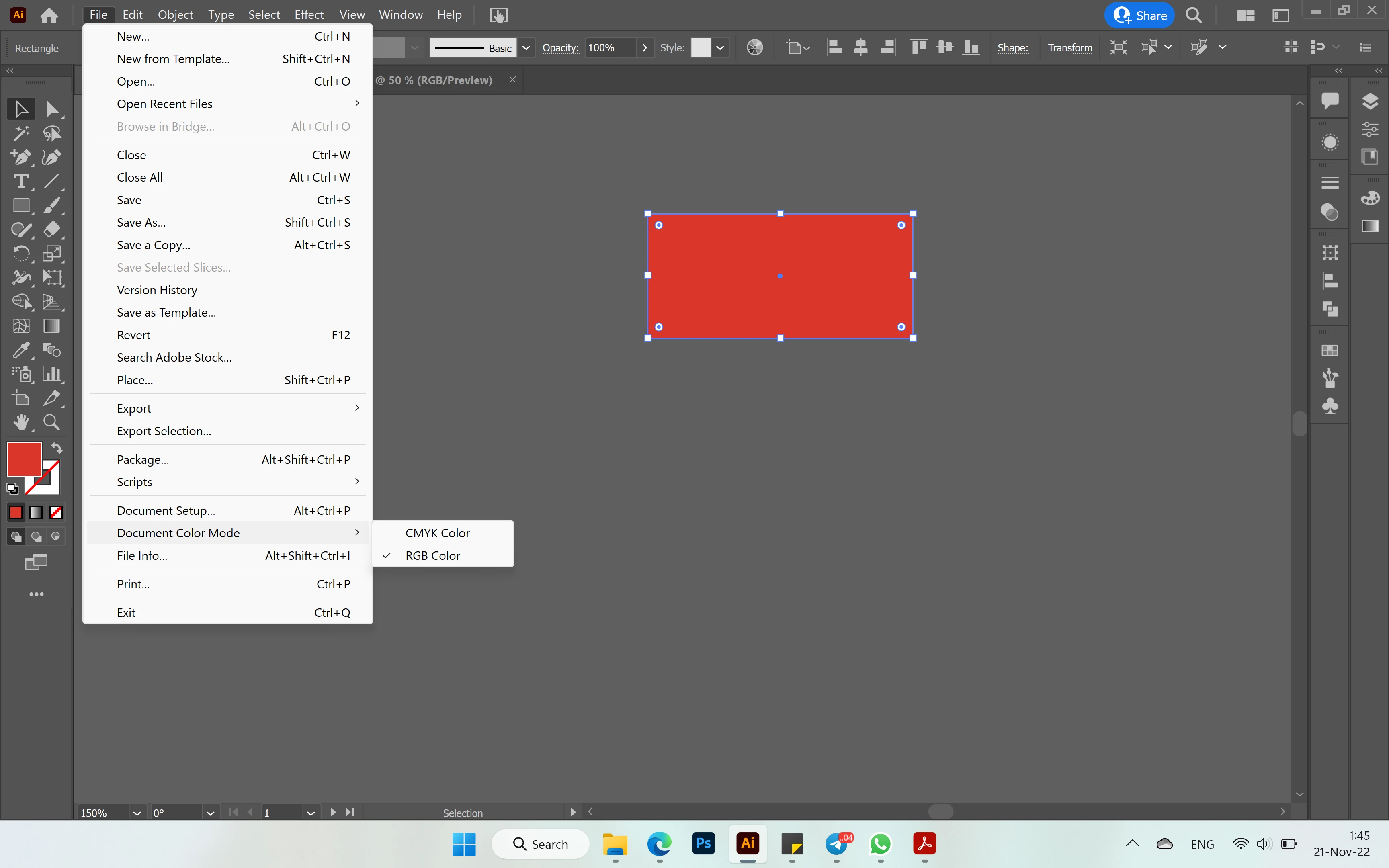
My Illustrator file colors are dull for some reason, as if it is CMYK mode but its set as RGB. When I export it looks fine but the problem is in the program itself I think. When I go to choose a color in the picker I can see that it is supposed to be brighter, I added images of how it looks.


Maybe some kind of display mode is activated or I need to adjust file set up, please help if you have any idea how I can fix this


Thanks in advance
This topic has been closed for replies.

4 replies

Met1
Legend
November 21, 2022

"When I export it looks fine but the problem is in the program"

How are you exporting, what color management settings are you using? (And why are you exporting? Looks like your file is vector...)

How are you determining that it is wrong? What are you viewing your exported file in? Back in Illy?

Anubhav M
Community Manager
Community Manager
November 21, 2022

Hello @daryaw52272221,


Sorry to hear about this experience. Would you mind trying to check and re-calibrate your display by following these steps in order, as suggested by Mylenium, and share your observations:


  1. Use the Windows key + I keyboard shortcut to open the Settings app.
  2. Click DisplayMake sure you're using the recommended screen resolution for your display.
  3. Click the Advanced display settings link.


    Now click on the link for Display Adaptor properties.


  4. Click on the option for Color management


  5.  Go to the Advanced tab and ensure all profiles are set to the System Default (sRGB). Then, click on Calibrate Display.


  6. The wizard will now walk you through the steps to access the on-screen display menu on your monitor to set specific color settings. Click Next to continue. 
    - Adjust the gamma settings by moving the slider up or down until the small dots are barely visible.


Find the brightness controls on your monitor and adjust the brightness higher or lower until you can distinguish the shirt from the suit with the X barely visible.


Find the contrast controls on your monitor and set it as high as possible without losing the ability to see the wrinkles and buttons on the shirt.


- Move the Red, Green and Blue sliders to remove any color cast from the Gray bars.


Note: You can optionally start the ClearType tuner at the end of this calibration to make text on-screen more legible.


After the calibration is complete, kindly restart the computer and then check if the colors are consistent with Windows on your Adobe apps.


Looking forward to your response.


Thanks,

Anubhav

Kevin Stohlmeyer
Community Expert
Community Expert
November 21, 2022
Mylenium
Legend
November 21, 2022

Either a misconfigured color managment or issues with hardware accelerated previews. Check the relevant settings. Color management is more complex than just the document mode and GPU acceleration often requires fiddling with settings and updating the graphics driver. You may want to read the online help on these points.


Mylenium