

Question
Illustrator crashed and now won't open my file.
I was using Illustrator last night finishing a project and it suddenly crashed. When I went to reopening the file it now says
"Document contains incompatible object(s)
This cloud document contains objects that are not compatible with the current Illustrator version.
To open this document, use the version with which the document has been created"
I updated my illustrator 8 days ago and every other file on my computer is working fine. 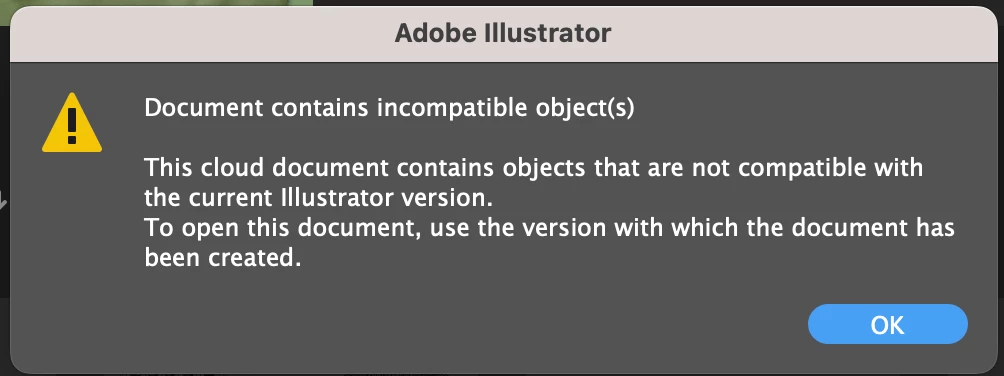
Adobe LogCollector Portal:
https://community.adobe.com/t5/illustrator-discussions/document-contains-incompatible-objects/m-p/14621028
Project:
https://assets.adobe.com/id/urn:aaid:sc:US:f1559156-9f99-42f7-80e8-ae84acf3873a?view=difile


 AdChoices