
Participant
August 21, 2018
Question

illustrator - Making spaces in my letters transparent...
  • August 21, 2018
  • 5 replies
  • 1075 views

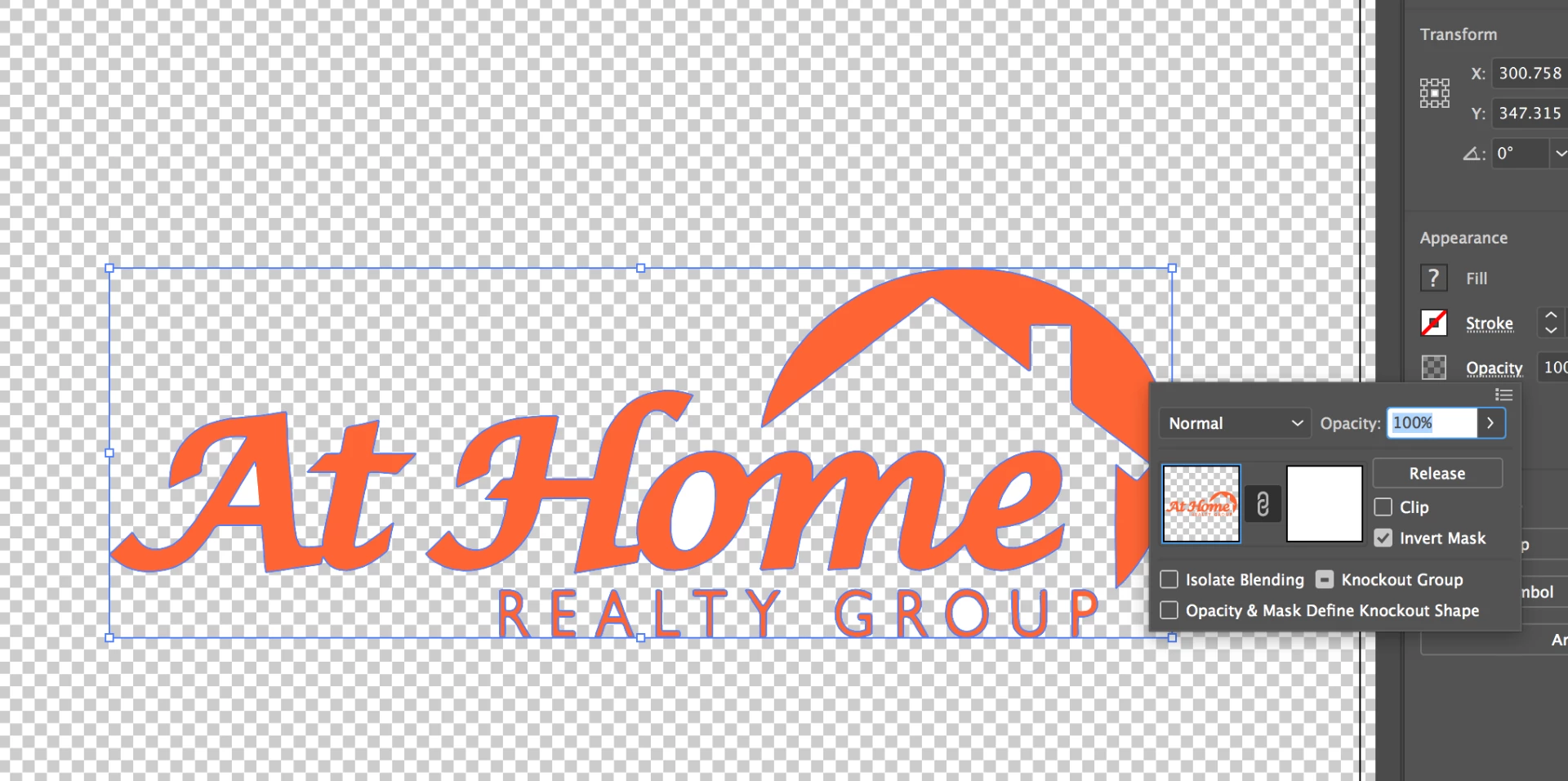
I am attempting to use the Opacity Mask to make my letters transparent.. but you will notice the "P" in "Group" is the only one that has become transparent.. why is this?

I want the spaces in all the other letters to be transparent.

Let me know what I am doing wrong..

Thanks!

- Joey

This topic has been closed for replies.

5 replies

jane-e
Community Expert
Community Expert
August 21, 2018

It looks like your question has been answered several ways, but it case this kind of thing interests you, the "hole" in the letters is called a counter.

Counter (typography) - Wikipedia

chanaart
Community Expert
Community Expert
August 21, 2018

If the type is outlines and already a compound you can delete the white rea by using the direct selection tool.

Chana

Eugenio.NYC
Participating Frequently
August 21, 2018

Hi there:

Also you can use the shape builder tool

Select the letters and just hold down the alt (option) key and click on the hole, or in a fancy way, the "counter",  (thanks  jane-e for the tip)

Best

E

Jacob Bugge
Community Expert
Community Expert
August 21, 2018

Joey,

You should be able to make it with an Opacity Mask and live editable Type so everything can be edited/remade easily, see the other thread,

Apply transparency to letters in Illustrator

Or you can outline the letters and select both those and the upper right surroundings of the partial house shape and Ctrl/Cmd+8 to make a Compound Path, then also select the background object and Pathfinder>Crop (or Ctrl/Cmd+7 to make a reversible Clipping Mask).

Monika Gause
Community Expert
Community Expert
August 21, 2018

You don't need an opacity mask.

Just make a compound path.