Participant
April 19, 2024
Question

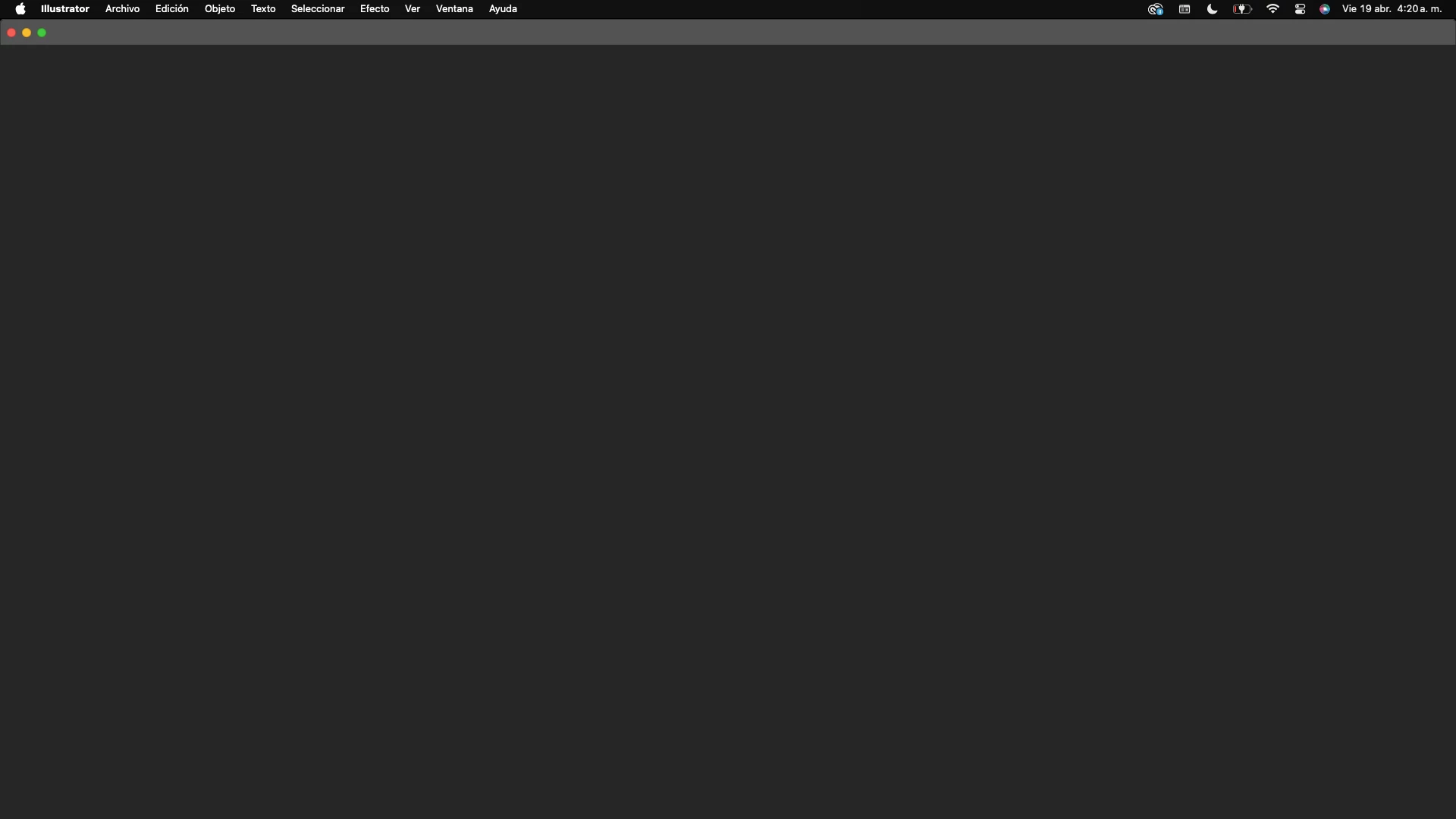
Illustrator no inicia en MacOS Sonoma

  • April 19, 2024
  • 2 replies
  • 859 views

He intentado iniciar en modo compatibilidad con roseta o de forma nativa, he realizado downgrade de versiones y no funciona. Alguien me pueda indicar una forma de solucionarlo! Gracias!

This topic has been closed for replies.

2 replies

Participant
April 27, 2024

estoy con el mismo problema!!!! Sonoma!!!!


Monika Gause
Community Expert
Community Expert
April 19, 2024
Anubhav M
Community Manager
Community Manager
April 19, 2024

Hello @Jessi36843457rfik,

Sorry to hear about your experience. Would you mind trying the following steps, as suggested by Monika, and checking if they help:
1) Close all Adobe applications
2) Navigate to the following folder location:
(Windows) C:\Program Files\Common Files\Adobe\UXP
(macOS) Macintosh HD/Library/Application Support/Adobe/UXP


3) Rename the UXP folder to ~UXP
4) Relaunch Illustrator.

Looking forward to hearing from you.


Thanks,

Anubhav

Participant
April 21, 2024

He realizado todos los pasos indicados y continuo con el mismo problema. 
Además, ingresé al link https://community.adobe.com/t5/illustrator-discussions/illustrator-is-stuck-on-this-black-screen/td-...  y he seguido todos los pasos propuestos en el y no he conseguido nada. El problema persiste. 

Tendrás alguna otra opción? 

Como antecedente mi equipo es: 
Macbook Air M1 2020 
S.O.: MacOS Sonoma 14.4.1