

質問
Illustrator shrinking file on export to PDF
Hello!
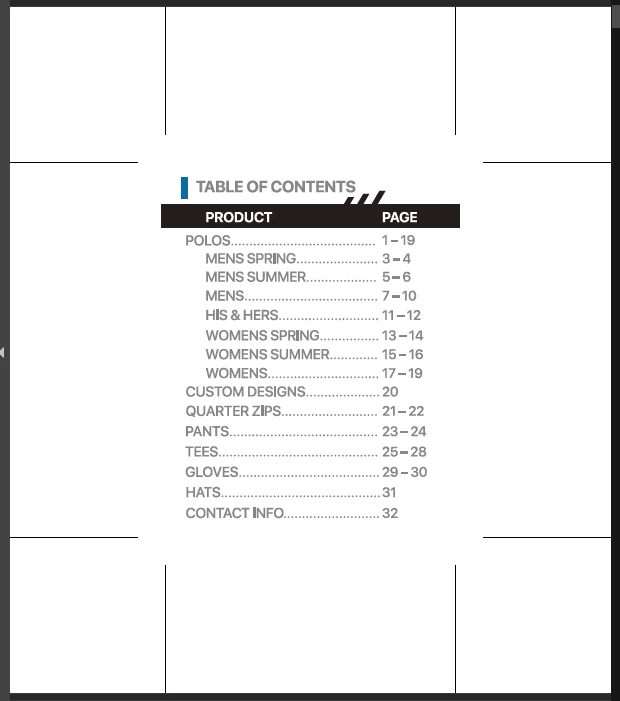
I could use some help with figuring out how to export to PDF properly in illustrator. I keep running into this issue with AI 2023 where our large format document, a catalog with multiple artboards and a .125" bleed, seems to shrink and become blurry when exported/saved as a PDF. The bleed also becomes huge! We have went through and checked the settings several times to make sure it wasnt an artboard issue, or a document set up issue, but to no avail. Not sure what is going on here, but its causing issues with our print service and won't even import into indesign properly. Any ideas? I'd hate to have to go and rebuild this again in another program.
Please see attached files for reference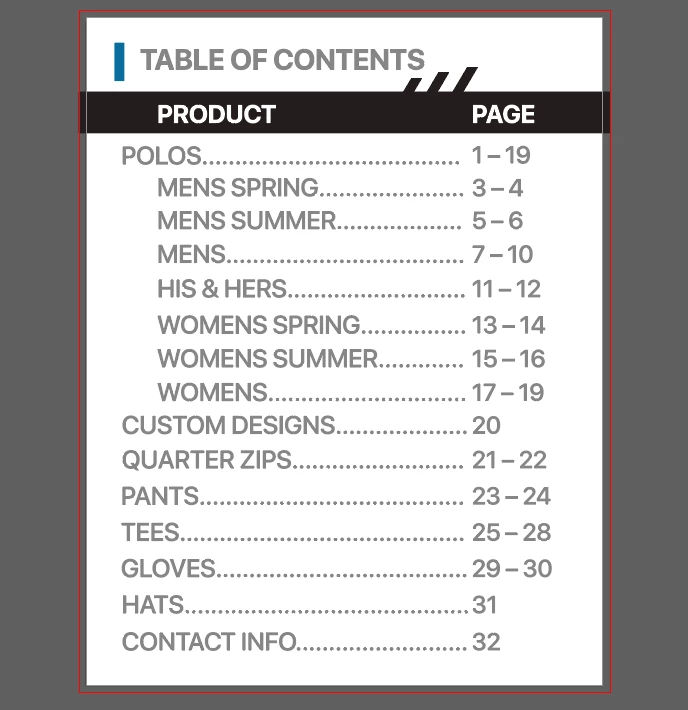
 AdChoices