
Participating Frequently
October 24, 2024
Question

Import Text Options Anomaly

  • October 24, 2024
  • 2 replies
  • 665 views

Hello all,

Yesterday I saved files, today I cant open. 


Long story short I was working with 3 separate projects. I was doing like 10 minutes overtime at the office. I pressed save on all of them, one after the other, after they saved (I was watching how the percentage goes to 100% in title of the window, and after the " * " sign dissapears at the end, thus confirming it saved).

Now I saw this happening to all 3 of them.


Today I start up my computer and it does a forced system update. (windows) It has been asking me for a while nowm but ive been postponing.


After the update, 2 files are not opening, window comes up:  "text import options" if I press okay, i get an empty artboard.

"prezentare_vis_id.ai" and "design perete.ai" are the ones not working. They are 14MB and 18MB size.

1 file opens up normally, no problem. Its the "Prezentare Personaje Grafica - Gradinita Baciu"
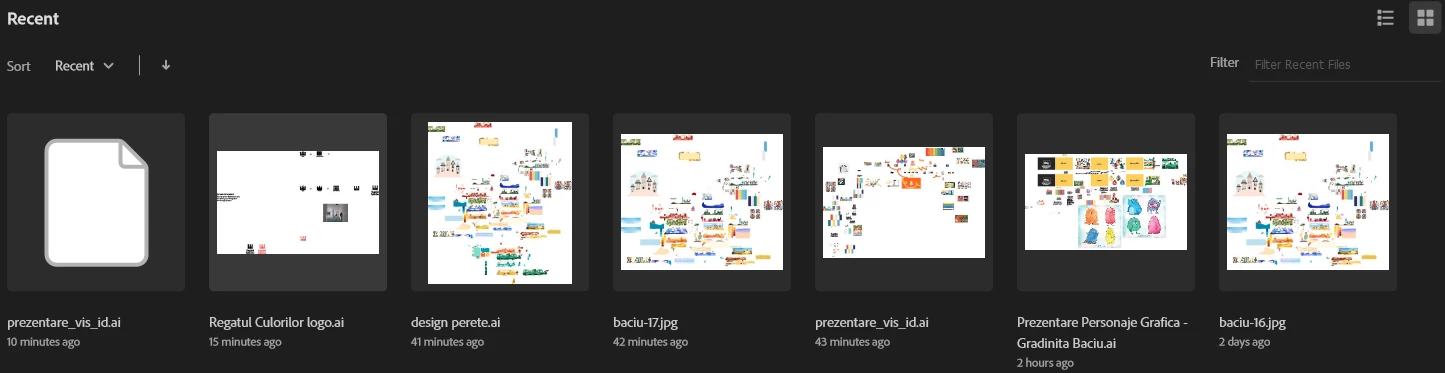
File previews in Illustrator are showing me that the files look normal.


Here are the not working Ai. files.

https://we.tl/t-g8kWTnvreH

This topic has been closed for replies.

2 replies

Participating Frequently
October 25, 2024

@Anubhav M  

Hello!

Is it possible to check the files pretty please? Would mean the world to me.

Anubhav M
Community Manager
Community Manager
October 29, 2024

Hello @Incredible_Gem6900,

I am sorry for the delayed response. It seems the transfer link has expired. Would you mind resharing the file, so I can check it on my end? Although I cannot guarantee a successful recovery, I will try my best to do so.

Looking forward to hearing from you.


Anubhav

Participating Frequently
October 30, 2024

Hello @Anubhav M 

Here is the new link with the files: https://we.tl/t-fGUmLsJvvC

Thank you for your effort.

Monika Gause
Community Expert
Community Expert
October 24, 2024

Maybe @Anubhav M can help you with your files. There is little hope though.


Is the option "Save in background" turned on in the preferences? If so, turn it off.

Do you save on a server? Better not to do that.


Also: it's always good to have multiple copies of a file.

Participating Frequently
October 24, 2024

Yes its turned on. I will turn it off now. 

These were saved on the computers internal HDD.


Monika Gause
Community Expert
Community Expert
October 24, 2024

Do you perhaps have a backup tool running on your computer such as Apple's Time Machine?

In that case you could try and retrieve a backupped version of the files.