Participant
November 2, 2022
Question

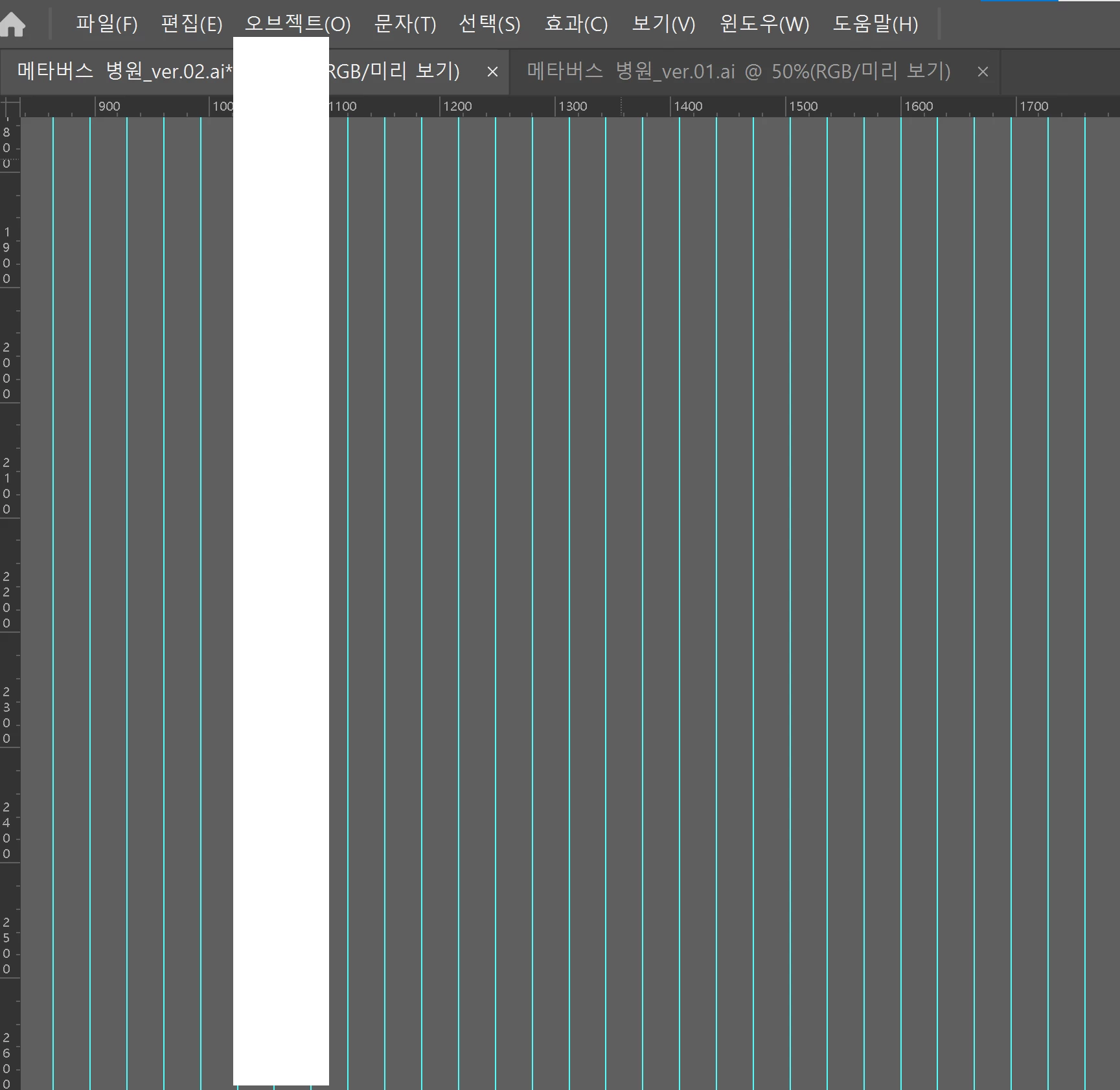
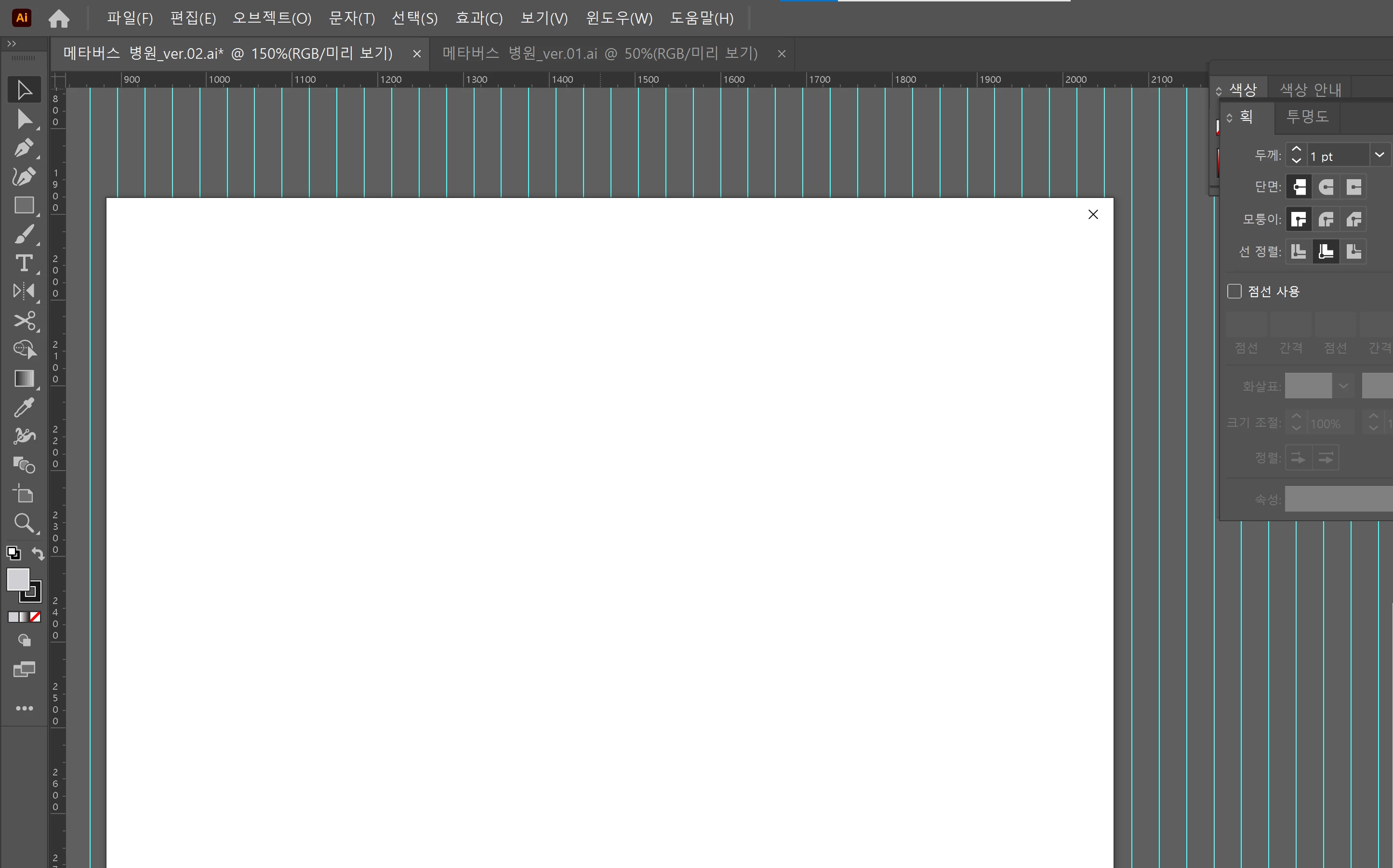
It was not saved and the setting window etc. turned white.

  • November 2, 2022
  • 2 replies
  • 114 views

Sentences can be awkward using a translator.
This is an error that has been occurring continuously since several weeks.
The settings menu, save, everything just pops up as a white window and is not selected.


This topic has been closed for replies.

2 replies

Community Manager
November 2, 2022

Hello @혜원25125109f8pa,


Sorry to hear about this experience. I hope the suggestions shared by Mylenium to update the GPU drivers (https://helpx.adobe.com/x-productkb/multi/update-graphics-driver.html) or switch to CPU Preview (Ctrl+E for Windows/ Cmd+E for mac) helped resolve the problem. If not, kindly try restarting your computer in Safe Mode (https://support.microsoft.com/en-us/windows/start-your-pc-in-safe-mode-in-windows-92c27cff-db89-8644-1ce4-b3e5e56fe234) and then launching Illustrator to check if it helps.


If the issue persists, kindly share some more information, like the exact version of the OS and Illustrator installed on your system, the system configuration (CPU/GPU/Memory), and a screen recording of the problem (https://community.adobe.com/t5/illustrator-discussions/screen-record-an-issue-on-windows-amp-macos-for-sharing/td-p/12967727), so we can investigate this further.


Looking forward to your response.


Thanks,

Anubhav

Mylenium
Legend
November 2, 2022

The standard answer would have to be to update your graphics driver and check the relevant preferences for hardware acceleration and/ or revert to software-only previews. Likewise, check your scratch file settings and permissions for temp folders to avoid lock-ups when they're full or doing an auto-save.


Mylenium