Inspiring
December 22, 2016
Answered

new pattern settings

  • December 22, 2016
  • 2 replies
  • 1823 views

I am finishing up a pattern, using a tutorial that can be found here. https://design.tutsplus.com/tutorials/create-a-cute-winter-seamless-pattern-in-adobe-illustrator--vector-19474

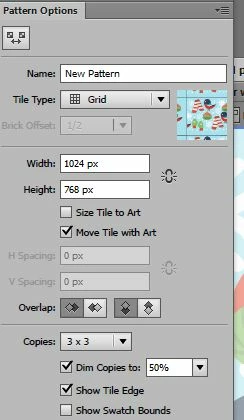
I am about to save but I want to be sure and chose the right settings.  Attached is a screenshot of the settings box.  Can you tell me what some of these settings mean and how they will affect my pattern?  I have already chosen 1024 X 768 as my size.
    This topic has been closed for replies.
    Correct answer jane-e

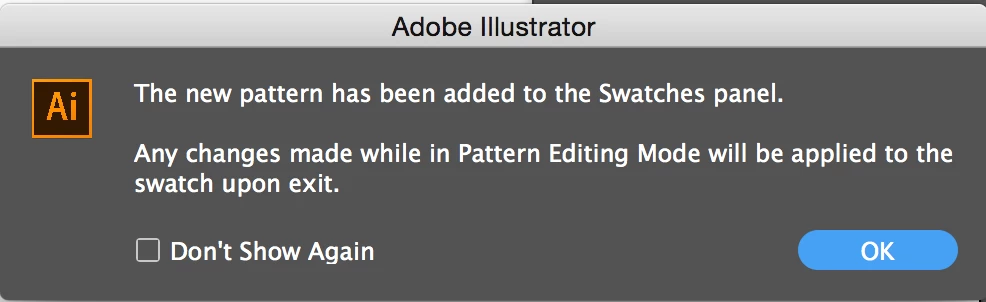
    It wasn't in the pattern swatch list, but it was saved in the file folder. But the trouble was, it saved a copy without all the tiny images I had painstakingly put on it.  So I have to start over anyway and try to get those images to stay on.  I found some good videos for this so I'm going to get this right!

    Thanks


    You can draw everything on your artboard, then select it and either:

    1. Drag the artwork into Swatches (the old way)

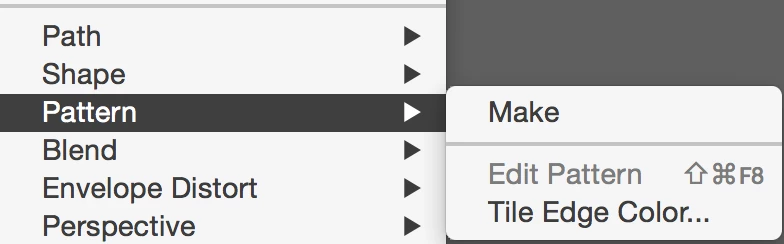
    2. Object > Pattern > Make

    You can add other things later when you are in pattern edit mode.

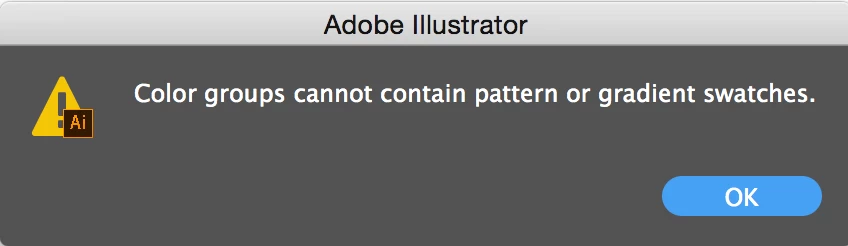
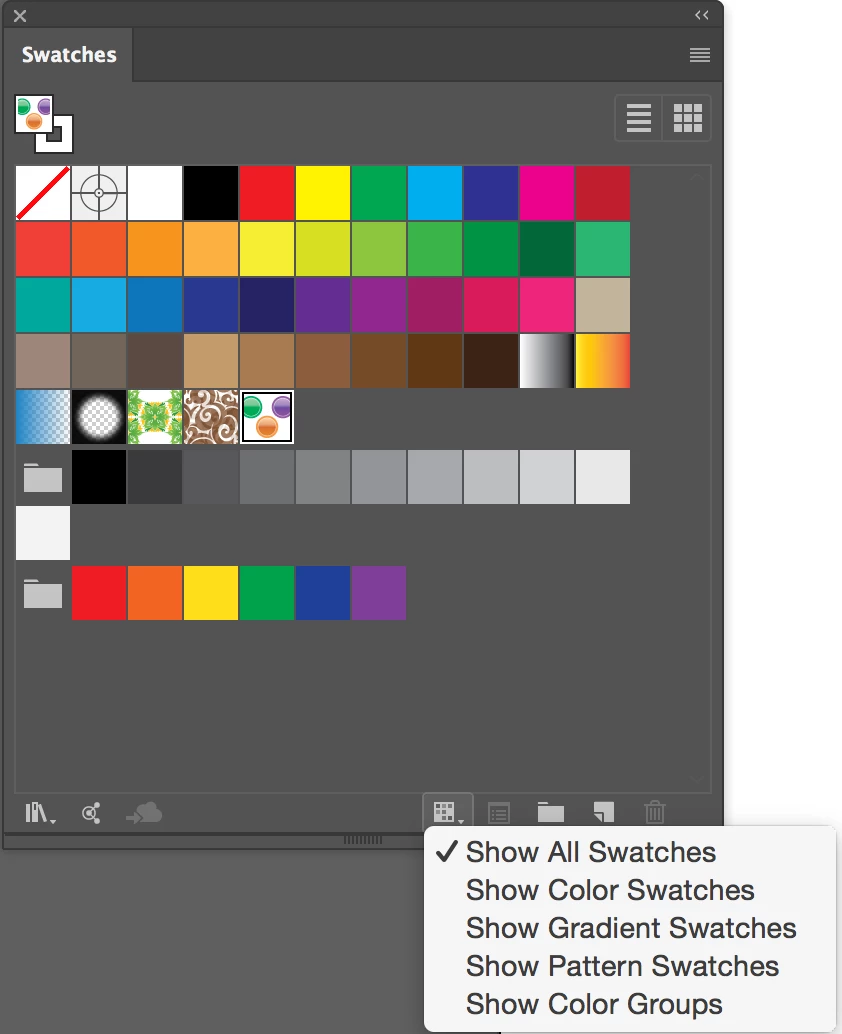
    Either way you create it, it instantly goes into Swatches and cannot go into a folder (color group) if it is a Pattern Swatch. This document has three Pattern swatches.

    2 replies

    jane-e
    Community Expert
    Community Expert
    December 23, 2016

    Give the pattern a name and click Done at the top left.

    Test the pattern by applying it to a shape. If you need to tweak it, double-click it and come back and play with the settings.

    jane-e
    Community Expert
    Community Expert
    December 23, 2016

    coldwetnozz,​
    Is this working for you now?

    Monika Gause
    Community Expert
    Community Expert
    December 22, 2016

    Please read the documentation:

    How to create and edit patterns in Illustrator

    pslane1Author
    Inspiring
    December 23, 2016

    What about the settings "Dim copies" and "Show tile edges".  I 'm concerned about those 2.

    Thanks

    jane-e
    Community Expert
    Community Expert
    December 23, 2016

    Neither will have an effect on the final pattern. They are both for helping you as you work.

    • Dim copies is for during the pattern editing and you can dim the copies to see what your pattern will look like and can differentiate between the results and the real pieces.

    • The tile is what holds your pieces during the creation. You can hide the edges to get a preview of the final pattern, and turn it on while working.