
Known Participant
November 18, 2020
Question

No Option to Change Path Colour

  • November 18, 2020
  • 3 replies
  • 595 views

Hi,

Im interesrted to learn how to change the path colour. All of the tutorials say to double click a layer or select the layer and click the layer option menu. 


This isn't working??

I don't have a detailed option menu open when I do either. Just the option to change the name of the layer.


Any advice?


Thank you
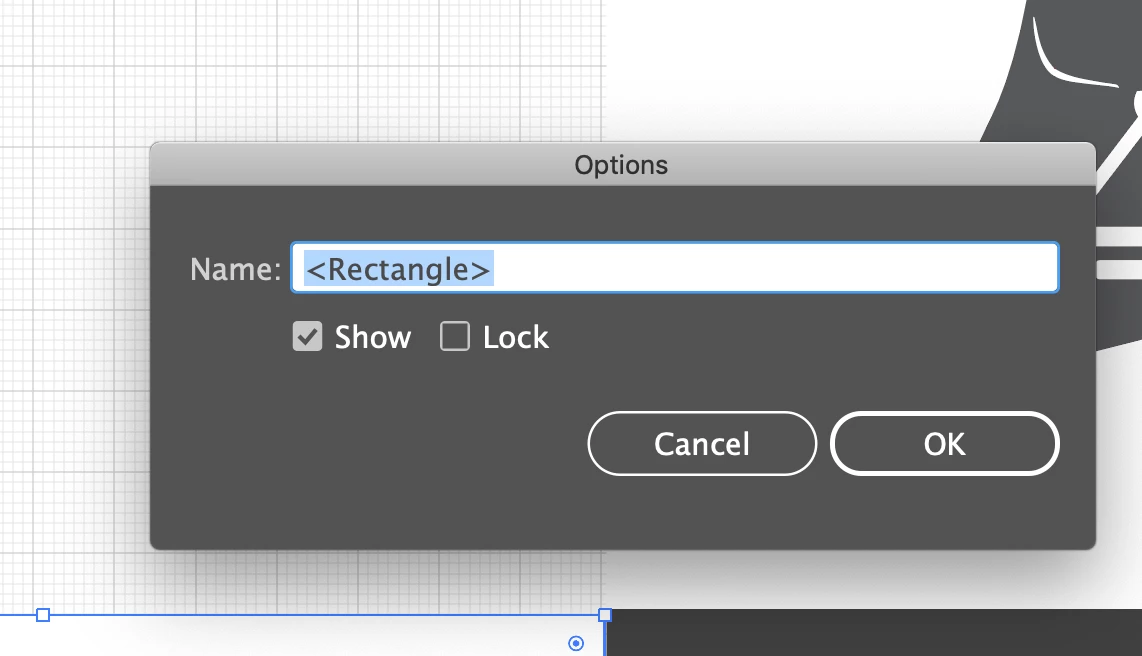


[ attachment inserted as inline image by moderator ]

This topic has been closed for replies.

3 replies

Ashutosh_Mishra
Inspiring
November 28, 2020

Hi there,


Thanks for reaching out. In addition to helpful responses given earlier, I'd request checking out this community discussion as well on similar topic. Hope it helps.


Regards,

Ashutosh

Luke Jennings3
Community Expert
Community Expert
November 20, 2020

To change the color of the paths, go to Window> Layers, double click on a layer to show the layer options (not on the name, unless you intend to re-name it), click on the color name to select an existing color, or click on the little swatch to create your own color. The layer panel shows you a little sliver of color, identifying the path color. Note, an object will remain invisible until you apply a stroke or fill to it.

Monika Gause
Community Expert
Community Expert
November 20, 2020

You can only change that for the complete layer. But it just sets the hightlighting color which has no effect on how the lines will be printed or exported.

Maybe what you want to do is color the strokes?