Inspiring
October 13, 2022
Question

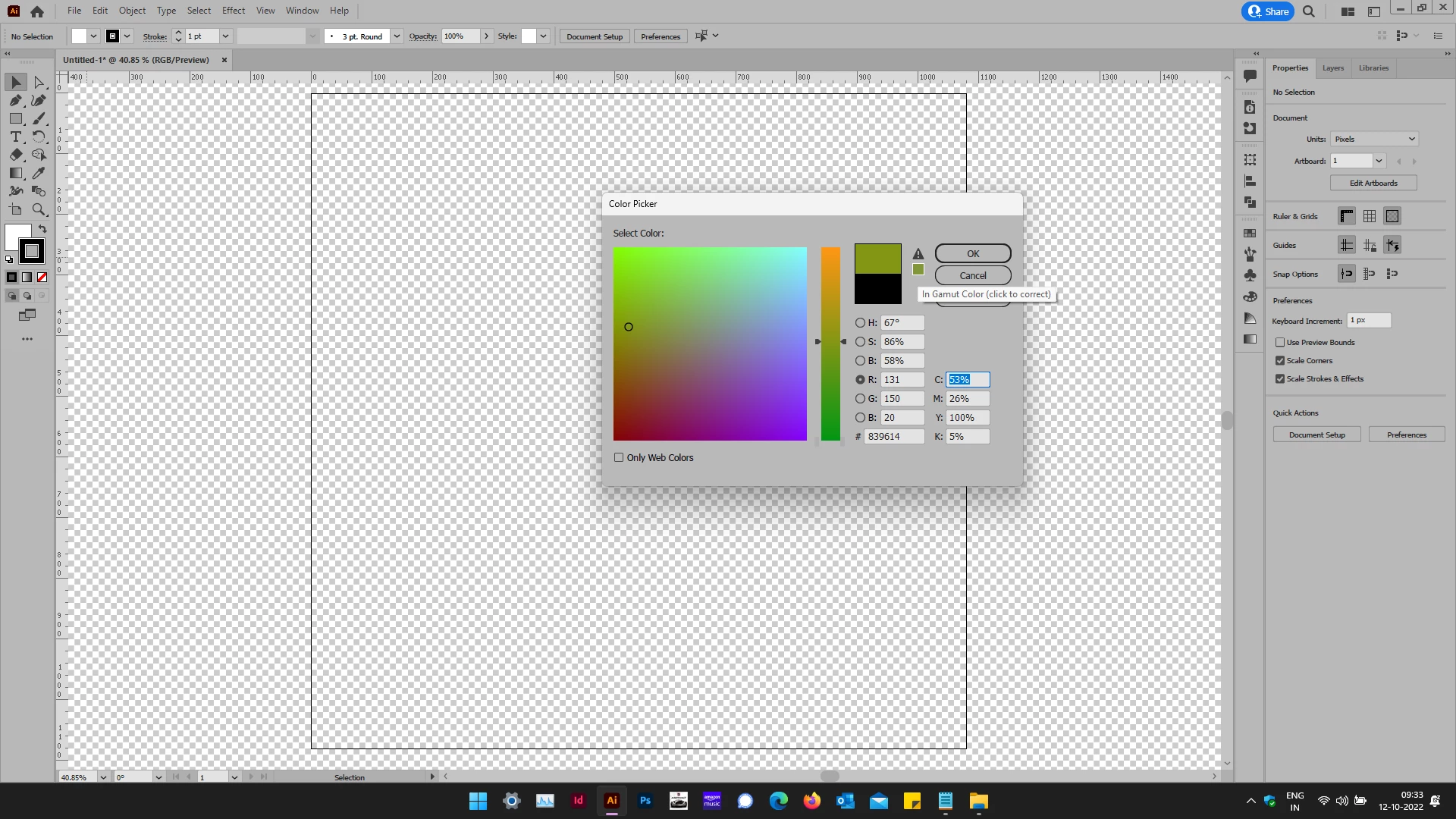
Out of gamut color error

  • October 13, 2022
  • 2 replies
  • 297 views

I keep getting "out of gamut color error"

The colour setting is for RGB.

I can change it once but if I open the colour box again it will show the same message again. If I click correct colour it just becomes black..


Had posted it here first but looks like my is different.
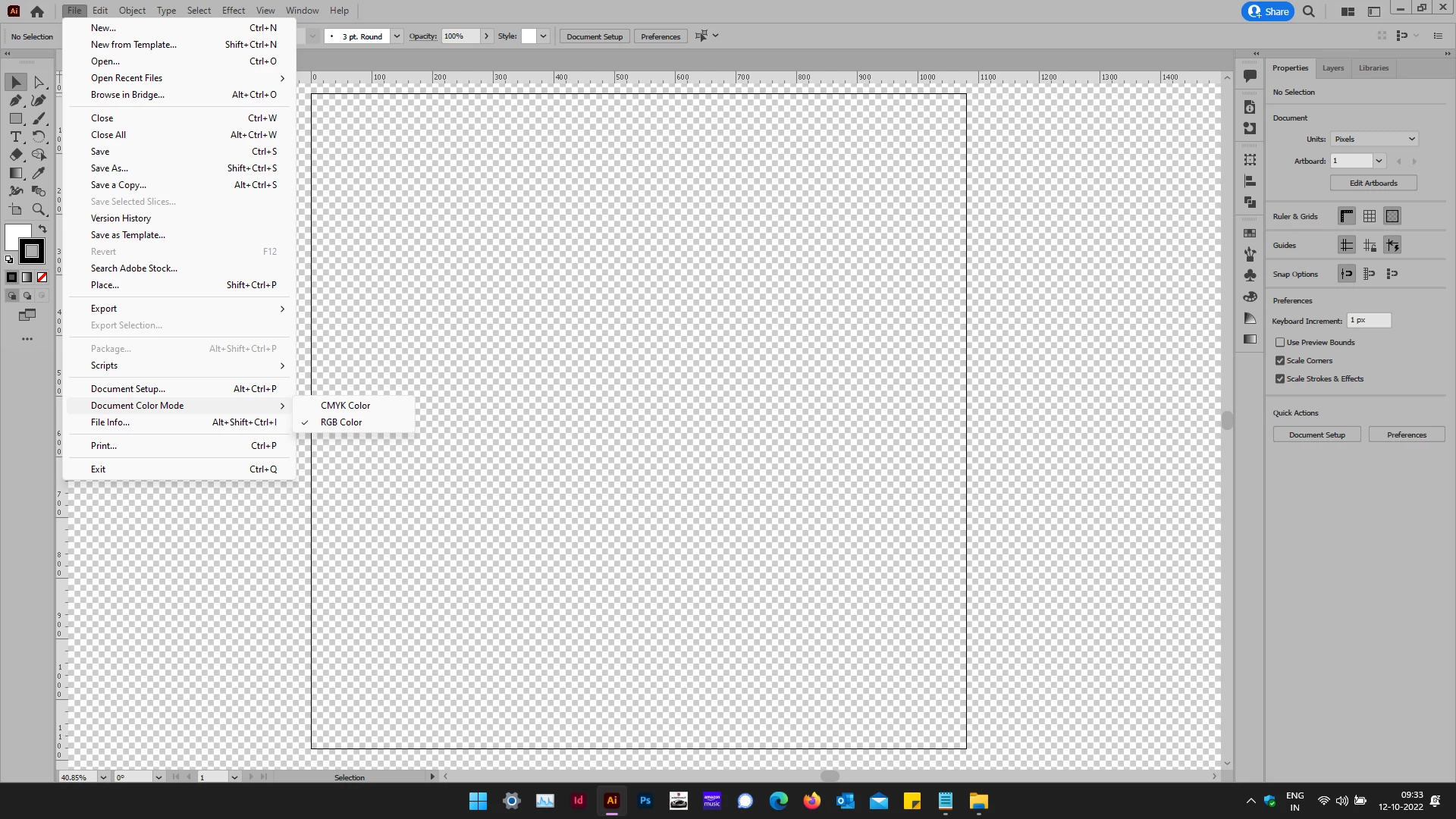
https://community.adobe.com/t5/illustrator-discussions/not-able-to-chose-out-of-gamut-color/m-p/13261634/page/2#M339001


This topic has been closed for replies.

2 replies

Ton Frederiks
Community Expert
Community Expert
October 13, 2022

The out of gamut warning tells you that the color cannot be printed (according to your CMYK profile setting).

No need to worry about it in RGB, unless you work in RGB but are preparing documents for print.

Inspiring
October 13, 2022

It is a logo colour.

So will be used for print & digital mediums.


Vijay.

Ton Frederiks
Community Expert
Community Expert
October 13, 2022

In that case I would choose a color that is in gamut for print to make sure that the color is the same on screen as well as in print.

Mylenium
Legend
October 13, 2022

What are your actual color management settings?


Mylenium

Inspiring
October 13, 2022

Do you mean this?