Davidtextil
Participating Frequently
January 18, 2017
Answered

Pathfinder divide problem

  • January 18, 2017
  • 2 replies
  • 4439 views

I have problems with Pathfinder.

I use Illustrator CC 2017 0.2 for Mac (Swedish version) (MacOS Sierra 10.12.2)

When I divide an item there will be lot of lines and other stuff (02). When I look in preview mode, it looks OK out (06).

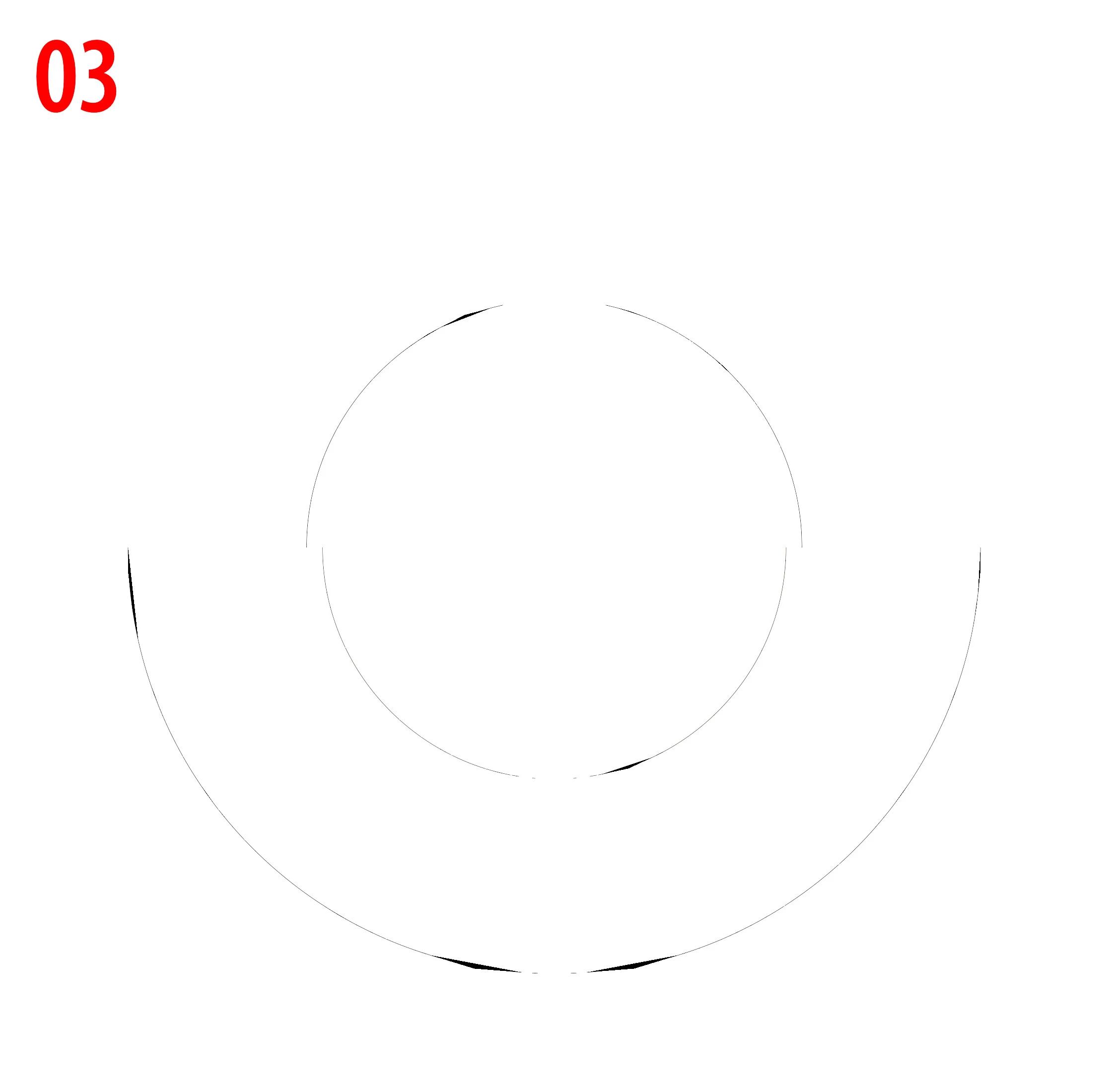
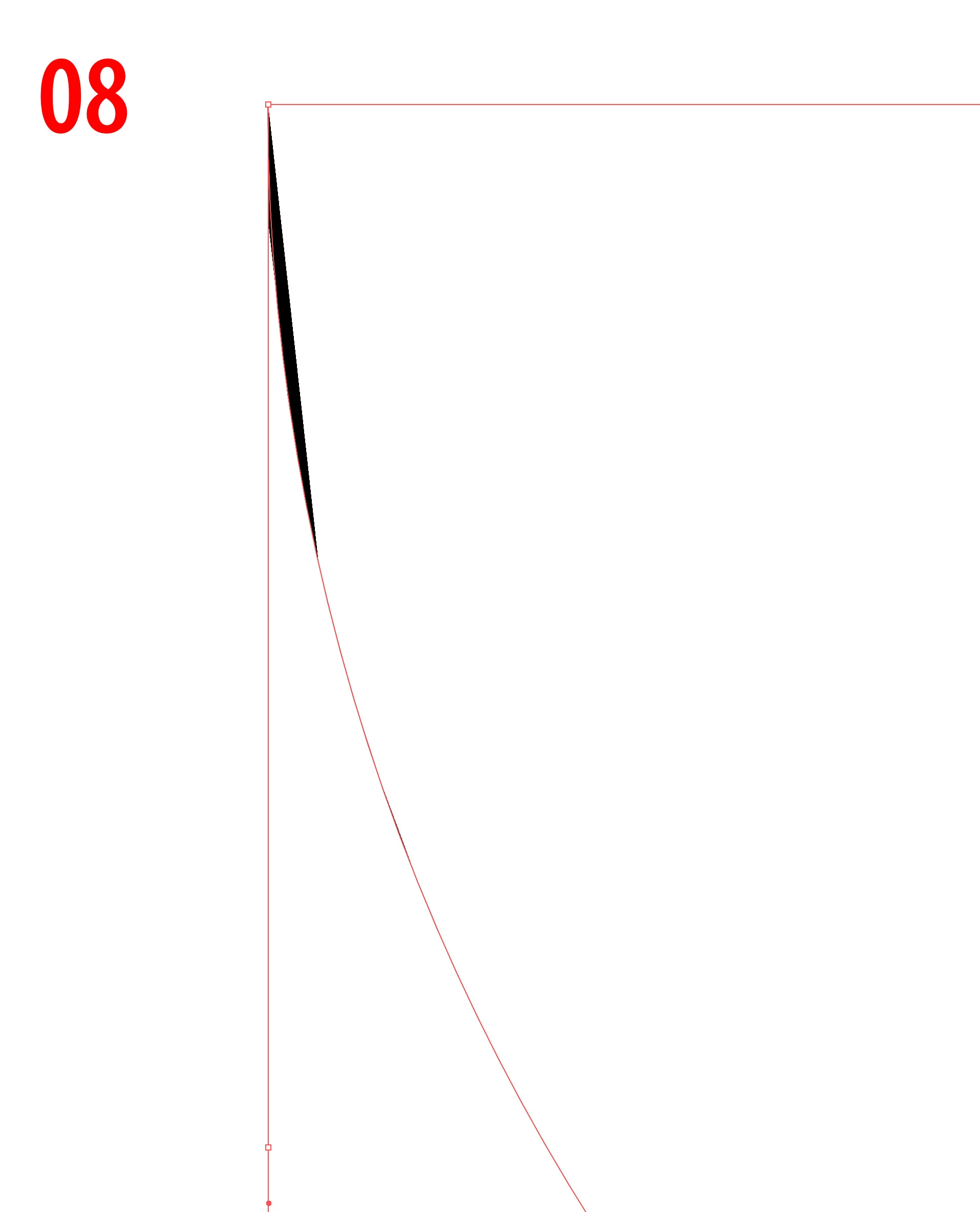
But in normal mode, it's wrong. The objects that´s been added are (some kind of) lines (03+08).

Problem number 2: the objects that is below the text does not disappear as it should, but remains (04) So there is double objects (one black and one blue). Pathfinder has divided the item but not deleted it (as it has always done in the past).

I have worked a long time with Illustrator and have always used the Pathfinder without problems. But now something has happened and I can not find fault. I have unchecked "Snap to Grid". I have also tried to change the Pathfinder setting "Precision" to 0.001 pt. It got a little better but not enough.

(I refer to the images below in the text with parentheses)

Original image(01)

Any ideas?

(Pardon my English ...)

This topic has been closed for replies.
Correct answer Monika Gause

Dropbox - hds.ai

See if this works...


The black fill is set to overprint in the Attribute panel. You want to uncheck this.

2 replies

S_Gans
Community Expert
Community Expert
January 18, 2017

I'd also like to see that screenshot. But oddly, to me it looks like either of 2 things are happening:
Please check the layers for the affected objects. To me, it almost looks like you have some kind of compound path being made, where they aren't lining up perfectly with each other - and so it looks like we're seeing a partial fill on the back-most shape.

OR, please check the profile for the path, itself. Particularly for the shapes in #3, it looks like some kind of stroke profile is being applied.

Of course, these are just preliminary guesses from what we're seeing here, so fuller screenshots may help a lot.

Adobe Community Expert / Adobe Certified Instructor
Davidtextil
Participating Frequently
January 19, 2017

OK. Here´s some screenshots.

1. This is whats happens when I click "divide" and move the black letter "A". There is another letter "A" behind (blue)

2. When I move the blue letter "A" theres nothing under

3. This is the way I want it from the start (nothing under the black letter)

It has always worked before...

Monika Gause
Community Expert
Community Expert
January 18, 2017

Does this get better with View > Preview on CPU?

Davidtextil
Participating Frequently
January 18, 2017

Well, a little bit better. There´s still some lines but not like before.