


prema56615405
Inspiring
August 13, 2020
해결됨

Separation Issue

  • August 13, 2020
  • 2 답변들
  • 720 조회

Dear All,

Good day. Hope you are doing good. I have a below issue in Illustrator. Please help me to solve it.


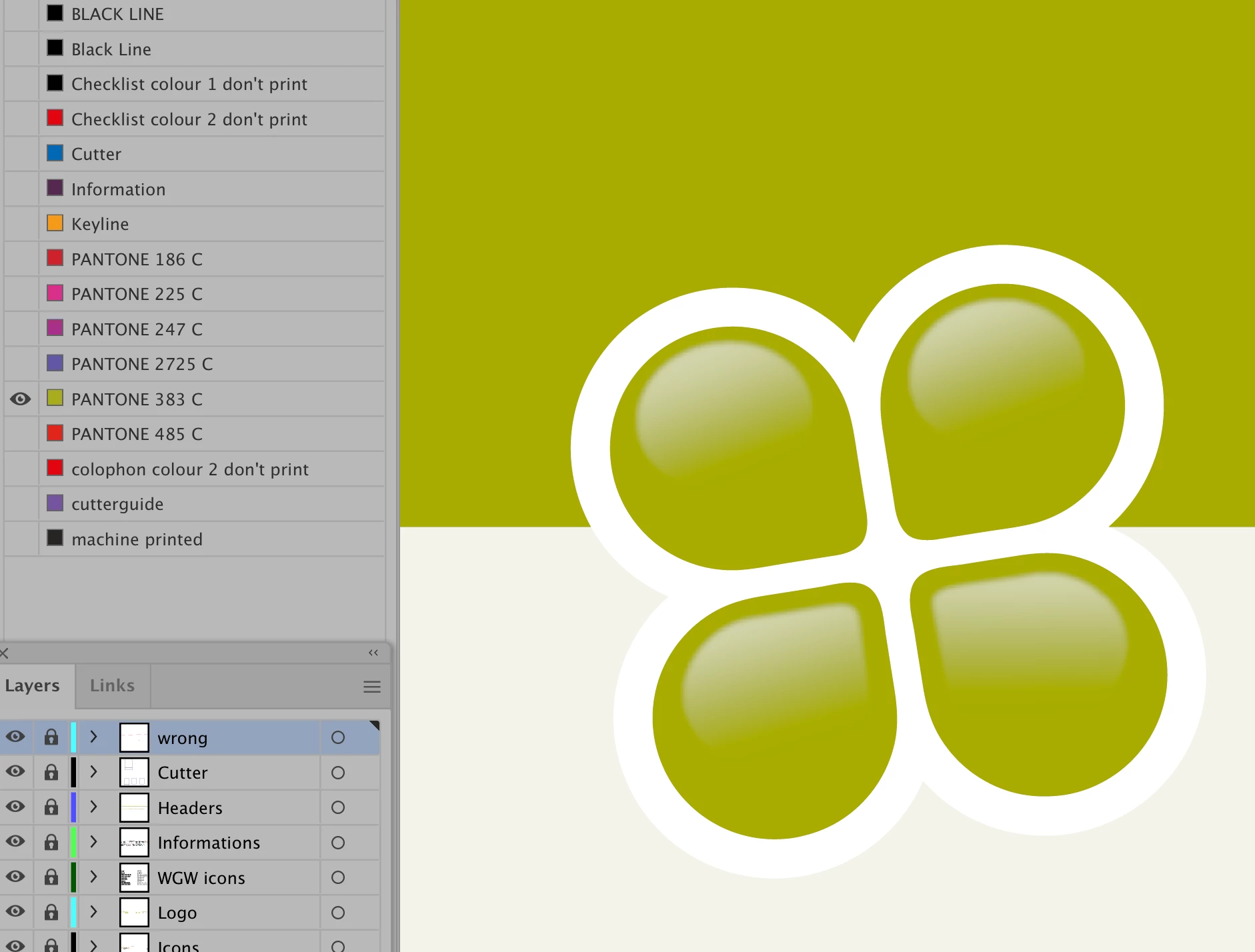
One of our guideline document was created in previous version (24.1.3) of Illustrator 2020. The logo element is fully (color and gradient) applied with PMS 383 C (see snap shot "PMS 383 C).
 

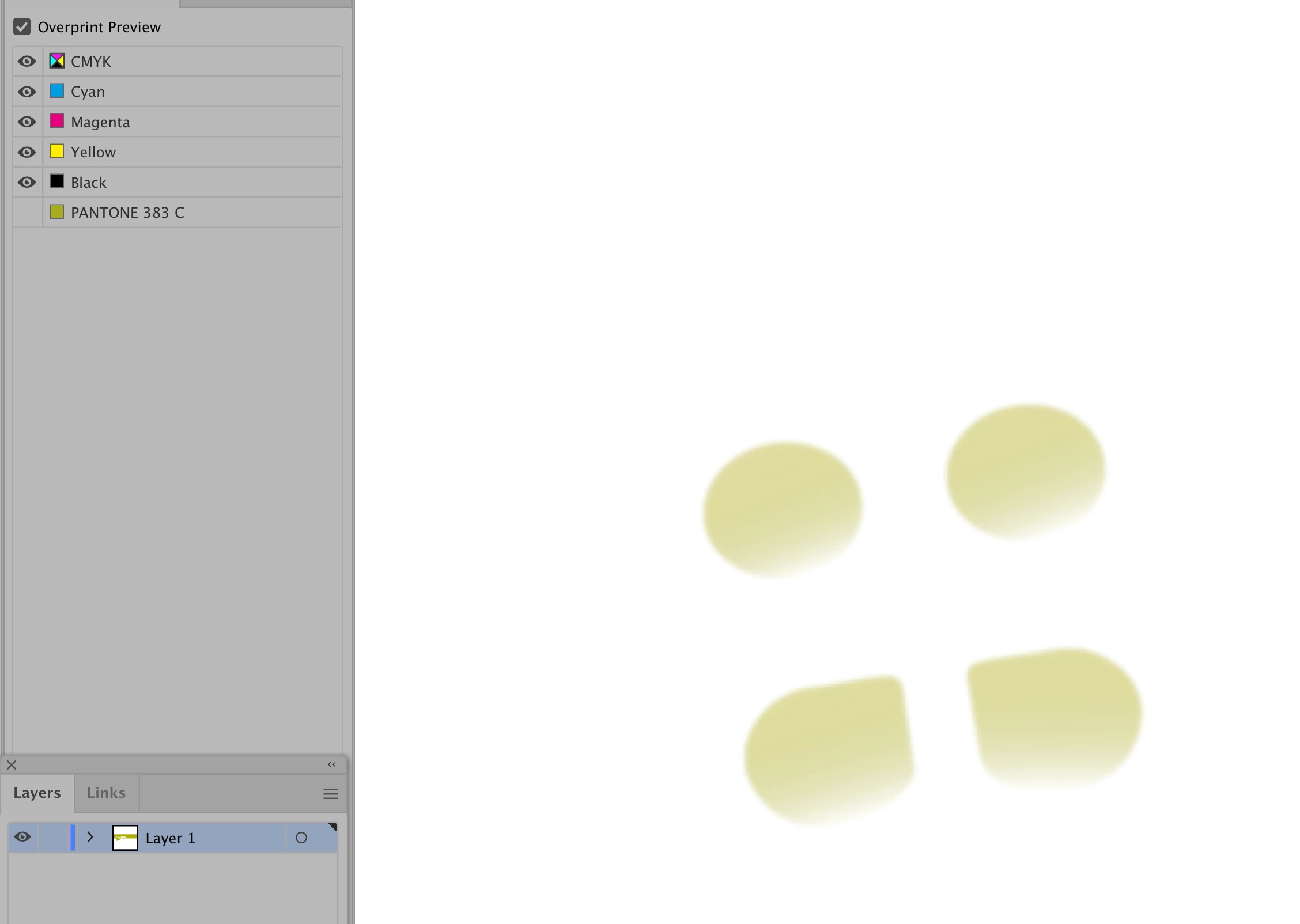
While I copy paste into the new document of Illustraor newer version (24.2.3), the Graident color automatically converted into CMYK percentage (see snap shot "CMYK").
 

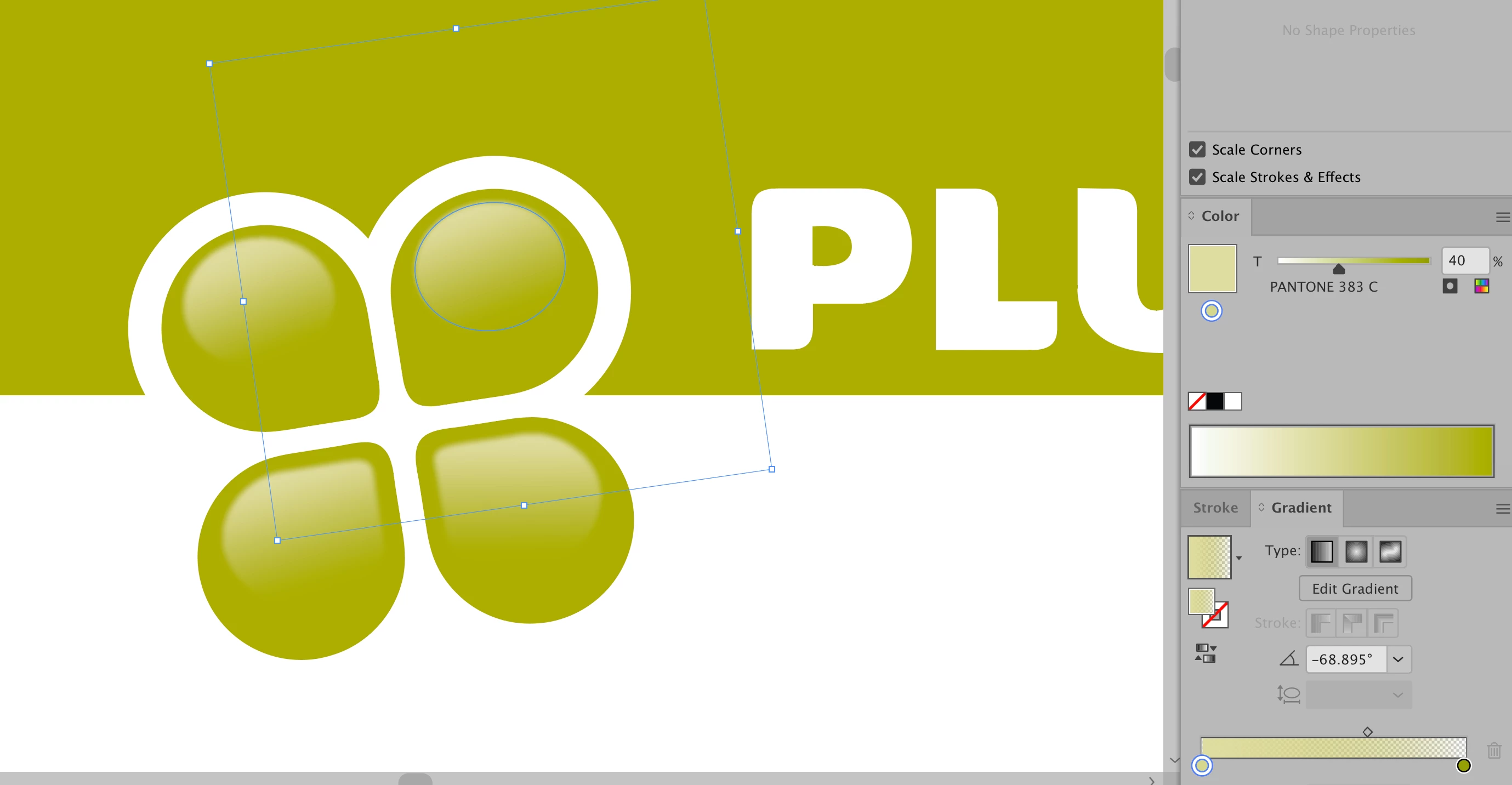
At the same time, I have checked the Gradient Slider - it shows as PMS 383 C (see snap shot "Gradient Slider).
 

Please help us to resolve.

이 주제는 답변이 닫혔습니다.
최고의 답변: Ton Frederiks

Did you use a blur on the spot color? 

Then open the file in an older version, there is currently a bug that converts blurred spot color objects to CMYK.

2 답변

Ton Frederiks
Community Expert
Community Expert
August 13, 2020

Did you use a blur on the spot color? 

Then open the file in an older version, there is currently a bug that converts blurred spot color objects to CMYK.

prema56615405
prema56615405작성자
Inspiring
August 14, 2020

Hi Ton, Thanks for your reply. 

Yes we have used the Blur on the spot color. I will open that in older version.

Ton Frederiks
Community Expert
Community Expert
August 14, 2020
Monika Gause
Community Expert
Community Expert
August 13, 2020

Can you please embed the screenshots into your post and put them into your text at the corresponding places. THank you.