
ofcl_rk
Participant
September 6, 2022
Answered

Some menus aren't working in Illustrator 2022.

  • September 6, 2022
  • 2 replies
  • 458 views

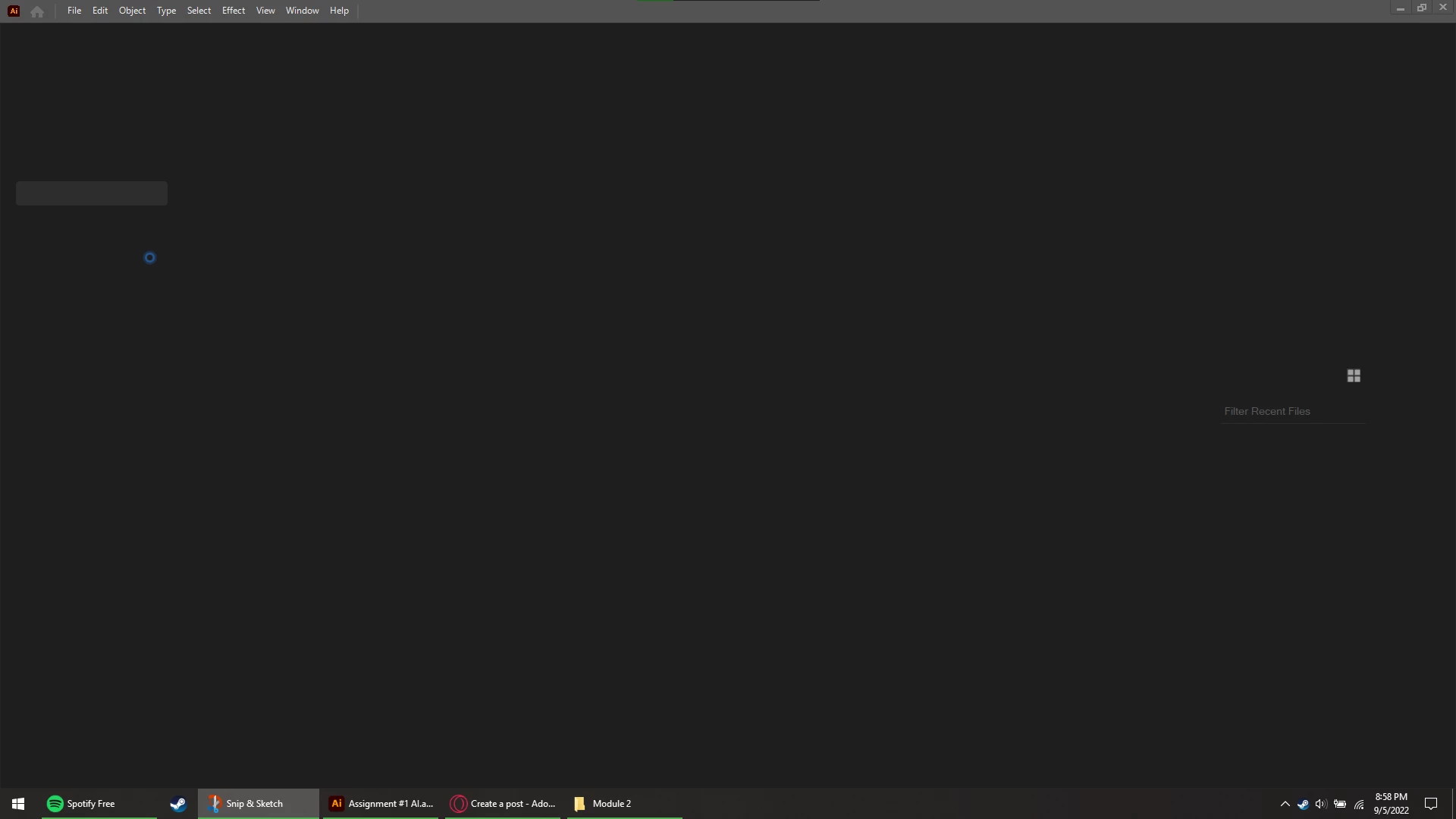
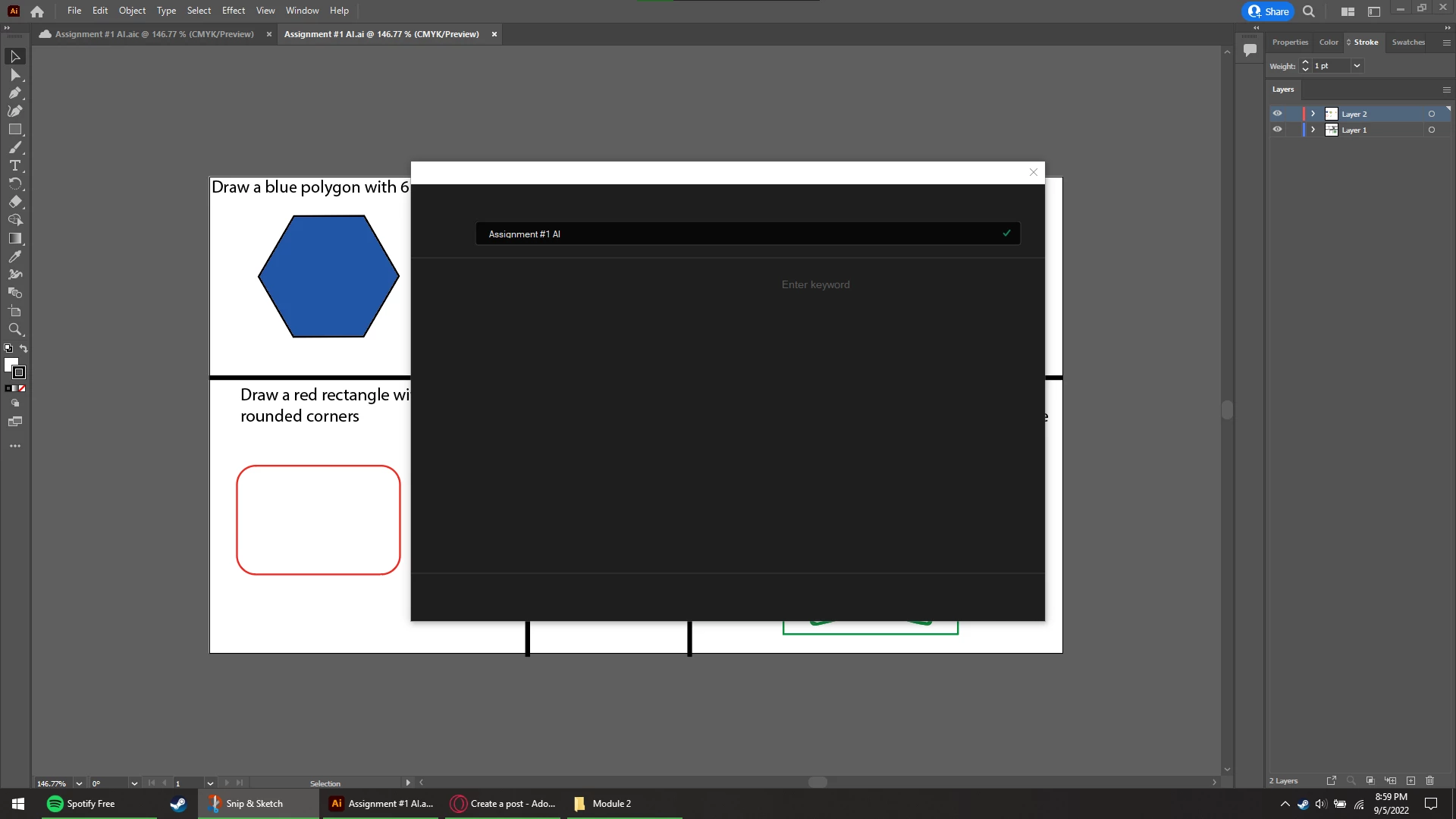
I just downloaded Illustrator 2022, and some menus aren't working. For example, when I load onto the home page (snip 1) I can't see anything, but the bar on the top with all the file, edit, object, etc menus. Also, when I hover on some tool it just shows an image, but no description or title. I was able to open a file and start working, but when I went to save it, the menu wouln't popup, and just be blank, so now everytime I go to save my files, they are automaitcally set to save to cloud, rather than local storage (snip 2). Since I can't see anything, I don't know what I am clicking. Please help, I need to finish my assignments soon, as I am currently a student.
This topic has been closed for replies.
Correct answer Anubhav M

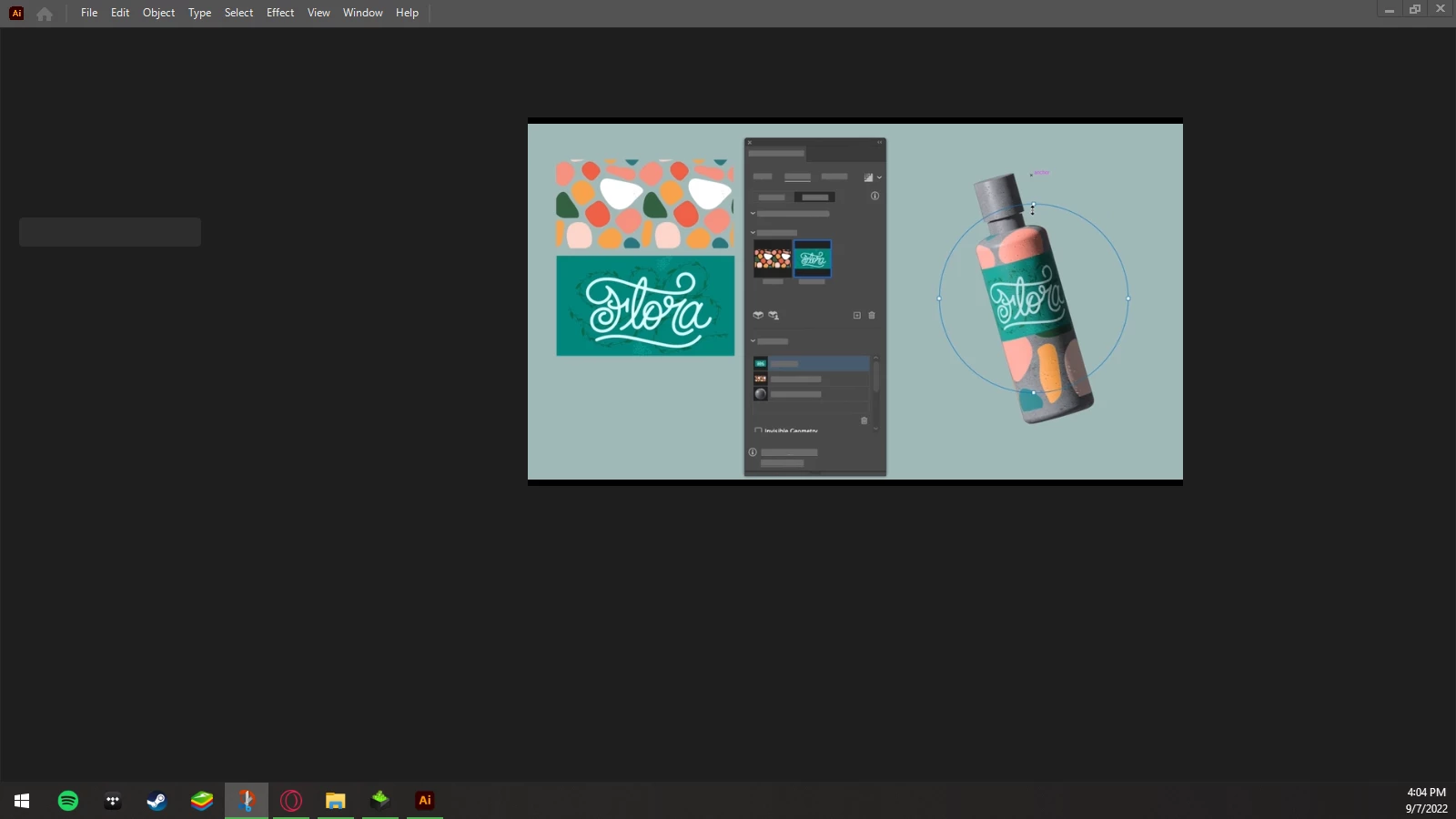
Sorry about that, I misunderstood, I went back and renamed the UXP folder to UXP.old, but the issue persists. All that loads is the top bar and a tutorial video.


Hello officialro127,


Thanks for confirming that. Kindly try updating the GPU drivers by following the steps shared in this help article (https://helpx.adobe.com/x-productkb/multi/update-graphics-driver.html) and check if it helps.


Also, try running Illustrator under a different administrator account and share your observations.


Looking forward to your response.


Regards


2 replies

ofcl_rk
ofcl_rkAuthor
Participant
September 6, 2022

Unfortunately it didn't work. I downloaded the installer and it gave me more than 12-15 options to download, and since I didn't know which one, I downloaded them all. In addition to illustrator, this same issue is with other adobe programs like indesign, premier pro, and lightroom.

Anubhav M
Community Manager
Community Manager
September 7, 2022

Hello officialro127,


Sorry to hear about this experience. I would request you try the following steps and check if it helps:

• Close all Adobe applications
• Rename the UXP folder to UXP.old from the following location:
   C:\Program Files\Common Files\Adobe\UXP

• Relaunch Illustrator

Looking forward to your response.


Thanks,

Anubhav

ofcl_rk
ofcl_rkAuthor
Participant
September 7, 2022

Hi Anubhav,

Thank you for the response, I went to the location specified and this is the folder I found, should I rename this folder or some other one?

-- Thanks,

Ro


Monika Gause
Community Expert
Community Expert
September 6, 2022