


解決済み
Symbol at the end of every pasted text in Illustrator
Can enyone hel to get rid of this symbol at end of the text?
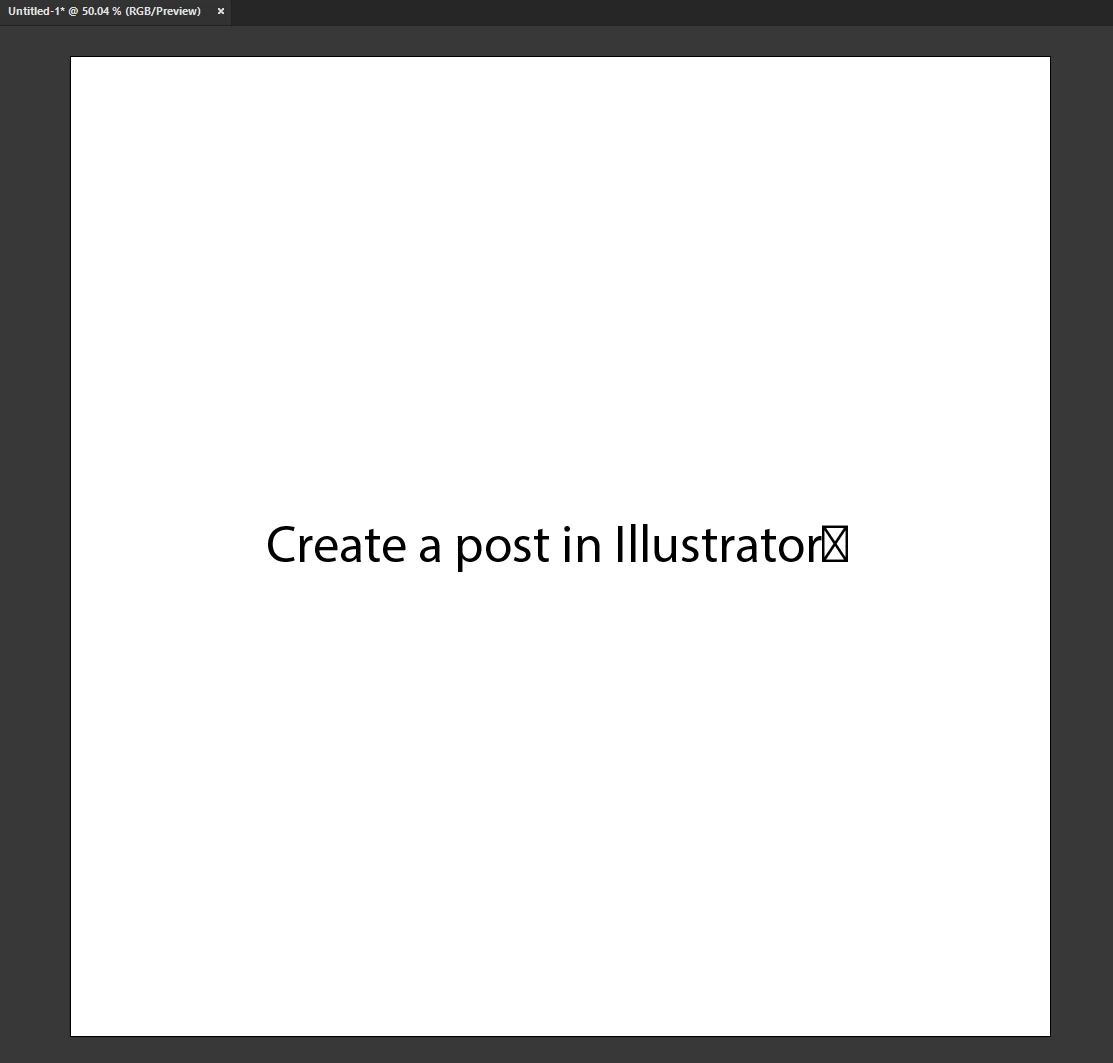
Can enyone hel to get rid of this symbol at end of the text?
Non of these..
This issue happen even on fresh instalation of Windows, with only Adobe package.. and no extra fonts.
If you look on my answer to @Ares Hovhannesyan , you will see that I copied text on this platform with Adobe font, paste it into Illustrator.. same thing.
If you understand me eralier, I work like this more than a year or two..
But this is like, you buy new car with some defect, door handle.. and while time passing you get use to it.. :)))
Hello @10580013.Dsgn,
Thanks for reaching out. Would you mind trying to create a Text Box and then pasting the text into it to check if Illustrator continues behaving this way?
Looking forward to hearing from you.
Thanks,
Anubhav
Enter your E-mail address. We'll send you an e-mail with instructions to reset your password.
 AdChoices