Participant
February 9, 2021
Answered

Unsupported video driver error

  • February 9, 2021
  • 33 replies
  • 139446 views

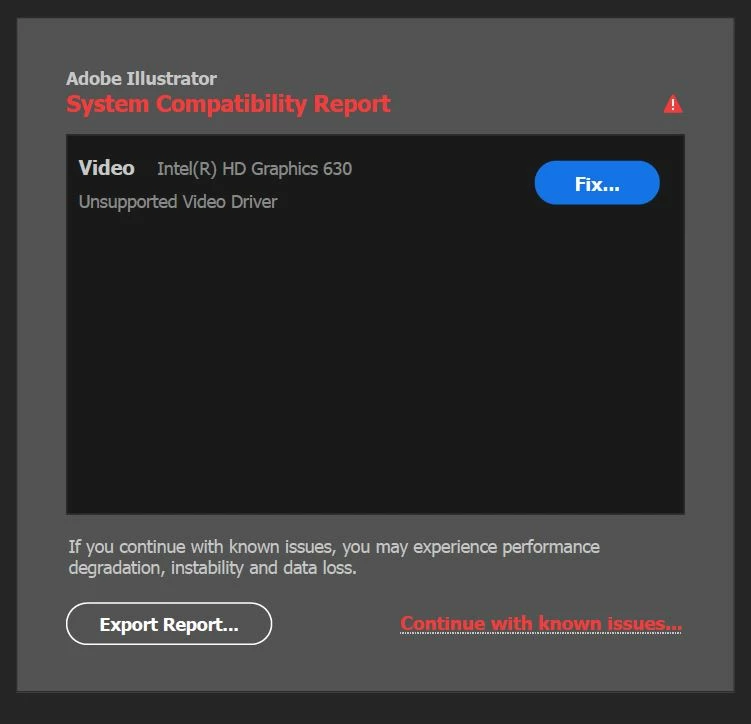
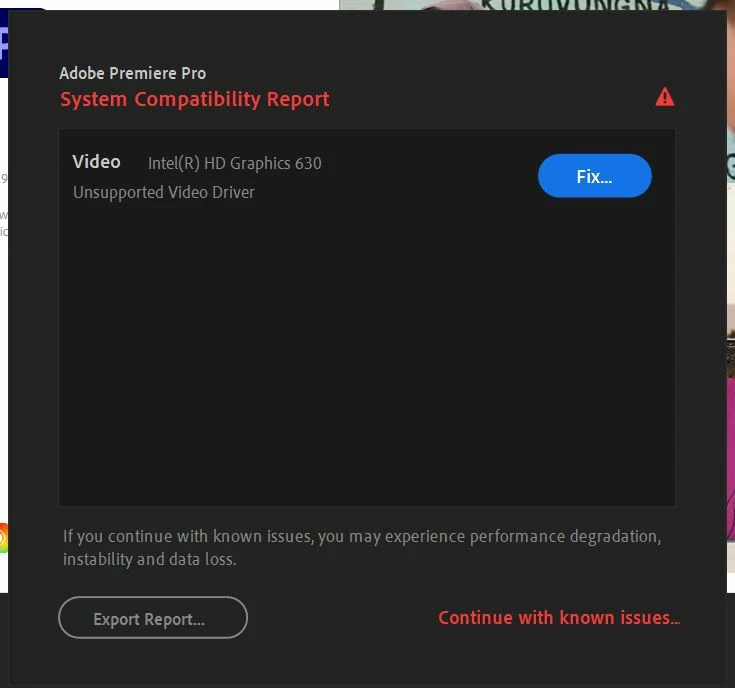
All of my drivers are up to date, but I still get the folowing error when starting Adobe Illustrator/ Premiere/ AE/ etc.


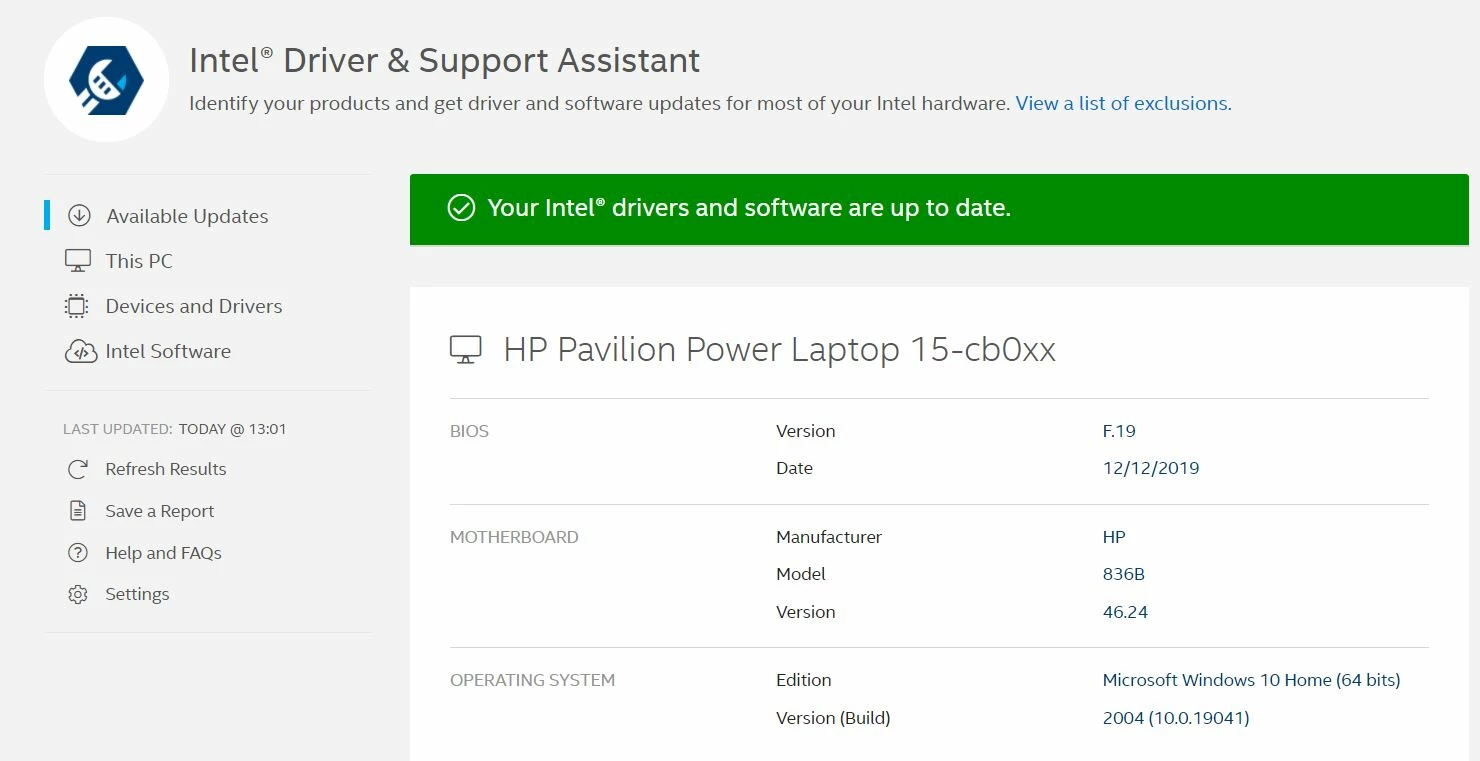
When I click fix, I'm advised to update my drivers, but like I said all of my drivers are updated to the latest version:


Please help


PS I also have Gforce 1050 graphics card, which also runs the latest drivers.

Correct answer Ashutosh_Mishra

Hi there,


Thank you for reaching out.
If you're getting this error with Nvidia graphics card. Please check out the latest version of the driver on https://www.nvidia.com/Download/index.aspx?lang=en-us & see if you have any new version available.

If you do not see any update released within a year, then NVIDIA probably has discontinued releasing updates to your driver which is a bit old and either you can update the card or switch off this reporting via preferences.
Edit > preferences > General > Show system compatibility check.


Similarly, people getting Intel driver notification should check the updates on https://downloadcenter.intel.com/product/80939/Graphics


If you find that that driver is latest, but Illustrator is still showing it as incompatible, then most probably it is an old graphic card. You can continue to use your old card as you have been using earlier. Suppress the check via preferences as mentioned above. But it is recommended to work on a later graphics card.


Hope it helps.


Regards,

Ashutosh

33 replies

Participant
February 11, 2021

I am getting a System Compatibility Report that states there are know issues with Illustrator and Premiere Pro.


I updated my driver to the latest version but there is no change. 


Is there something I can do?


Thanks for the help

Monika Gause
Community Expert
Community Expert
February 11, 2021
Participant
February 10, 2021


This is the screen I'm getting on both my desktop and laptop.  We updated the drivers on the desktop.  and still the same issue.  The laptop worked great until the upgade this morning, then this screen.  Is this a known problem with the 25.2 update?

Ashutosh_Mishra
Inspiring
February 10, 2021

Hi there,


Sorry to hear about this. We have introduced this feature with the latest release of Adobe Illustrator 2021(v25.2).

Have you updated the drivers to the latest version as suggested? This report should not come up once the drivers are updated to the latest version.

If you wish to stop seeing this compatibility report, you may turn this off by unchecking "Show system compatibility issues at startup" under Preferences > General.

I am also attaching a screenshot for your reference:


Hope it helps.


Regards,
Ashutosh

Participant
February 9, 2021

Opened AI today and received the following error message:


Following the instructions provided via Illustrator support, I updated my Intel 4600 drivers to the latest version: 


And yet the problem persists. I have attached the System Compatibility report to this post. 

Could anyone help me figure out how to work around this issue?

Participant
February 9, 2021

I'm getting the same problem that has only started today. I've followed the instructions from Adobe as well but the problem is still here. It would be great if anyone has any advice for us both.