

해결됨
Wrong thumbnails
Some files that I download have a different thumbnail than the open file. Does anyone know how I can access the other files that appear in the thumbnail?
Annex 1: Thumbnail
Annex 2: Archive
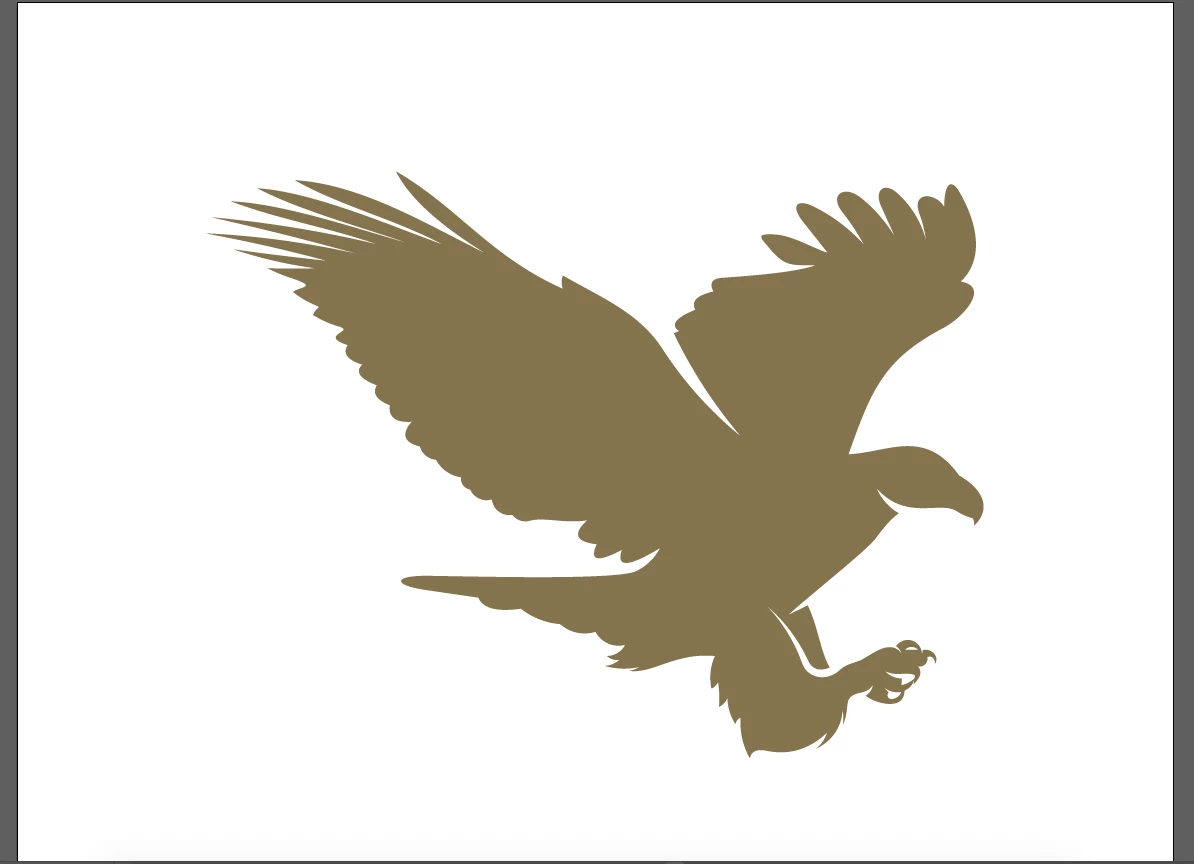
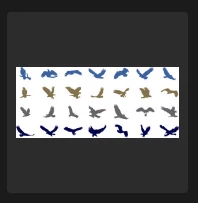

Some files that I download have a different thumbnail than the open file. Does anyone know how I can access the other files that appear in the thumbnail?
Annex 1: Thumbnail
Annex 2: Archive
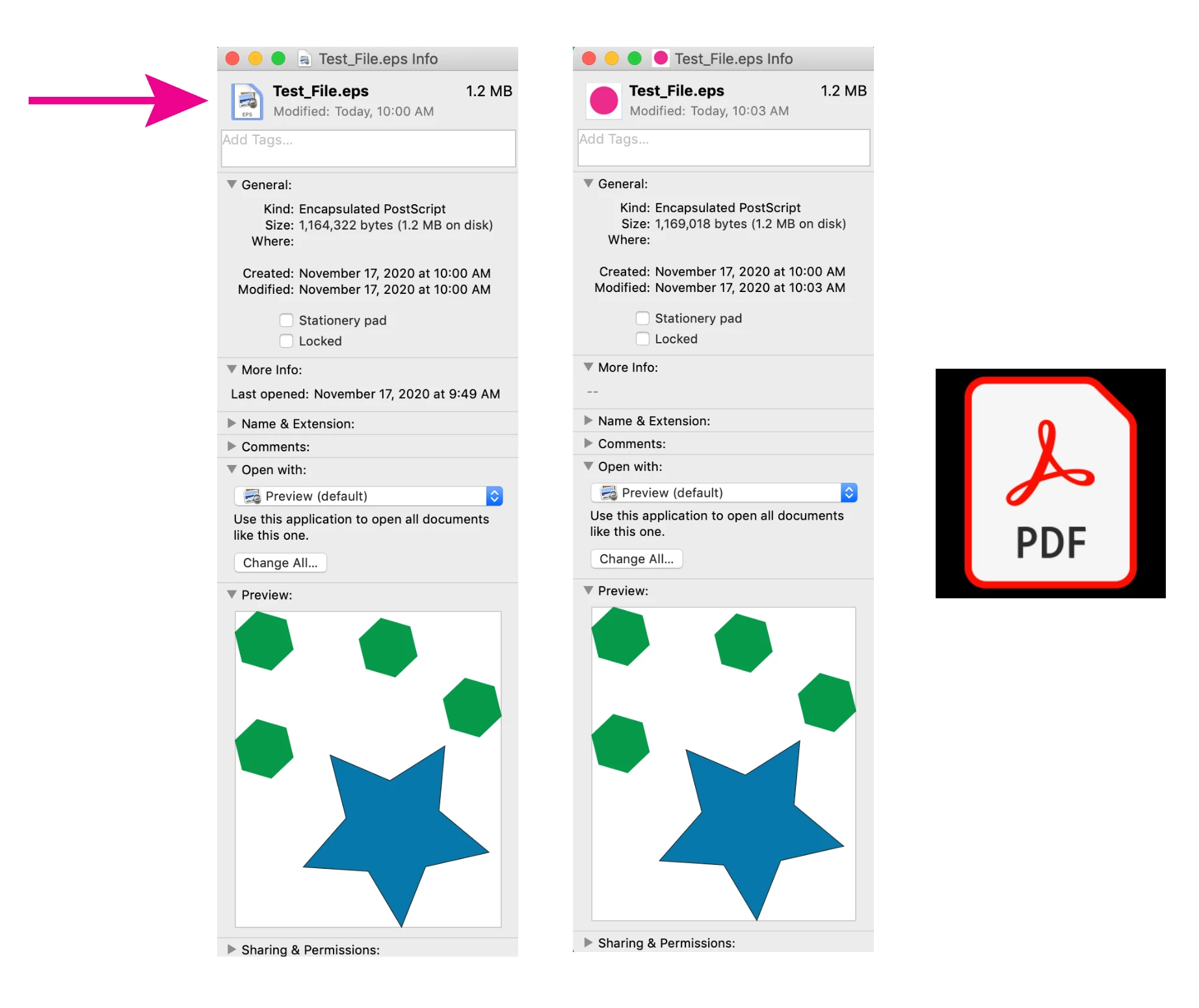
It's possible to have a preview icon (thumbnail) that is different from the file content. On a Mac, do a "Get info" (command + I) to open the file information panel, if you select the little preview icon in the upper left corner, you can paste an image from the clipboard into the icon, which will become the new icon shown when the file is closed. This icon will probably be very low res and unusable if you try to copy and paste it again, (although the default icons from Acrobat and InDesign are high-res images). So you can access your preview file by selecting the icon and copying it to your clipboard, but it's probably very low res.
In addition, check your file for hidden elements, hidden layers, other artboards, clipping masks.
Enter your E-mail address. We'll send you an e-mail with instructions to reset your password.
 AdChoices