

Question
6 quick ways to create a document in Illustrator on the iPad
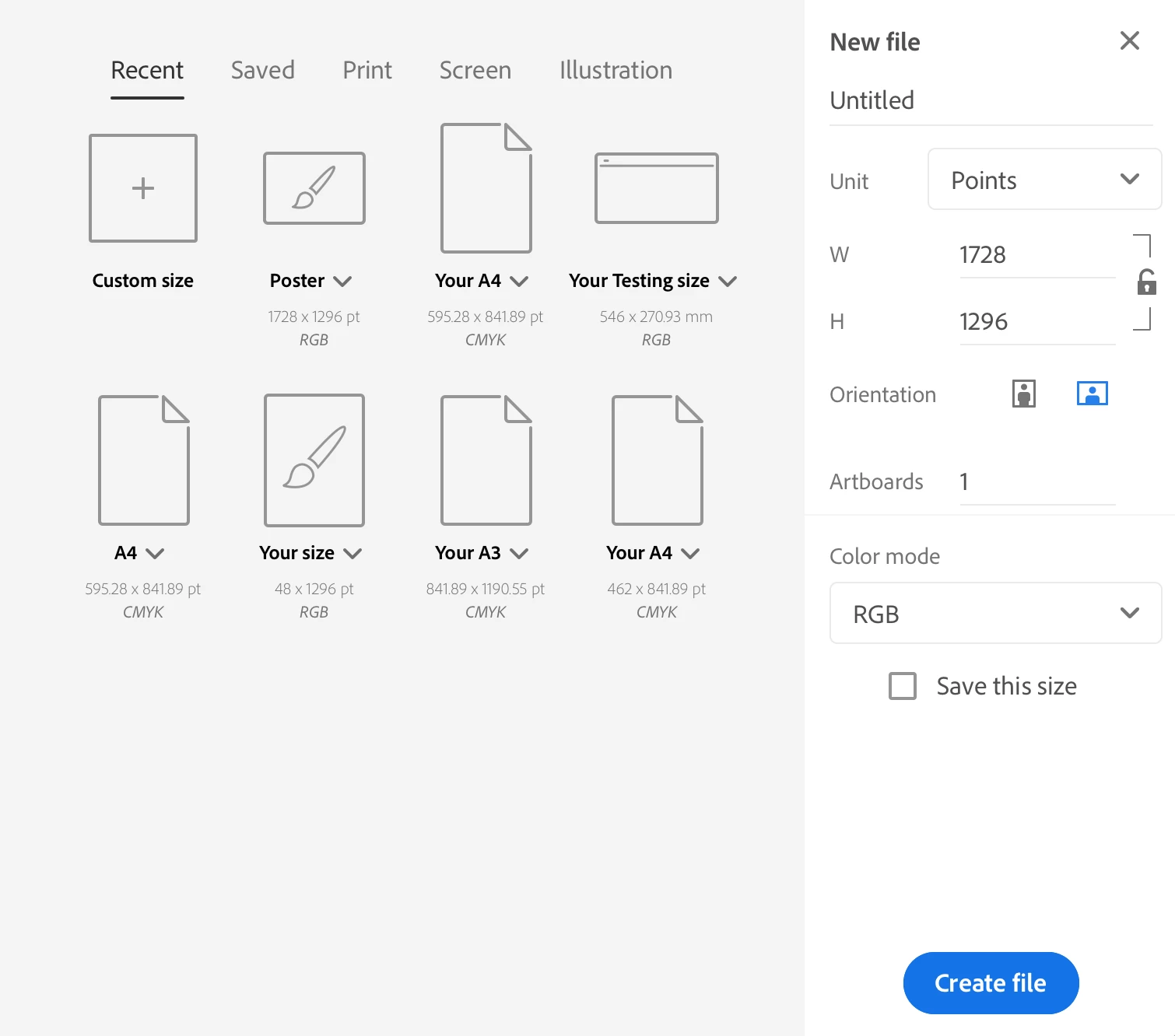
To create a new document in Illustrator on the iPad, you can either choose a preset from the Homescreen or use the options from the Toolbar to capture or import files into your workspace.
Home Screen
Choose a standard document preset, or create your custom preset.
Import a file into your workspace
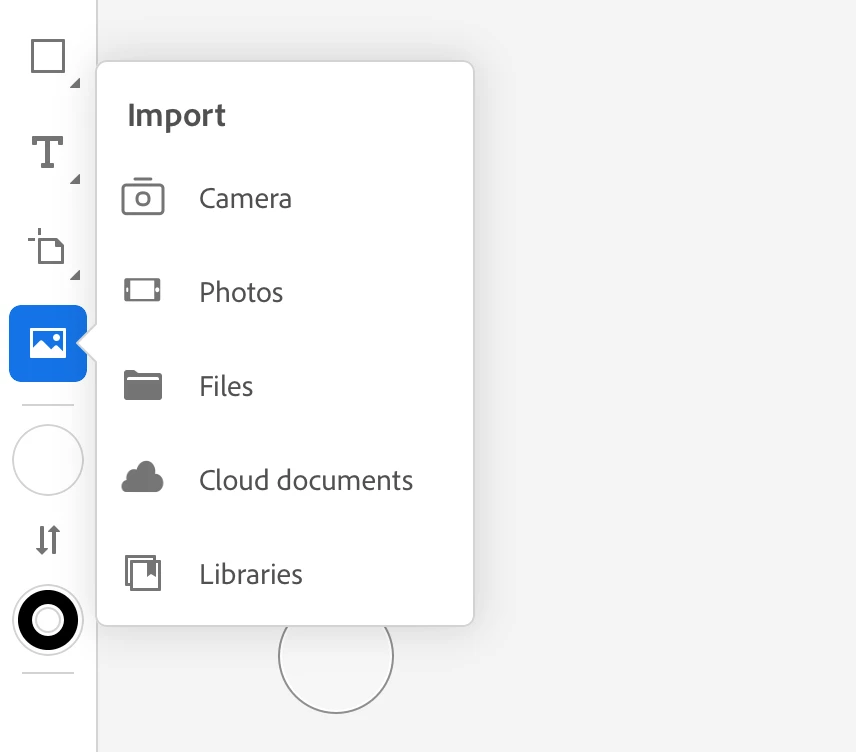
Tap the image icon on the left Toolbar and use any of the following options to import a file:
- Camera: Capture a picture and place it directly into your document for editing.
- Photos: Import pictures saved on your iPad into your document.
- Files: Import files saved on your iPad
- Cloud Documents: Import Adobe Photoshop and Adobe Fresco cloud documents
- Libraries: Import assets from your Creative Cloud Library into your document


 AdChoices