Participating Frequently
October 20, 2020
Question

All menus snapping shut immediately after being selected

  • October 20, 2020
  • 5 replies
  • 1654 views

When menu buttons are pressed they immediately close making the app completely unusable. 
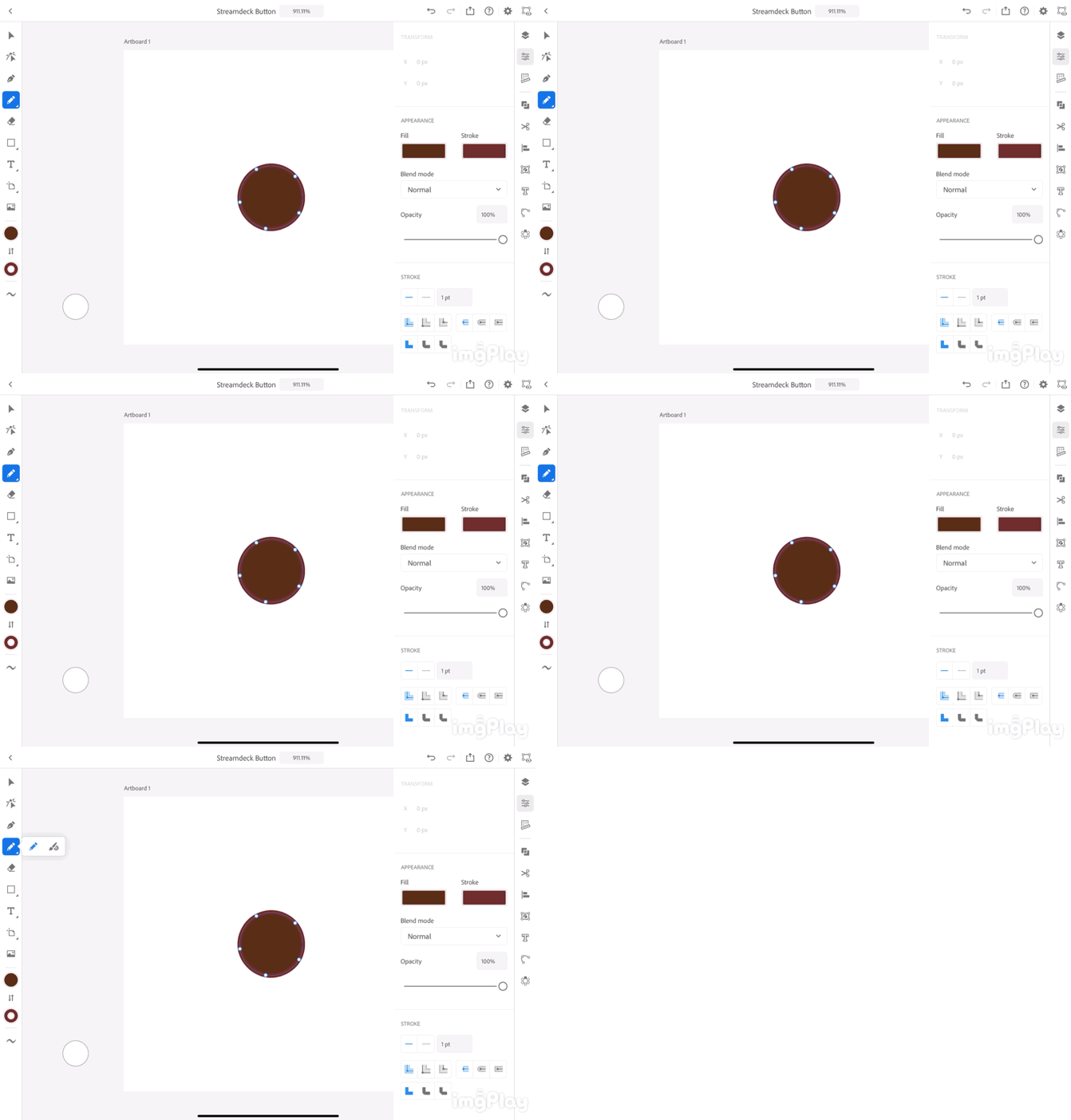
 

it happens with other menus like colors too. 
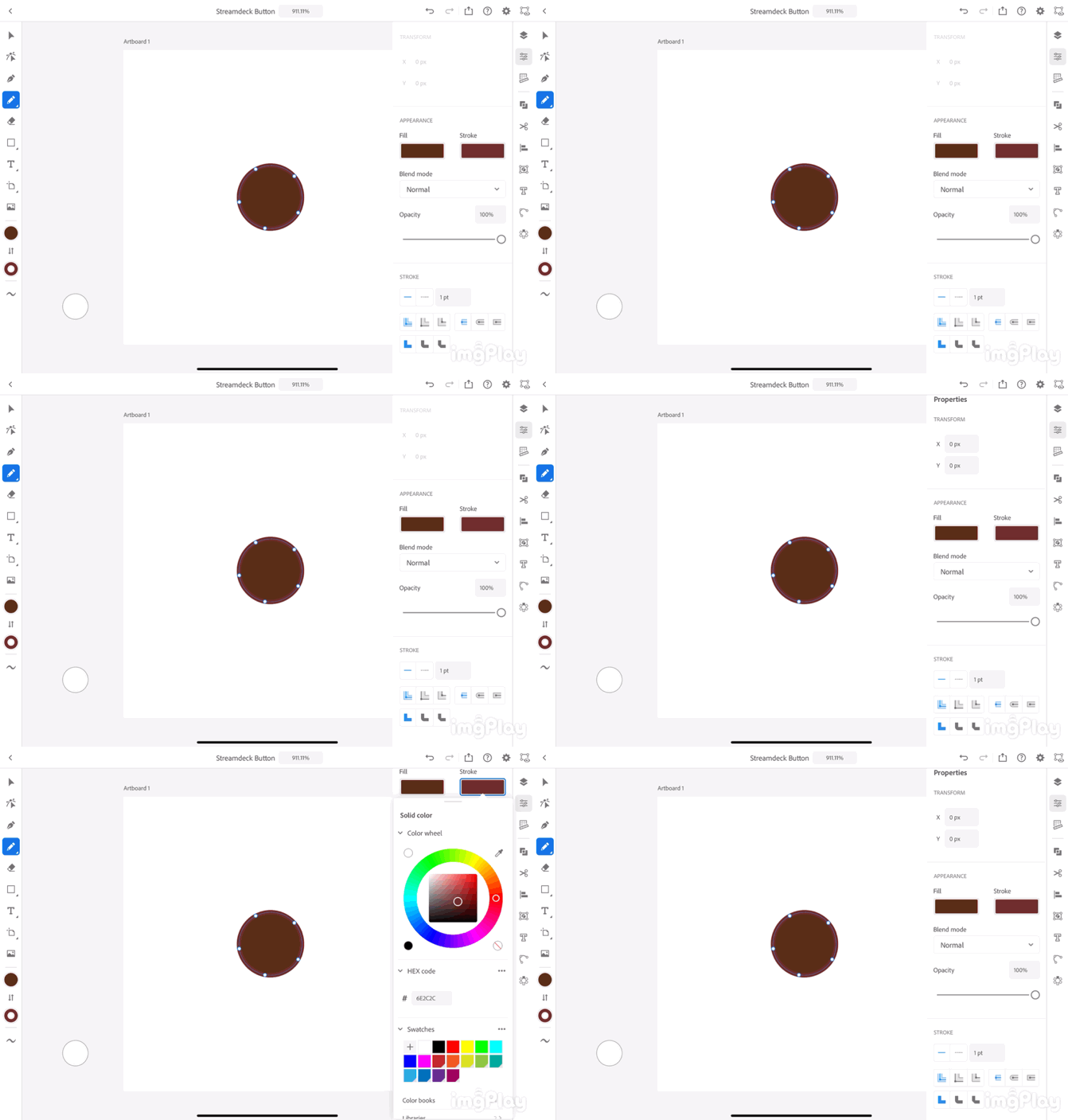
This topic has been closed for replies.

5 replies

Participant
January 3, 2023

January 2023. I decided to give this a go. On iPad Pro 13" 5th gen. 
But this happening to me as well. I have tried all of the above suggestions and I have looked for an option to increase the speed the selections stays on the screen. But nothing is working.

Did anyone find a way to fix this? Sad, I will not be using this app on iPad if this is how it works. ☹ @Om Nath Jha 

Anshul_Saini
Community Manager
Community Manager
January 6, 2023

Hi @Ale Betancourt,


We are sorry for the trouble. Would you mind confirming the exact version of the iPadOS & Illustrator app? Have you tried updating iPad & app, restarting the iPad, and reinstalling the Illustrator app? Please ensure the Palm rejection under the App settings > Input > Apple Pencil > Plam reaction is turned on.


Also, are you using any accessories with iPad like Apple Pencil, Magic Keyboard, or any third-party keyboard/ touchpad or accessories? Also, check that cover is not touching the screen or tempered glass applied is not damaged (if any is used).


Additionally, turn on Show tap as a blue dot from the App settings > Input > Touch to check whether any accidental touches are not happening. A blue dot will appear if there is contact with the iPad screen, which help depict the issue.


I will be looking forward to your response.


Thanks,

Anshul Saini

Participating Frequently
September 2, 2022

Two-year-old glitch and Adobe still hasn't fixed this issue???

Participating Frequently
September 2, 2022

By the way, on phone with support at the moment - had to point the agent to this article...

Participating Frequently
September 2, 2022

Told to wait two hours for a call back from senior support... A two-year-old glitch... apparently a common glitch per this article and similar articles found on the web... shouldn't be needing senior support for a glitch under these circumstances...


Inspiring
October 22, 2020

Hey Jacob, I just wanted to see if you had the chance to delete and reinstall the app? You may want to see if "palm rejection" is turned on, you may also want to disconnect and reconnect your Apple Pencil.

Jacob5FACAuthor
Participating Frequently
October 22, 2020

I just reinstalled the app with the same problem occurring. I also unpaired and repaired the Apple Pencil and turned the palm rejection on (it was off to begin with). This is happening with all menus. Even just getting into settings to adjust the palm rejection was difficult.

Jacob5FACAuthor
Participating Frequently
October 22, 2020

This is still happening on all menus even after the steps suggested above. 


Om Nath Jha
Legend
October 21, 2020

Hi Jacob,


Are you using an Apple pencil or fingers?


-Om

Jacob5FACAuthor
Participating Frequently
October 21, 2020

Both. I have tried it both ways with the same results. 

Om Nath Jha
Legend
October 21, 2020

Thanks for the additional detail. We're looking into it and I'll keep you posted. 

Om Nath Jha
Legend
October 21, 2020

Hi Jacob,


Sorry to hear about this and thanks for reporting this. Let me flag it to the team. I'll keep you posted.


Thanks,

Om
