
Participant
December 16, 2020
Answered

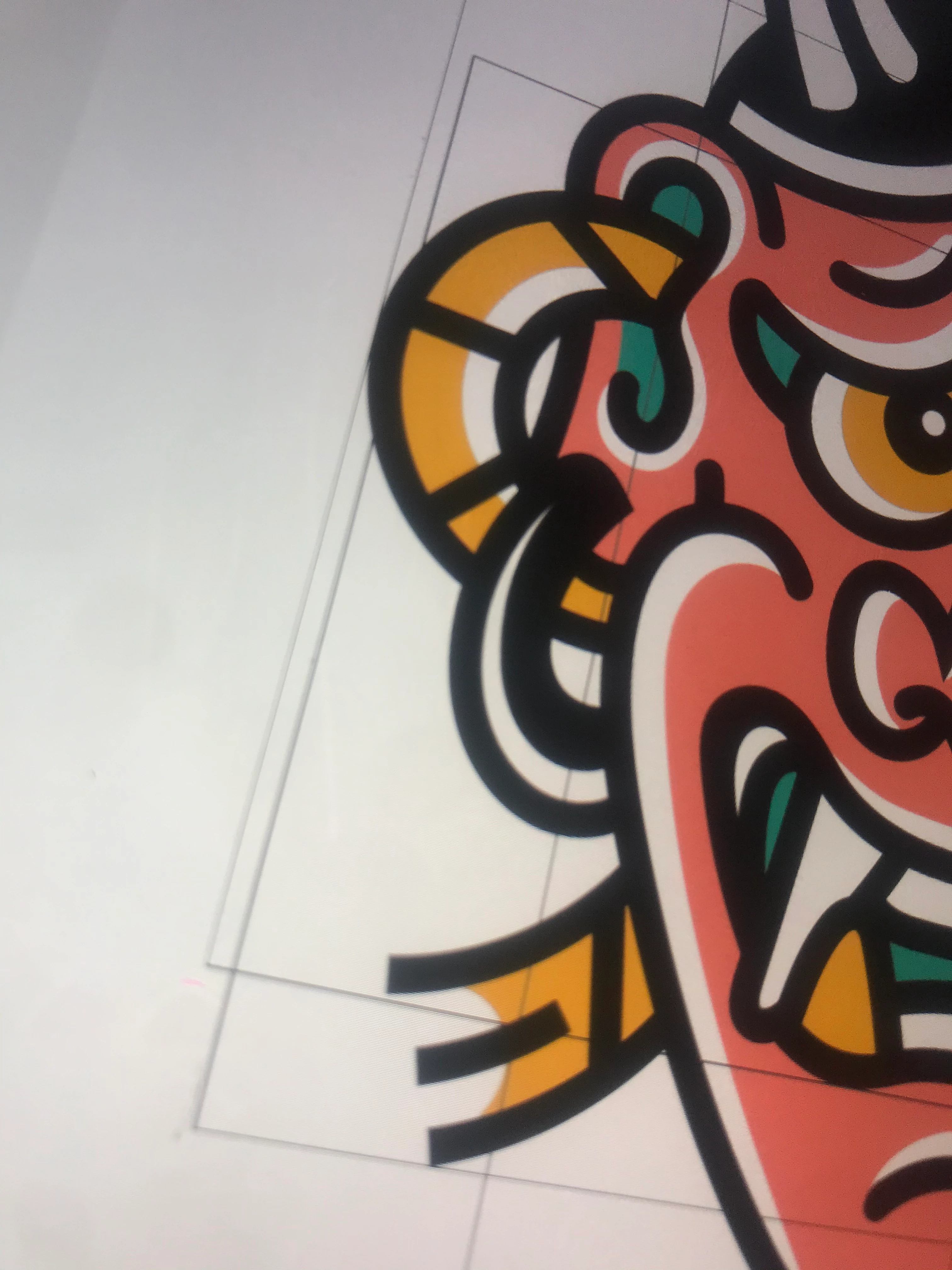
Can’t remove guide boxes from document with illustrator on iPad
  • December 16, 2020
  • 1 reply
  • 224 views

 Probably a dumb question since it's my first time using any adobe software.. but I can't seem to find out how to remove these guide boxes hovering over my design. They are in the same individual layer as the lines of the design which makes me think they can't be removed without removing artwork as well? I would appreciate any help because I am as stuck as stuck gets


This topic has been closed for replies.
Correct answer phillipk872275

Check the layers panel for any rogue paths and try and track down the bounding boxes.  I've noticed that Illustrator will sometimes create paths for clipping groups, groups, etc.

1 reply

phillipk872275Correct answer
Inspiring
December 17, 2020

Check the layers panel for any rogue paths and try and track down the bounding boxes.  I've noticed that Illustrator will sometimes create paths for clipping groups, groups, etc.