
Question
Centering text without extra white space
In October, I asked this question for the desktop version of AI. https://community.adobe.com/t5/illustrator-discussions/adjusting-bounding-box-size-of-text/m-p/12472302#M295783
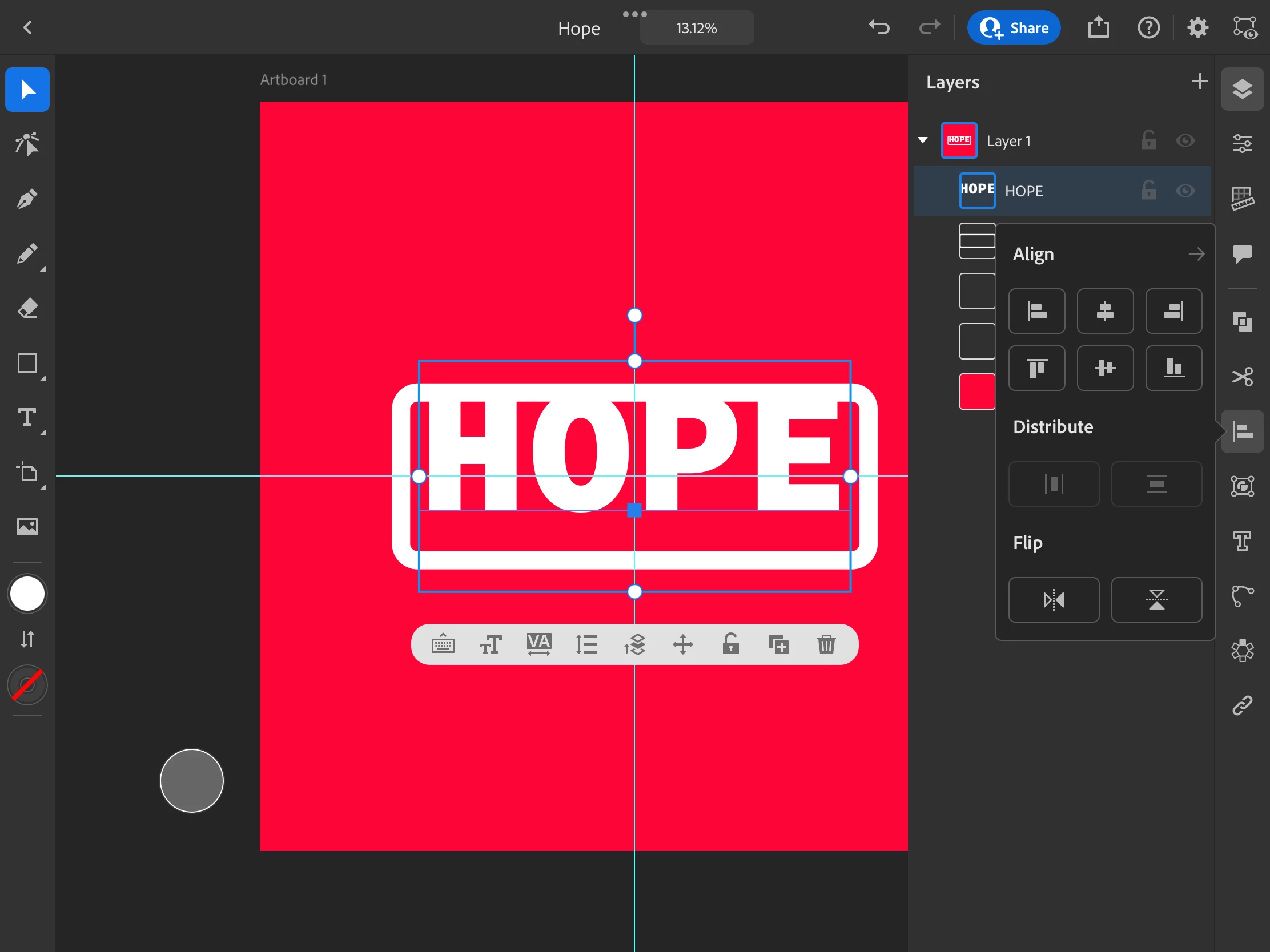
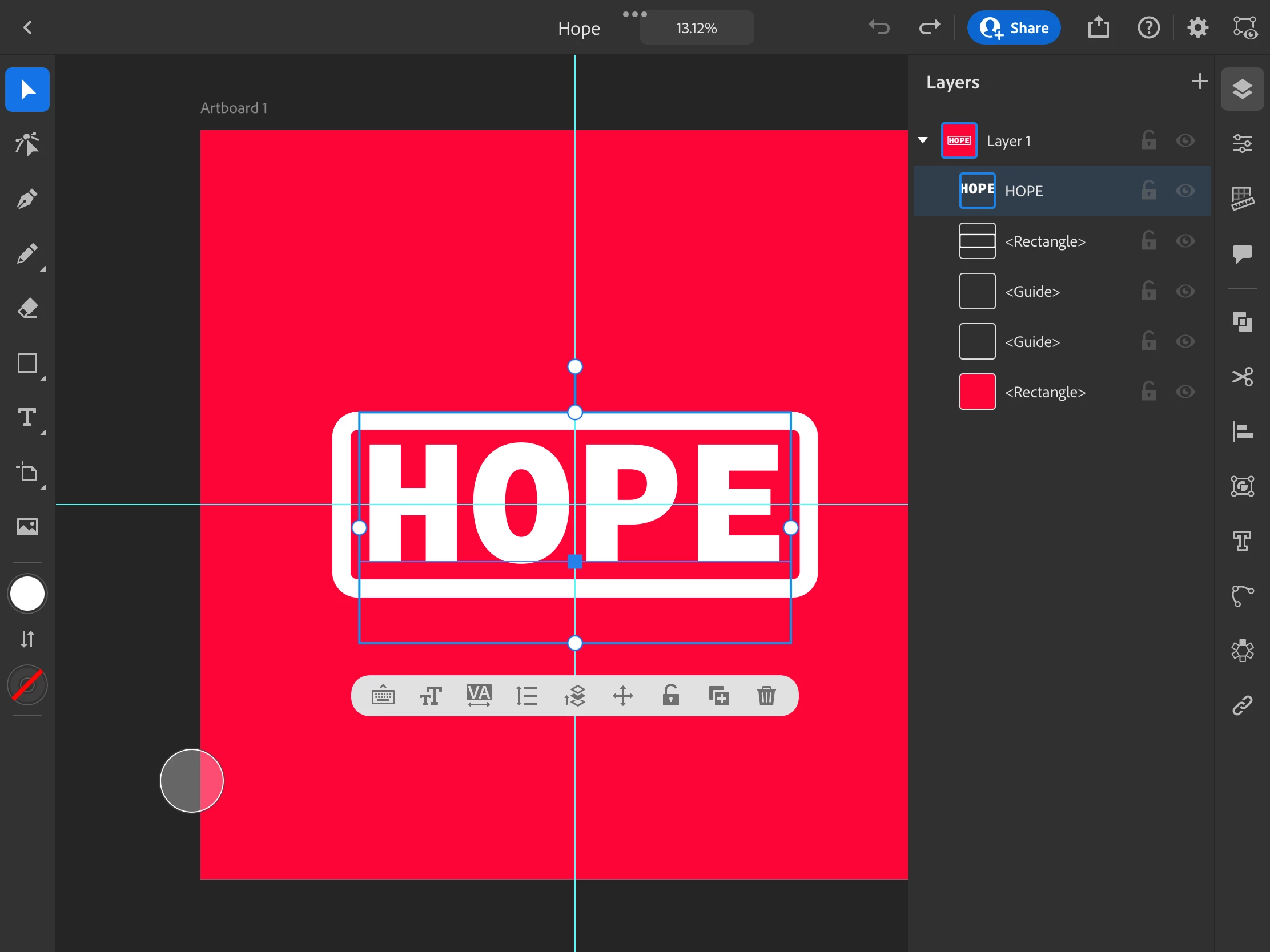
I'm having the same problem for AI on the iPad. I can convert the text to outlines, but that means the text can no longer be edited and that is not a good option.
I can not center text or align it with another object without the extra space being taken into account. In Affinity, this is stupidly simple. Can someone point me in the right direction?


 AdChoices