


Participant
January 24, 2025
Question

How to change PPI on illustrator iPad app?

  • January 24, 2025
  • 2 replies
  • 265 views

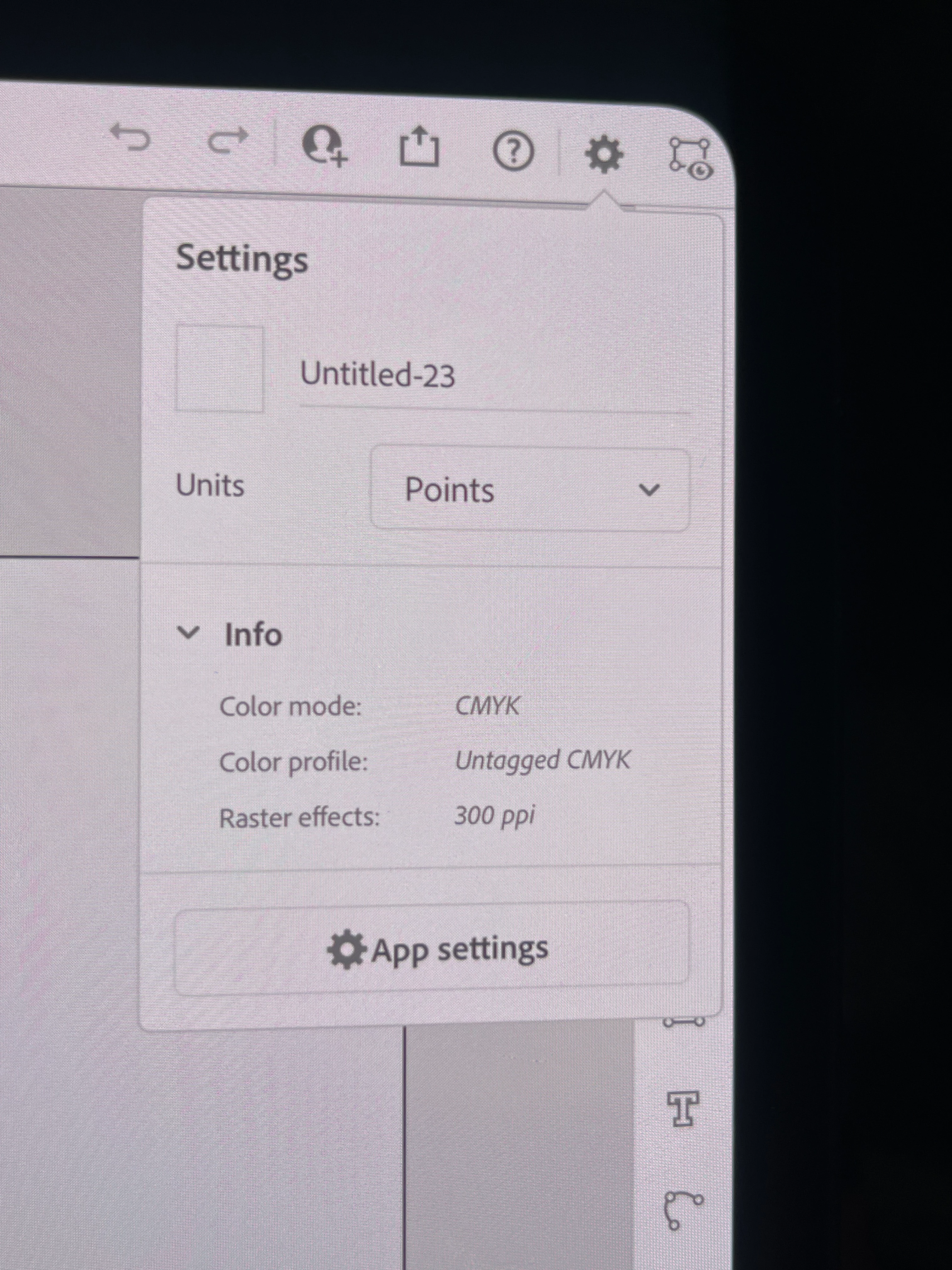
Designing a project on your iPad to only realize the Raster effect is set to 72 ppi when you need 300 ppi... I know I know the dpi/ppi... and vector this and that BUT I overstand the difference once saved as a .png or .jpeg 
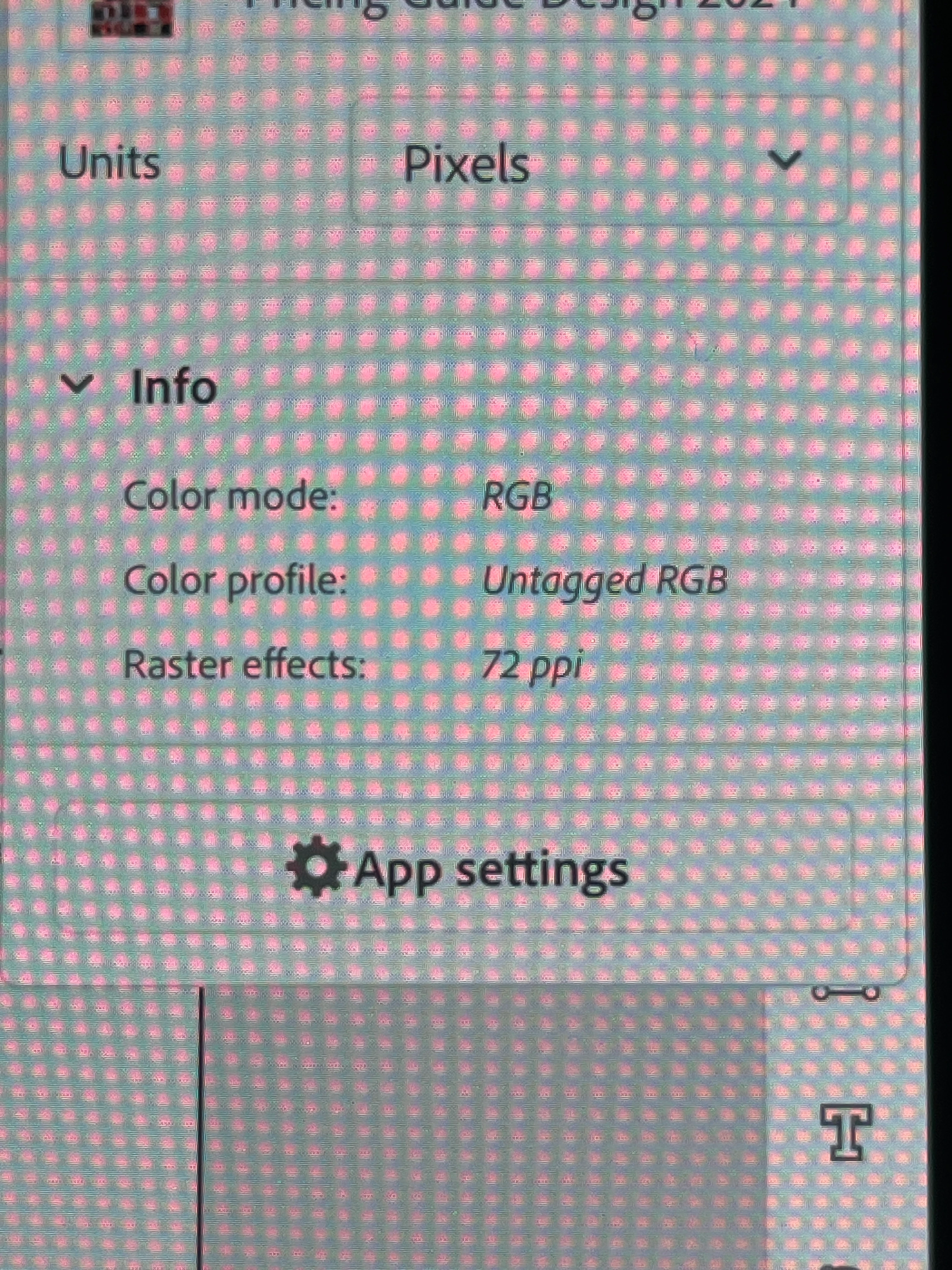
Easiest solution is to create a new file and select the "PRINT" option for 300 ppi.
2 replies

Participant
January 24, 2025

Unfortunately, the Adobe Illustrator iPad app does not have a direct option to change PPI like the desktop version. 

Monika Gause
Community Expert
Community Expert
January 24, 2025

The PPI value you set up there affects only the rendering of effects. In the desktop as well as in the iPad version. The iPad version does not even have effects. 


You set the PPI of an artwork when exporting it. On the iPad this is not possible independently from the dimensions of the image. But this setting would not change that.

Monika Gause
Community Expert
Community Expert
January 24, 2025

There aren't any raster effects on the iPad version.