
Participant
March 26, 2021
Answered

How to change the language in Illustrator on the ipad

  • March 26, 2021
  • 1 reply
  • 6786 views

Hello, everyone. After I downloaded Illustrator on my iPad, I found it was in Japanese, and I couldn't find a place to change the language after I logged in.


Other Apps like Creative Cloud, Behance are not in Japanese. Only Illustrator has this problem.
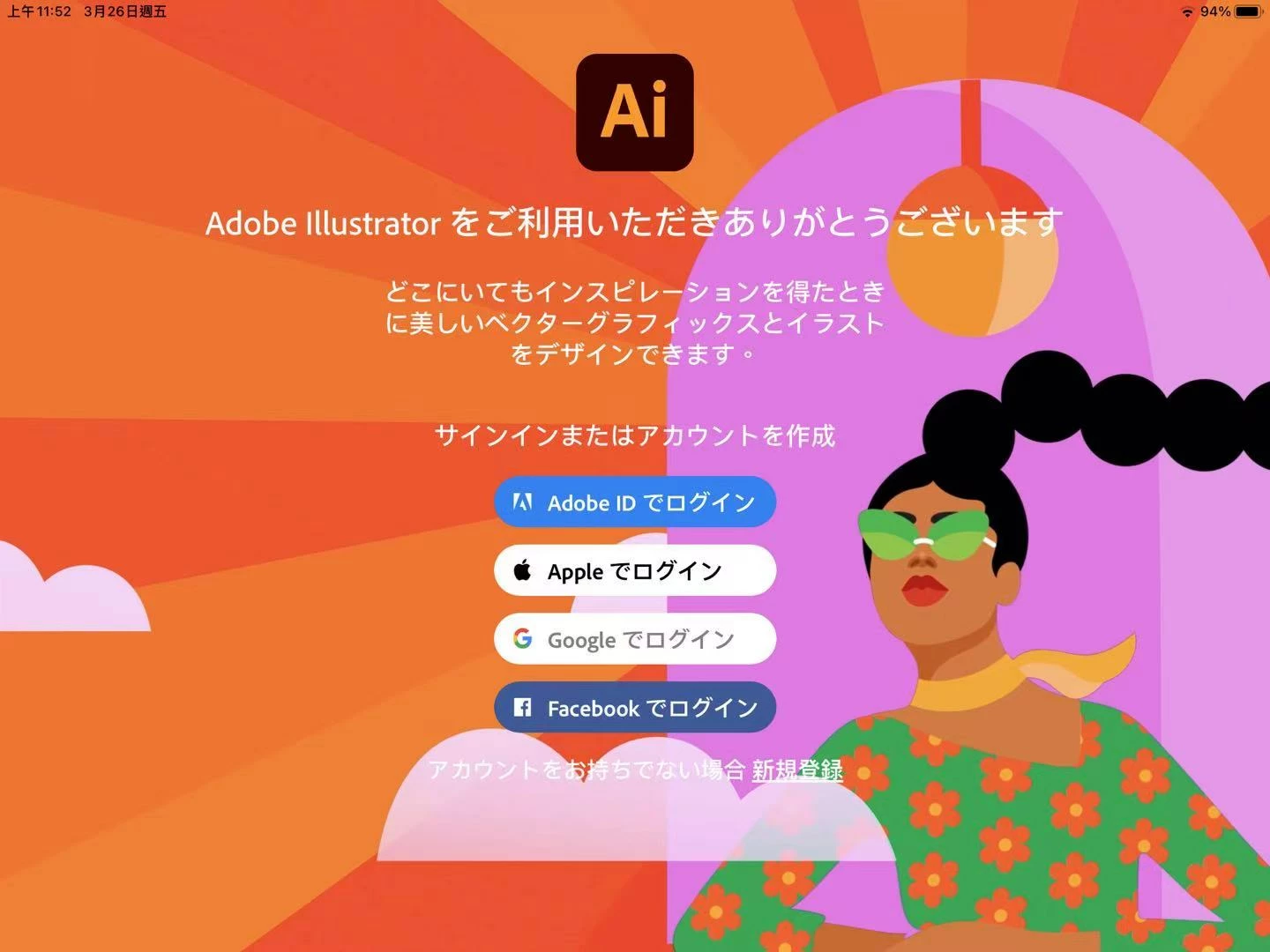
 

Could anybody help me?

Correct answer Monika Gause

It's probably not available in Ukrainian.

1 reply

Michael J. Hoffman
Community Expert
Community Expert
March 27, 2021

Hi,


Illustrator for iPad will install in Japanses language automatically if your iPad is set to Japanese. I think the only way to change this would be to switch your iPad to English to install Illustrator. Perhaps someone on the Adobe team could comment here.


See this page for confirmation:

https://helpx.adobe.com/illustrator/user-guide.html/illustrator/using/ipad-faqs.ug.html#supported-languages


Participant
March 29, 2021

Thank you so much! My iPad is set to Chinese before. Now I change to English, and download once again, then Illustrator is really change to English! Thanks!