This topic has been closed for replies.
Correct answer phillipk872275

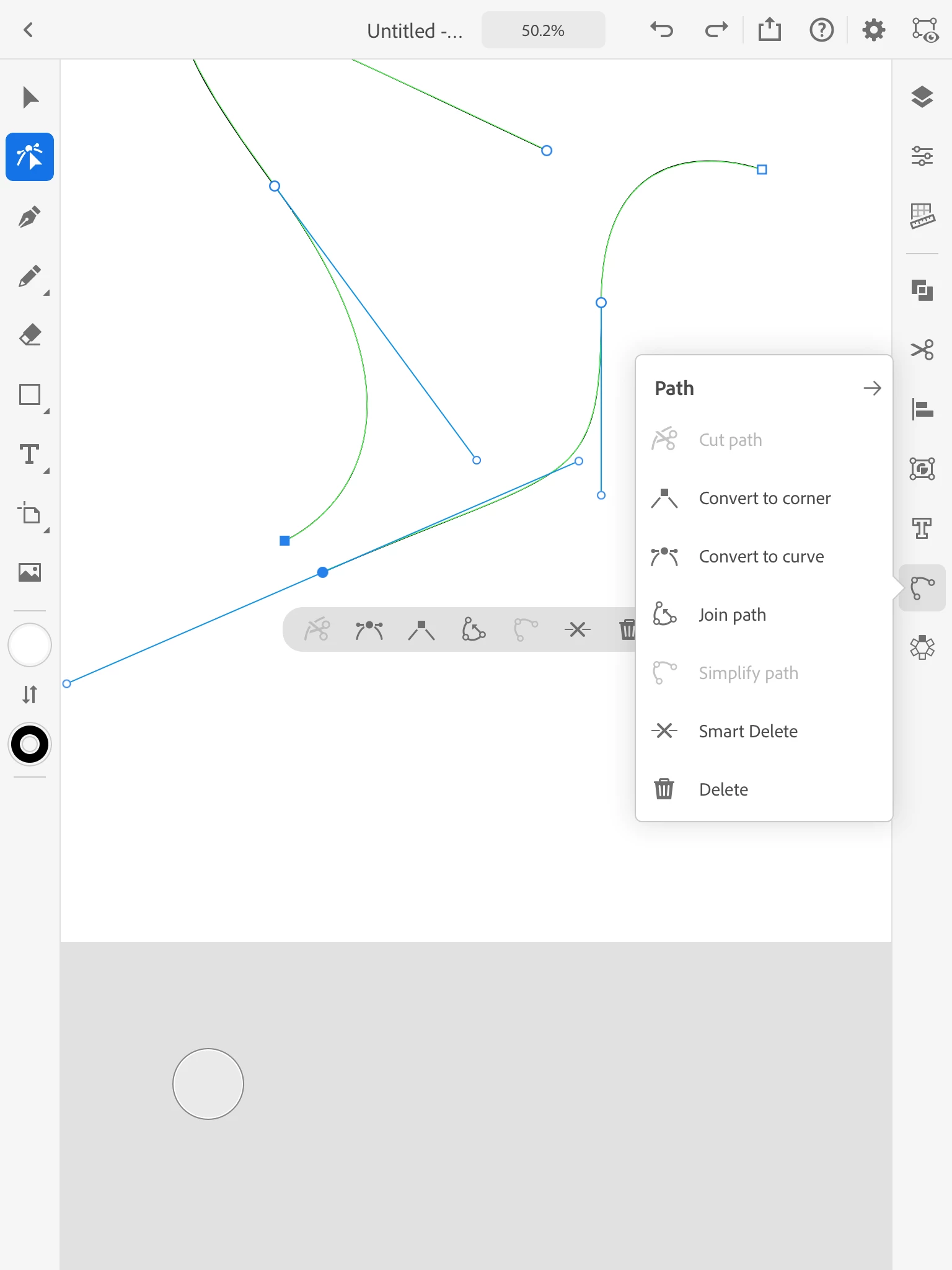
Using the node tool select the node from the first path, hold down the selection tool (white circle), then select the node from the second path.  select the object menu, the join selection should show up.  If you have all of the nodes from one or more paths selected then node tool will not show up.

1 reply

phillipk872275Correct answer
Inspiring
November 27, 2020

Using the node tool select the node from the first path, hold down the selection tool (white circle), then select the node from the second path.  select the object menu, the join selection should show up.  If you have all of the nodes from one or more paths selected then node tool will not show up.

Inspiring
November 27, 2020

Using the node tool select the node from the first path, hold down the selection tool (grey circle), then select the node from the second path.  select the path menu, the join selection should show up.  If you have all of the nodes from one or more paths selected then join menu selection will not show up.